Best for remote layout
TCL QM8L
5.0 attribute score
Highest scored product for this attribute based on supporting review evidence.

Highest scored product for this attribute based on supporting review evidence.
Balances the attribute score, supporting reviews, and overall product strength.
Has the broadest review evidence for this attribute.
Strongest overall product among items with scored evidence for this attribute.
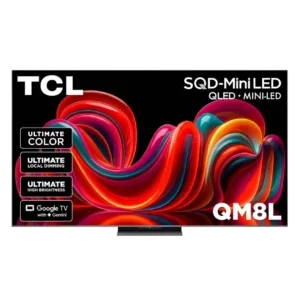
Side-mounted brightness and picture-mode controls save repeated menu trips, while dedicated input and shortcut buttons remain easy to find.
Pros: picture quality, value for money
Cons: stand quality, judder handling
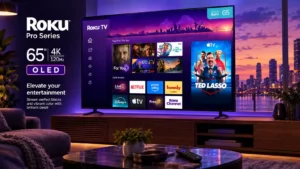
The familiar Roku layout makes operation immediately approachable for existing Roku users.
Pros: contrast ratio, value for money
Cons: peak brightness, HDR brightness
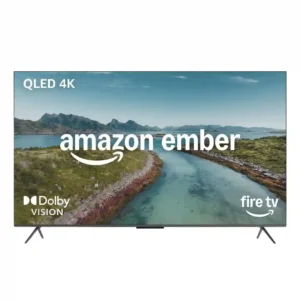
Most reviewers find the remote simple, clear, and easy to grip. One expert notes that the small number pad can be fiddly for large hands.
Pros: picture quality, overall satisfaction
Cons: value for money, reliability
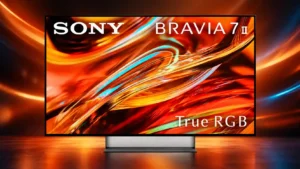
The remotes are generally easy to understand with useful direct-access buttons, though button placement and reduced controls do not please everyone.
Pros: overall satisfaction, picture quality
Cons: HDMI 2.1 port count, reflection handling
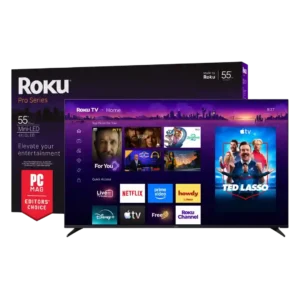
Programmable shortcuts and a guide button are useful, but live-TV viewers may miss traditional number buttons.
Pros: overall satisfaction, picture quality
Cons: reliability, portability and versatility
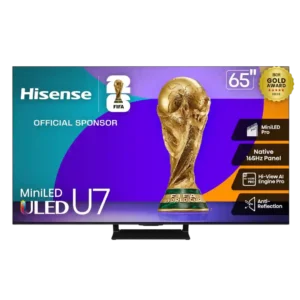
The remote offers practical shortcut and settings buttons, but its long shape and some button choices are less convenient for certain users.
Pros: overall satisfaction, picture quality
Cons: reliability, build quality
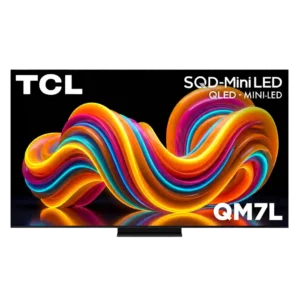
Core controls are generally easy to reach, but the odd mute-button placement and menu-based brightness adjustment create minor frustration.
Pros: peak brightness, picture quality
Cons: color accuracy, viewing angles
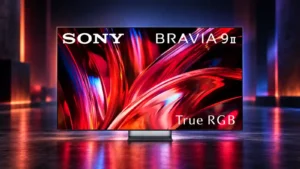
Remote layout is mixed: the basic arrangement is friendly and intuitive, but the oversized Sony Pictures Core emphasis drew criticism.
Pros: overall satisfaction, overall image accuracy
Cons: value for money, bass performance
Remote layout divides opinion. One source praises the intuitive button arrangement, but others complain that the remote lacks a dedicated input/source button.
Pros: overall satisfaction, value for money
Cons: smart TV platform, blooming control
The revised layout is cleaner for some users, yet missing backlighting, charging, and a straightforward source button keeps it from feeling fully premium.
Pros: picture quality, peak brightness
Cons: value for money, sound quality

The remote is comfortable enough, yet the abundance of fixed app buttons makes the layout feel more cluttered than necessary.
Pros: gaming performance, peak brightness
Cons: HDMI 2.1 support, HDMI 2.1 port count
The remote layout has avoidable annoyances, including missing dedicated input and mute buttons, though the customizable favorite button provides workarounds.
Pros: picture quality, value for money
Cons: stand quality, daytime viewing performance
App shortcuts, the pointer, and a customizable heart button are convenient, but the missing conventional mute button frustrates some users.
Pros: picture quality, gaming performance
Cons: value for money, sound quality
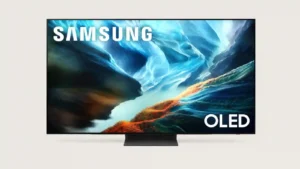
The compact layout omits useful dedicated controls such as an input button, pushing more actions into onscreen menus.
Pros: glare resistance, black levels
Cons: Dolby Vision support, color gamut