Best for gaming dashboard
TCL QM7L
5.0 attribute score
Highest scored product for this attribute based on supporting review evidence.

Highest scored product for this attribute based on supporting review evidence.
Balances the attribute score, supporting reviews, and overall product strength.
Has the broadest review evidence for this attribute.
Strongest overall product among items with scored evidence for this attribute.

TCL's Game Bar is consistently praised for fast access to VRR, frame-rate data, presets, crosshairs, shadow controls, and other gaming tools.
Pros: peak brightness, picture quality
Cons: color accuracy, viewing angles

The Game Bar is genuinely useful for changing picture settings, checking frame rate and VRR status, and accessing gaming tools quickly.
Pros: overall satisfaction, picture quality
Cons: reliability, build quality
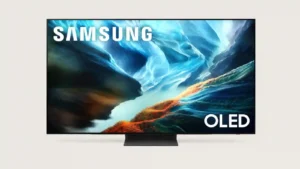
Samsung’s Game Bar is particularly useful, putting refresh, HDR, genre and aiming controls within quick reach during play.
Pros: glare resistance, black levels
Cons: Dolby Vision support, color gamut
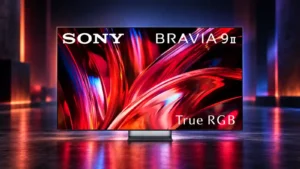
The on-screen game bar is useful and well liked, putting key gaming controls within easy reach.
Pros: overall satisfaction, overall image accuracy
Cons: value for money, bass performance
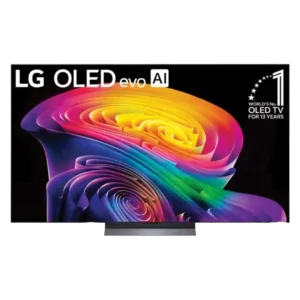
LG’s Game Optimizer remains one of the most useful dashboards for adjusting latency, VRR, HDR, and genre-specific settings on the fly.
Pros: picture quality, gaming performance
Cons: value for money, sound quality
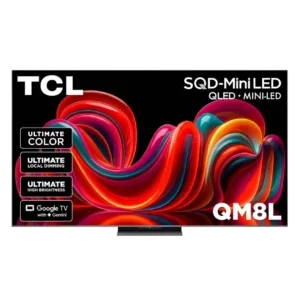
The Game Bar provides useful live information and quick controls for refresh rate, VRR, shadow enhancement, and other game-specific settings.
Pros: picture quality, value for money
Cons: stand quality, judder handling

Game Optimizer provides quick, customizable access to frame rate, VRR status, genre presets, black level, HGiG, and latency controls.
Pros: picture quality, peak brightness
Cons: value for money, sound quality
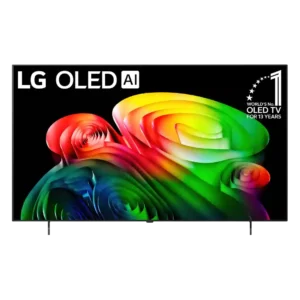
The gaming dashboard provides useful extra controls, including settings aimed at minimizing input delay.
Pros: picture quality, value for money
Cons: stand quality, daytime viewing performance
The dedicated gaming bar makes it easy to reach game-specific settings without digging through the full TV menus.
Pros: overall satisfaction, picture quality
Cons: HDMI 2.1 port count, reflection handling

The gaming menu is handy and convenient, putting picture adjustments and assist features within easy reach during play.
Pros: gaming performance, peak brightness
Cons: HDMI 2.1 support, HDMI 2.1 port count
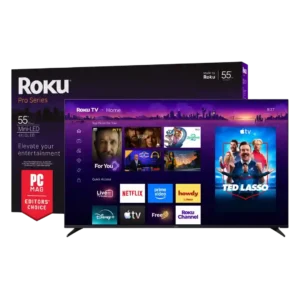
There is no dedicated gaming dashboard like some rivals provide, which makes quick game-specific adjustments less convenient.
Pros: overall satisfaction, picture quality
Cons: reliability, portability and versatility
The missing game bar and dedicated gaming tools leave enthusiasts without conveniences such as a crosshair or frame-rate counter.
Pros: contrast ratio, value for money
Cons: peak brightness, HDR brightness
The gaming dashboard is a clear weakness: multiple sources complain that there is no dedicated game bar or gaming settings menu.
Pros: overall satisfaction, value for money
Cons: smart TV platform, blooming control