Best for button controls
Garmin Lily 2 Active
5.0 attribute score
Highest scored product for this attribute based on supporting review evidence.

Highest scored product for this attribute based on supporting review evidence.
Balances the attribute score, supporting reviews, and overall product strength.
Has the broadest review evidence for this attribute.
Strongest overall product among items with scored evidence for this attribute.
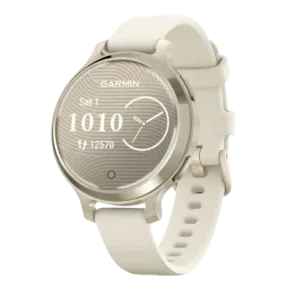
Button controls are a unanimous strength because they make workouts and navigation much easier than touch-only Lily models.
Pros: battery life, GPS accuracy
Cons: onboard music storage, mapping and navigation
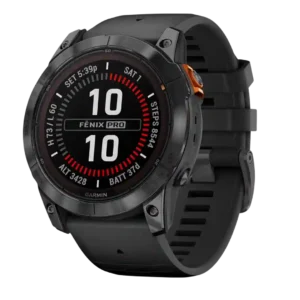
Button controls were consistently praised for intuitive navigation, glove/rain usability and reliable interaction during activity.
Pros: battery life, mapping and navigation
Cons: value for money, score tracking
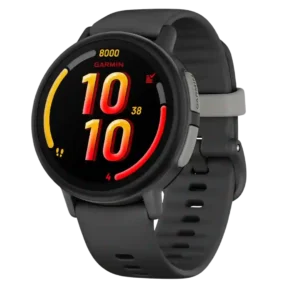
Physical side buttons make the watch easier to operate with wet, dirty, or gloved hands. They provide a dependable alternative to touch input.
Pros: smartwatch features, safety features
Cons: value for money, call handling
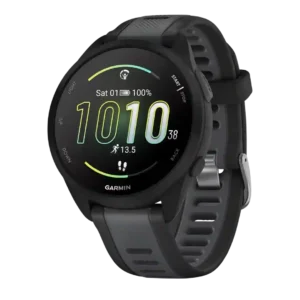
Button controls were a major strength, especially for workouts, gloves, sweat, rain, and avoiding touchscreen reliance.
Pros: value for money, GPS accuracy
Cons: recovery insights, onboard music storage
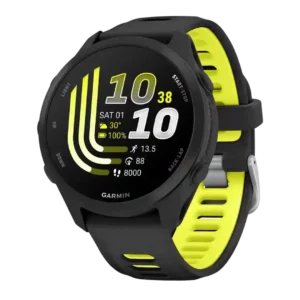
Five physical buttons are a major usability strength, especially during runs, with gloves, or when sweaty hands make touch controls awkward.
Pros: value for money, battery life
Cons: mapping and navigation, materials quality
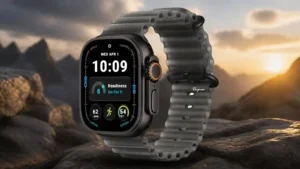
The Action button is repeatedly useful for starting workouts, precision starts, and sweaty-finger control, while the guarded layout helps prevent accidental presses.
Pros: battery life, value for money
Cons: data privacy, comfort
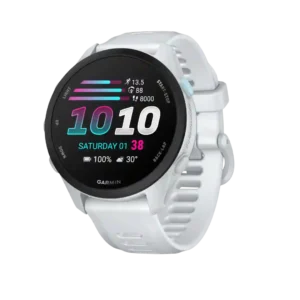
Five physical buttons make the watch easy to operate with sweaty hands, gloves, or rain. They complement the touchscreen especially well during workouts.
Pros: battery life, value for money
Cons: mapping and navigation, smartwatch features
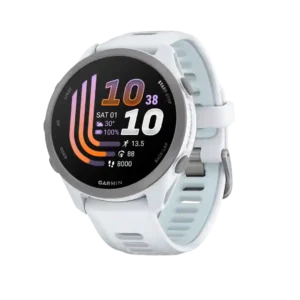
Garmin’s five-button layout is a major practical strength for runners because it remains easy to operate with sweaty hands, gloves, or a bouncing stride. One reviewer noted a small ambiguity...
Pros: value for money, GPS accuracy
Cons: mapping and navigation, third-party app support
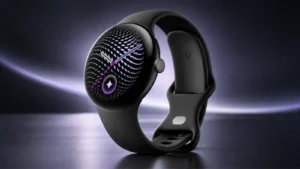
The crown and gesture controls are well liked, especially one-handed pinch and wrist-flick interactions. These controls make common actions faster and reduce the need to touch the screen.
Pros: software smoothness, style and design
Cons: value for money, wellness insights
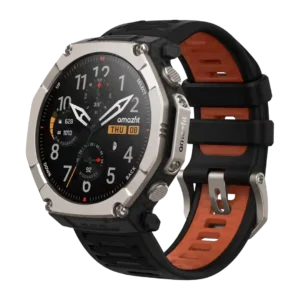
Button controls were a highlight, with glove-friendly operation and tactile, easy-to-feel buttons.
Pros: battery life, value for money
Cons: heart rate accuracy, comfort
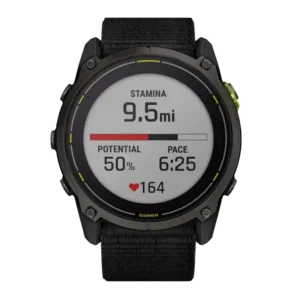
Physical button controls were praised as reliable and satisfying, with the touchscreen-button blend described as the best of both worlds.
Pros: battery life, value for money
Cons: smartwatch features, size options
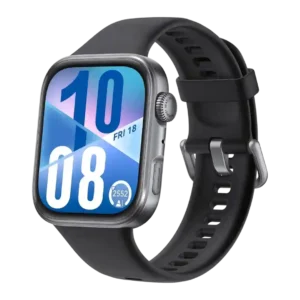
The crown and button controls earned positive notes for haptics, precision, and practical control over functions like the flashlight.
Pros: value for money, battery life
Cons: companion app quality, contactless payments
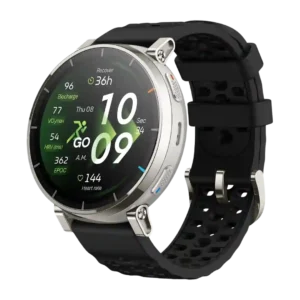
Button controls are a major strength, with reviewers praising four buttons, tactile feel, glove or sweat usability, and easier navigation without touch.
Pros: value for money, battery life
Cons: heart rate accuracy, third-party app support
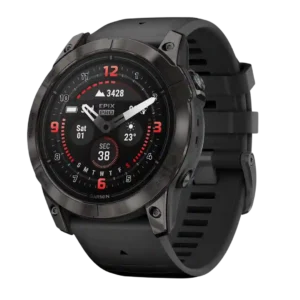
Button controls are a standout usability feature, especially for workouts, with praise for tactile clicks and mid-activity control.
Pros: battery life, GPS accuracy
Cons: user interface, fit
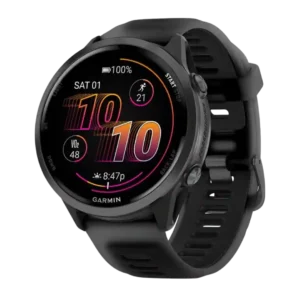
Button controls were strongly praised, especially for wet hands, sweaty workouts, swimming, and glove use.
Pros: heart rate accuracy, GPS accuracy
Cons: value for money, mapping and navigation
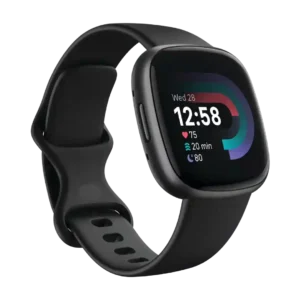
The physical button was widely praised as a major usability improvement over the Versa 3's capacitive or squeeze-style controls.
Pros: battery life, GPS accuracy
Cons: value for money, heart rate accuracy
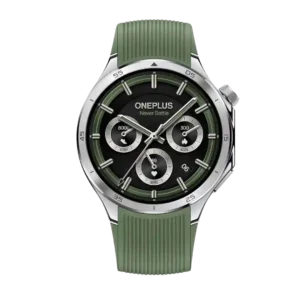
Button controls were a standout: the functional rotating crown, haptics, and shortcut controls earned broad praise.
Pros: battery life, button controls
Cons: size options, ECG functionality
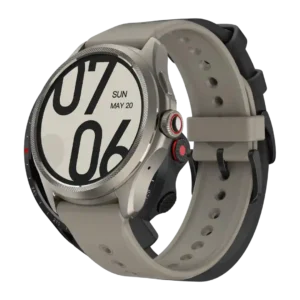
Button controls were a highlight, with the rotating crown, clicky buttons, and haptics repeatedly praised.
Pros: battery life, display quality
Cons: voice assistant quality, sleep tracking accuracy
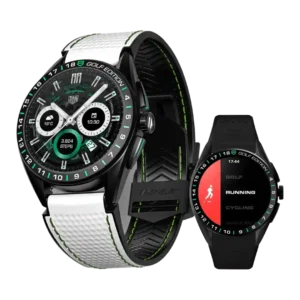
Button controls are mostly praised for mechanical feel and easier navigation, though one reviewer disliked accidental crown/button triggers.
Pros: style and design, battery life
Cons: value for money, heart rate accuracy
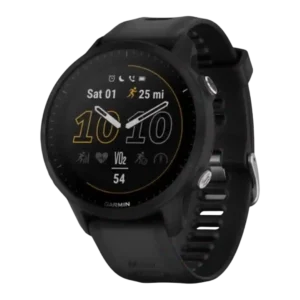
Button controls were a major strength, especially during workouts, gloves, movement, and wet conditions.
Pros: GPS accuracy, battery life
Cons: onboard music storage, charging convenience
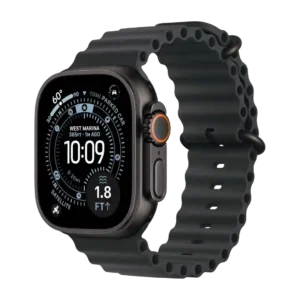
Button and gesture controls were a strength, especially the Action button and touch-free gestures.
Pros: battery life, heart rate accuracy
Cons: comfort, value for money
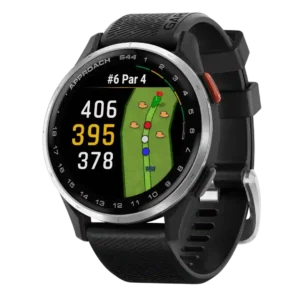
Button controls were a clear upgrade over the S42, with reviewers calling the second button easier, more intuitive, and better for navigation.
Pros: display quality, value for money
Cons: smartwatch features, coaching features
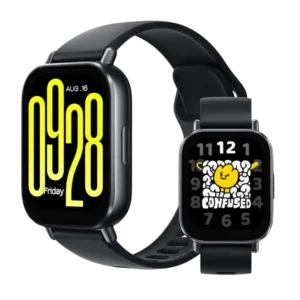
Button controls were praised for being genuinely useful on a watch this cheap.
Pros: call handling, smartwatch features
Cons: display quality, value for money
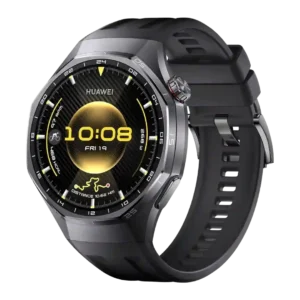
Button controls were highly rated, especially the rotating crown, tactile buttons, shortcuts and haptic feedback.
Pros: battery life, GPS accuracy
Cons: contactless payments, app ecosystem
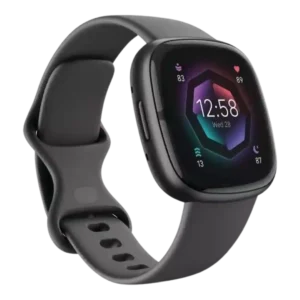
The physical button is one of the clearest upgrades, repeatedly described as easier, more reliable, and more functional than the previous haptic or capacitive control, with one reviewer finding it...
Pros: battery life, stress tracking
Cons: value for money, GPS accuracy
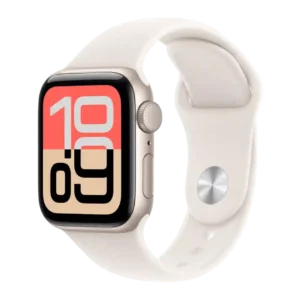
Button and gesture controls were widely praised, especially Double Tap, Wrist Flick, the Digital Crown, and side-button shortcuts.
Pros: display quality, value for money
Cons: ECG functionality, battery life
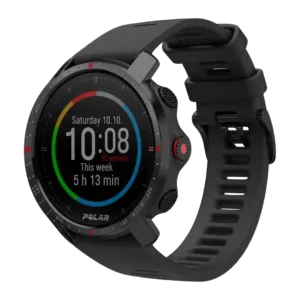
Button controls were usually praised for tactile use in wet, cold, or active conditions, even though separate lag complaints affected software response.
Pros: battery life, mapping and navigation
Cons: onboard music storage, value for money
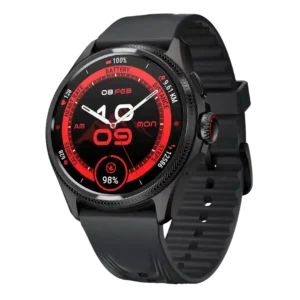
The larger rotating crown and buttons were usually praised for smoother, easier navigation, although one reviewer found input not fully precise.
Pros: battery life, value for money
Cons: operating system experience, voice assistant quality
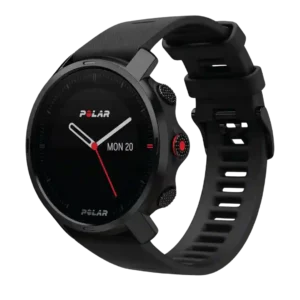
Button controls were one of the clearest positives, with reviewers praising the sharper, textured, glove-friendly feel.
Pros: coaching features, value for money
Cons: mapping and navigation, Hill Splitter hill tracking
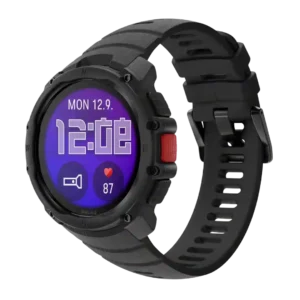
Button controls were praised in hands-on review for their large, textured feel and good appearance.
Pros: value for money, flashlight usefulness
Cons: user interface
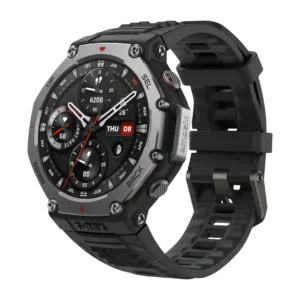
Physical buttons were usually praised for workout control, though one reviewer found button integration imperfect in menus.
Pros: value for money, mapping and navigation
Cons: heart rate accuracy, recovery insights
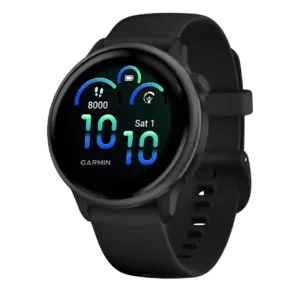
Button controls are generally well-liked, with reviewers praising the raised button, simplicity, and tactile workout controls.
Pros: battery life, comfort
Cons: heart rate accuracy, sleep tracking accuracy
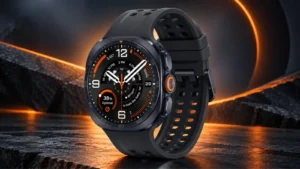
The Quick Button and side keys are generally tactile, responsive and useful for fast workout or shortcut access. Opinions are less positive about the missing rotating bezel, occasional button crowding...
Pros: battery life, comfort
Cons: value for money, charging speed
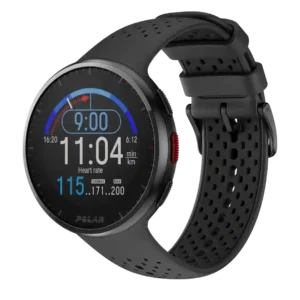
Button controls were mostly a strength because they were grippy, responsive, and useful during workouts, though a few reviewers needed adjustment or hit the wrong button.
Pros: GPS accuracy, value for money
Cons: battery life, smartwatch features
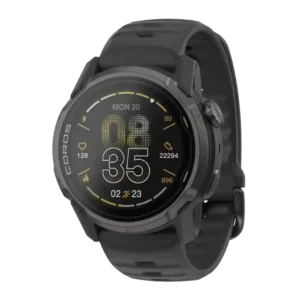
Button controls are generally praised, especially the action button and revised crown placement, with only minor control caveats.
Pros: GPS accuracy, battery life
Cons: display quality, brightness
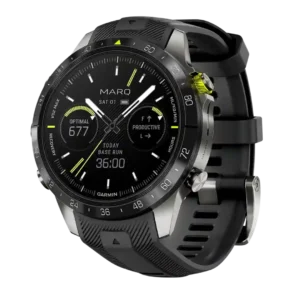
Button controls were repeatedly praised as intuitive, sturdy, tactile, polished, and useful alongside the touchscreen.
Pros: display quality, battery life
Cons: value for money, smartphone notifications
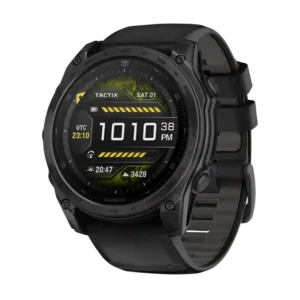
Button controls were mostly praised for texture and feel, but dive-rated buttons created mixed feedback from users who preferred older tactile clicks.
Pros: battery life, durability
Cons: value for money, band quality
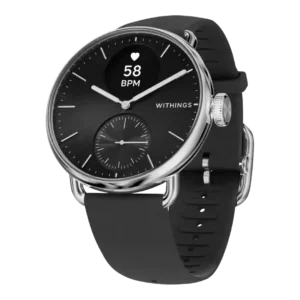
The crown controls were simple and sometimes satisfying, but the lack of touch input made some interactions slower or more menu-driven.
Pros: style and design, battery life
Cons: smartwatch features, value for money
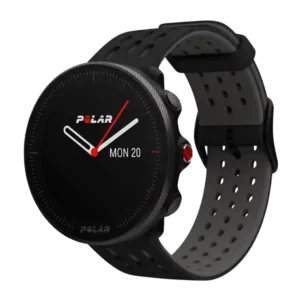
Button controls were mostly praised as precise, dependable, and better for workouts than touch, despite occasional comments about mushiness.
Pros: heart rate accuracy, coaching features
Cons: smartwatch features, brightness
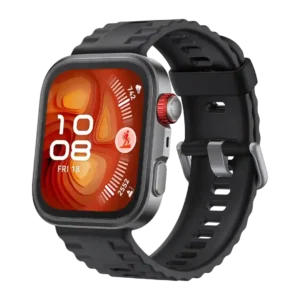
Button controls were generally useful, with the rotating crown, shortcut button and customizable controls helping navigation.
Pros: battery life, value for money
Cons: contactless payments, sleep tracking accuracy
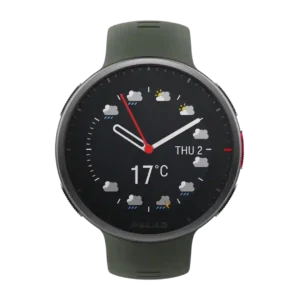
Button controls were a strength overall, with reviewers liking the tactile layout, responsiveness, vibration feedback, and ride usability.
Pros: recovery insights, heart rate accuracy
Cons: mapping and navigation, value for money
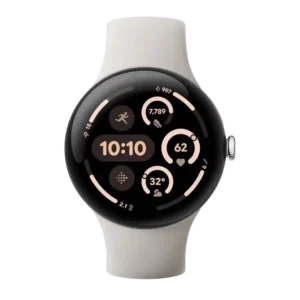
Button and crown controls were mostly praised for fluid scrolling, haptics, and quick navigation, though a few reviews wanted more mappable buttons or disliked side-button behavior.
Pros: battery life, display quality
Cons: GPS accuracy, charging convenience
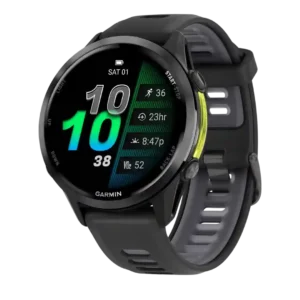
Button controls were useful and reliable, preserving full control when touch is unavailable, though one reviewer wanted a more tactile click.
Pros: heart rate accuracy, GPS accuracy
Cons: battery life, value for money
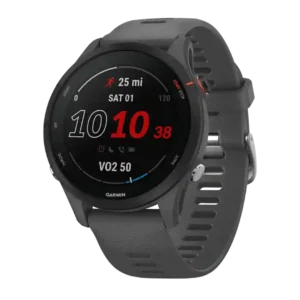
Button controls were polarizing but mostly positive: many liked reliability during workouts, while some found the buttons numerous or squishy.
Pros: GPS accuracy, battery life
Cons: smartphone notifications, mapping and navigation
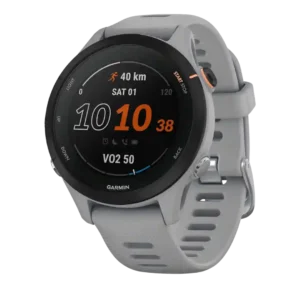
Button controls were mostly praised for workouts, water use, and avoiding accidental touches, though the button-only approach may not suit touchscreen-first users.
Pros: value for money, battery life
Cons: menu navigation, user interface
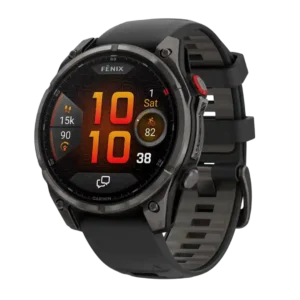
Button controls were praised for premium haptics and easier, quicker operation than earlier Fenix buttons.
Pros: LTE connectivity, battery life
Cons: value for money, safety features
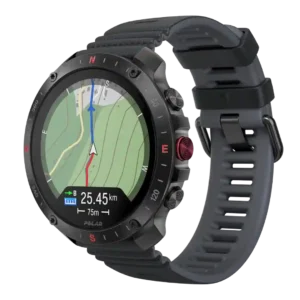
Buttons were widely liked for speed, texture, glove use, and firm clicks.
Pros: GPS accuracy, mapping and navigation
Cons: value for money, companion app quality
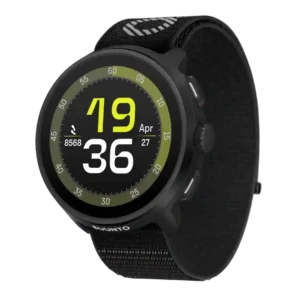
Button controls were a strength overall, especially the crown and physical buttons for running, gloves, sweat, and menu movement, though one reviewer wanted more buttons.
Pros: GPS accuracy, battery life
Cons: onboard music storage, charging convenience
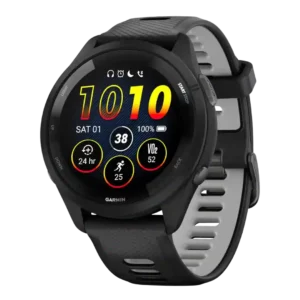
Button controls were widely praised for workout reliability, tactile feedback, and the larger Run button, though one reviewer disliked squishy secondary buttons.
Pros: battery life, value for money
Cons: mapping and navigation, smartwatch features
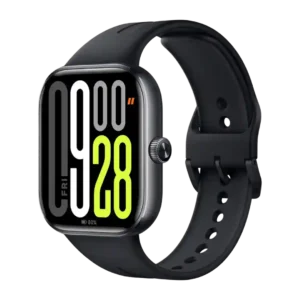
The rotating crown and button controls are generally liked for tactile feedback and navigation, though one reviewer wished for more button functionality.
Pros: battery life, display quality
Cons: smartphone notifications, sleep tracking accuracy