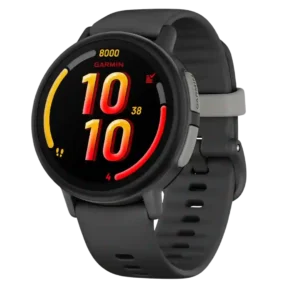
Physical side buttons make the watch easier to operate with wet, dirty, or gloved hands. They provide a dependable alternative to touch input.
Pros: smartwatch features, safety features
Cons: value for money, call handling

Physical side buttons make the watch easier to operate with wet, dirty, or gloved hands. They provide a dependable alternative to touch input.
Pros: smartwatch features, safety features
Cons: value for money, call handling
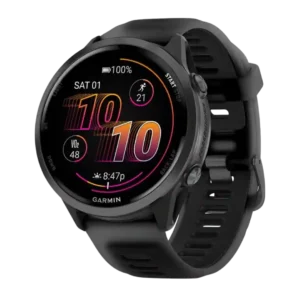
Button controls were strongly praised, especially for wet hands, sweaty workouts, swimming, and glove use.
Pros: heart rate accuracy, GPS accuracy
Cons: value for money, mapping and navigation
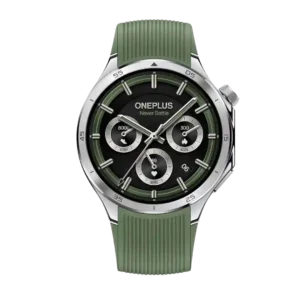
Button controls were a standout: the functional rotating crown, haptics, and shortcut controls earned broad praise.
Pros: battery life, button controls
Cons: size options, ECG functionality
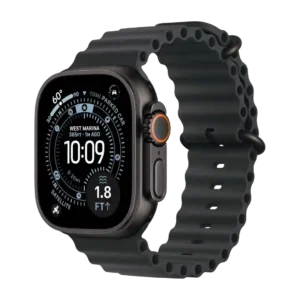
Button and gesture controls were a strength, especially the Action button and touch-free gestures.
Pros: battery life, heart rate accuracy
Cons: comfort, value for money
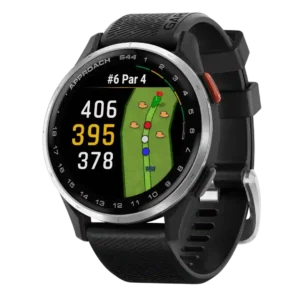
Button controls were a clear upgrade over the S42, with reviewers calling the second button easier, more intuitive, and better for navigation.
Pros: display quality, value for money
Cons: smartwatch features, coaching features
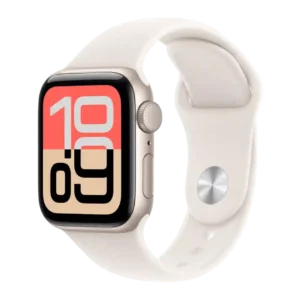
Button and gesture controls were widely praised, especially Double Tap, Wrist Flick, the Digital Crown, and side-button shortcuts.
Pros: display quality, value for money
Cons: ECG functionality, battery life
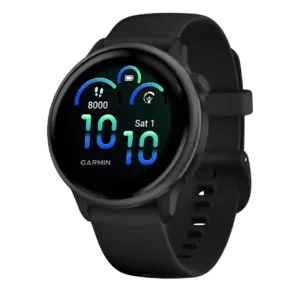
Button controls are generally well-liked, with reviewers praising the raised button, simplicity, and tactile workout controls.
Pros: battery life, comfort
Cons: heart rate accuracy, sleep tracking accuracy
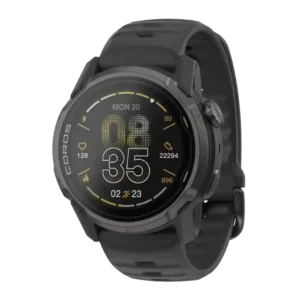
Button controls are generally praised, especially the action button and revised crown placement, with only minor control caveats.
Pros: GPS accuracy, battery life
Cons: display quality, brightness
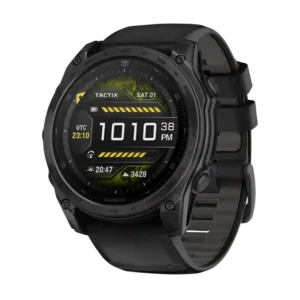
Button controls were mostly praised for texture and feel, but dive-rated buttons created mixed feedback from users who preferred older tactile clicks.
Pros: battery life, durability
Cons: value for money, band quality
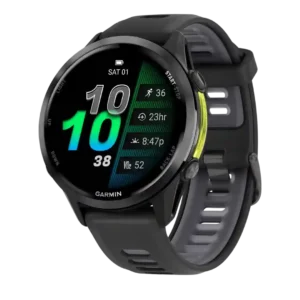
Button controls were useful and reliable, preserving full control when touch is unavailable, though one reviewer wanted a more tactile click.
Pros: heart rate accuracy, GPS accuracy
Cons: battery life, value for money
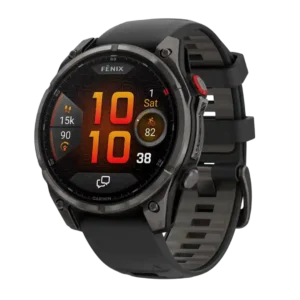
Button controls were praised for premium haptics and easier, quicker operation than earlier Fenix buttons.
Pros: LTE connectivity, battery life
Cons: value for money, safety features
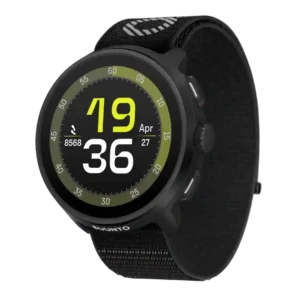
Button controls were a strength overall, especially the crown and physical buttons for running, gloves, sweat, and menu movement, though one reviewer wanted more buttons.
Pros: GPS accuracy, battery life
Cons: onboard music storage, charging convenience
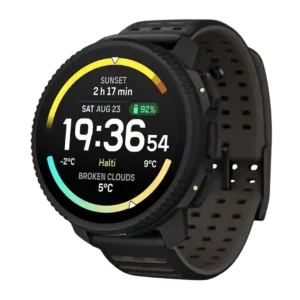
Button controls were broadly praised for glove use and tactile feedback, though some reviewers still preferred a crown or different interface logic.
Pros: battery life, flashlight usefulness
Cons: companion app quality, onboard music storage
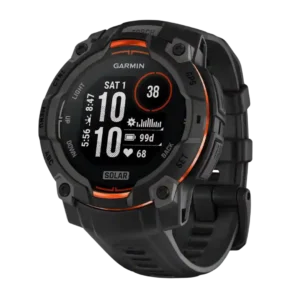
Button controls are mostly praised for predictable wet/glove use, though a few reviewers found the buttons harder to press or slower than touch controls.
Pros: battery life, display quality
Cons: mapping and navigation, smartwatch features
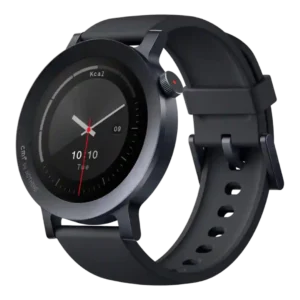
The crown and button controls were often praised for tactility and haptics, though a few reviewers wanted better sizing or deeper integration in the interface.
Pros: style and design, value for money
Cons: customization options, companion app quality
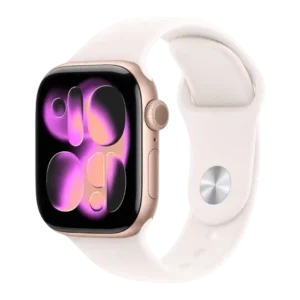
Controls are mostly useful, especially the crown, side button, Double Tap, and wrist flick, but runners disliked the lack of a dedicated lap or Action button.
Pros: battery life, value for money
Cons: coaching features, recovery insights
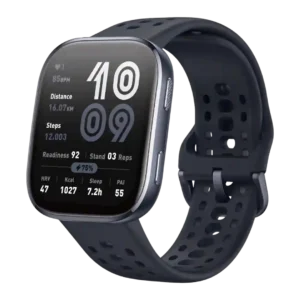
Button controls were generally useful and customizable, although one reviewer missed a crown-style control for long lists.
Pros: value for money, battery life
Cons: voice assistant quality, sleep tracking accuracy
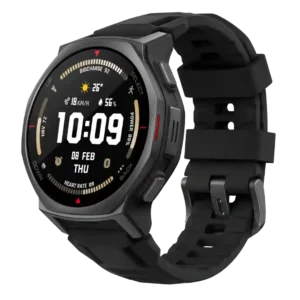
Button controls are generally useful, especially in wet, gloved or workout conditions, though one reviewer found the up/down buttons sticky on hikes.
Pros: battery life, value for money
Cons: mapping and navigation, user interface
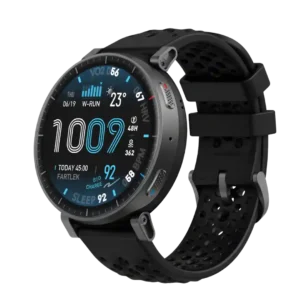
Button controls were useful and tactile, but reviewers who wanted more buttons or a crown found the two-button setup limiting.
Pros: battery life, value for money
Cons: companion app quality, heart rate accuracy
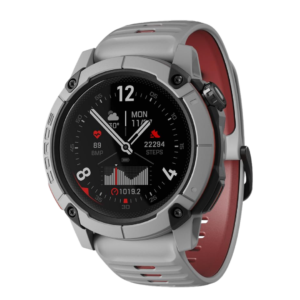
Physical controls are useful and generally intuitive, especially the Action button and crown, but accidental dial rotation or button presses can interrupt rough rides. The hardware is capable but not...
Pros: mapping and navigation, value for money
Cons: smartwatch features, contactless payments
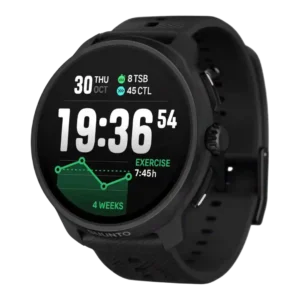
Button controls were mostly praised as clicky and usable during activity, though one reviewer had a sticky-button problem.
Pros: GPS accuracy, heart rate accuracy
Cons: smartwatch features, recovery insights
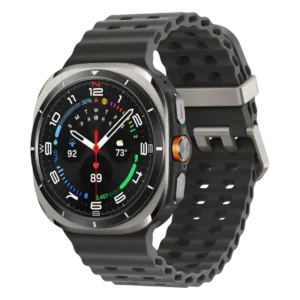
Button controls are polarized: reviewers like the programmable/quick button, but one long-term reviewer had repeated accidental presses and wanted better workout shortcuts.
Pros: battery life, display quality
Cons: value for money, antioxidant index
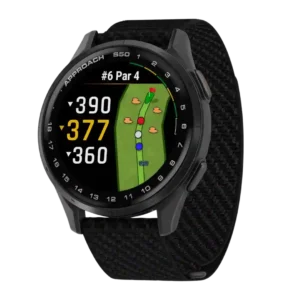
Button controls were usable but not ideal for button-first users; reviewers found navigation workable while still preferring more physical controls on higher-end models.
Pros: value for money, comfort
Cons: fit, band quality
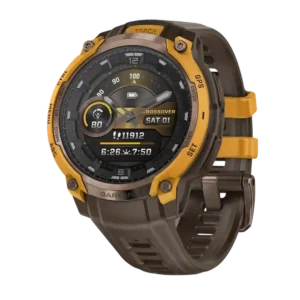
Button controls split opinion: one reviewer found them second nature, while others found the no-touchscreen button workflow slower or fiddly.
Pros: style and design, flashlight usefulness
Cons: value for money, mapping and navigation
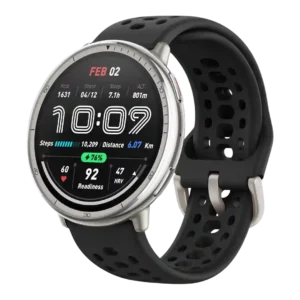
Button controls were useful and sometimes responsive, but reviewers disliked the layout, tactile feel, or double-press workout behavior.
Pros: value for money, battery life
Cons: band quality, button controls
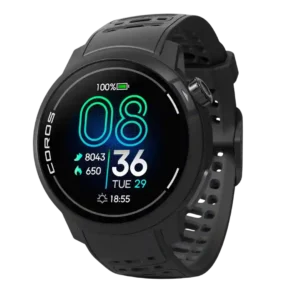
Button controls were useful for shortcuts and navigation, but reviewers disliked the digital dial during runs and the limited action-button behavior outside activities.
Pros: value for money, battery life
Cons: mapping and navigation, button controls
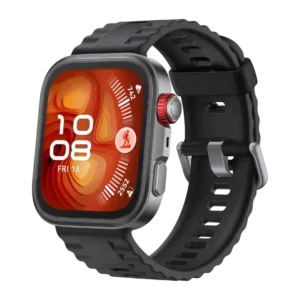
Button controls were mixed: some reviewers liked the tactile buttons and crown, while others found the crown cheap or the activity controls easy to mis-trigger.
Pros: battery life, value for money
Cons: third-party app support, onboard music storage
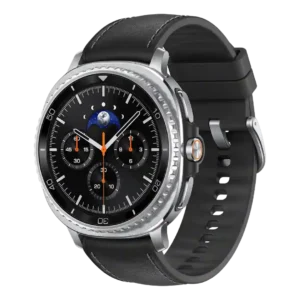
Button controls were mixed: customization was useful, but the base model’s two buttons and lack of a Quick Button or physical bezel frustrated some reviewers.
Pros: comfort, voice assistant quality
Cons: battery life, antioxidant index
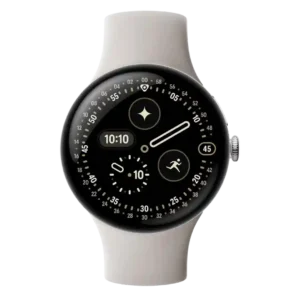
Button and control feedback was mixed: gestures and crown use often worked well, while manual laps or the thin side button drew complaints.
Pros: battery life, charging speed
Cons: band quality, button controls
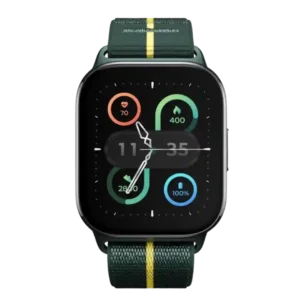
Button controls were mixed: ending workouts could be quick, but another reviewer wanted more buttons or a crown.
Pros: battery life, display quality
Cons: value for money, style and design
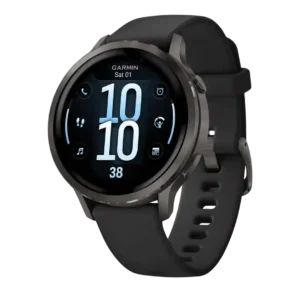
Button controls were one of the most repeated tradeoffs: the two-button layout looks cleaner, but several reviewers missed more physical controls during activity.
Pros: battery life, GPS accuracy
Cons: value for money, voice assistant quality
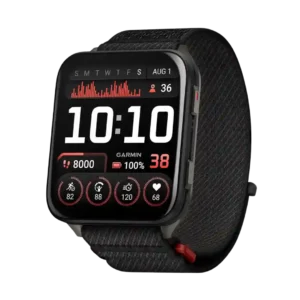
The two-button design was the most repeated control complaint, with reviewers missing Garmin’s extra buttons or wanting another shortcut button.
Pros: display quality, comfort
Cons: battery life, value for money