Best for cable management
LG 27GX790A-B
4.0 attribute score
Highest scored product for this attribute based on supporting review evidence.

Highest scored product for this attribute based on supporting review evidence.
Balances the attribute score, supporting reviews, and overall product strength.
Has the broadest review evidence for this attribute.
Strongest overall product among items with scored evidence for this attribute.

The stand includes a useful pass-through and accessible connections, though one low-positioned route can leave visible cables.
Pros: refresh rate, competitive gaming suitability
Cons: value for money, brightness

A stand cable clip helps tidy wires, although the external power adapter adds another brick to manage.
Pros: adaptive sync performance, response time
Cons: HDR performance, console gaming compatibility

Some testers miss an opening through the stand, although one found the included rear clip effective for bundling cables.
Pros: competitive gaming suitability, refresh rate
Cons: Dual-mode versatility, GPU demands

An included cable clip helps, but the stand lacks a passthrough and the bottom audio jack can leave visible wiring.
Pros: overall satisfaction, value for money
Cons: reflection handling, screen uniformity

The external snap-on cable clip is a weak point: it feels inexpensive, has limited capacity, and can leave a USB-C cable hanging near the controls.
Pros: Resolution, Dual-mode versatility
Cons: value for money, GPU demands

A short power cable can make an arm-mounted setup harder to route neatly, especially alongside other displays.
Pros: refresh rate, value for money
Cons: HDR performance, contrast
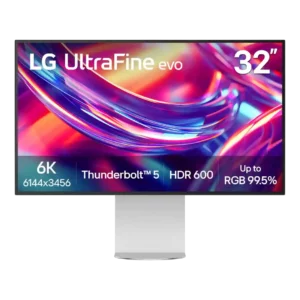
Cable management is a repeated weakness. The stand lacks a routing hole or channel, rear cables hang visibly, and the oversized external power brick adds clutter beneath the desk.
Pros: port selection, overall satisfaction
Cons: value for money, cable management