Best overall
Logitech MX Anywhere 3S
4.5 overall score
Highest ranked product in this category by consolidated review score.

Highest ranked product in this category by consolidated review score.
Balances a strong score with broader review coverage.
Leads this category on a matching scored feature.
Leads this category on a matching scored feature.
Most common complaint: wired connectivity (2.2 category average)
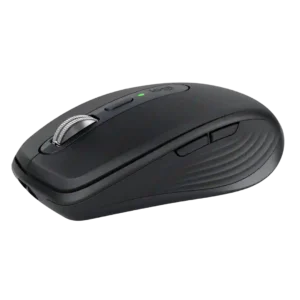
Best for travel, quiet shared spaces, precise any-surface tracking, and multi-device productivity. Skip it if you have large hands, want all-day palm support, or need a gaming-focused mouse.
Pros: portability, click noise
Cons: hand size compatibility, dongle-free setup
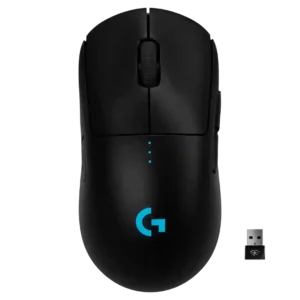
Best for FPS-focused, ambidextrous, cable-free play with excellent tracking and battery life. Skip it if you need MMO buttons, Bluetooth, top-tier value, or worry about long-term double-click issues.
Pros: value for money, battery life
Cons: cable flexibility, RGB features
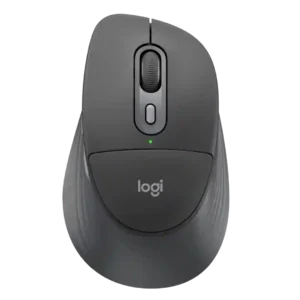
Best for quiet office work, multi-device switching, long battery life, and deep Logi Options+ customization. Skip it if you want a proven palm-support upgrade, competitive-gaming performance, a lighter travel mouse,...
Pros: ergonomic design, hand support
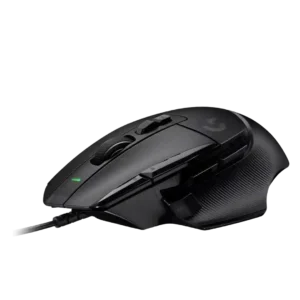
Best for precise tracking, many programmable buttons, and strong ergonomics. Skip it if you need RGB, adjustable weights, quiet scrolling, or a smaller-hand fit.
Pros: button customization, switch feel
Cons: RGB features, weight tuning
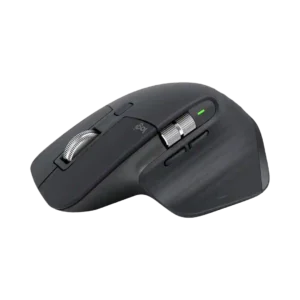
Best for all-day productivity, exceptional scrolling, quiet clicks, deep customization, and multi-device work. Skip it if you are left-handed, want a light competitive-gaming mouse, or need onboard profiles, true wired...
Pros: click noise, ergonomic design
Cons: gaming suitability, handedness options
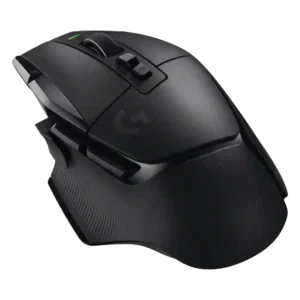
Good if you want a comfortable, button-rich wireless mouse with excellent battery life and precise tracking. Skip it if you need ultralight FPS handling, polished software, quiet clicks, or the...
Pros: shape comfort, programmable buttons
Cons: value for money, side button quality
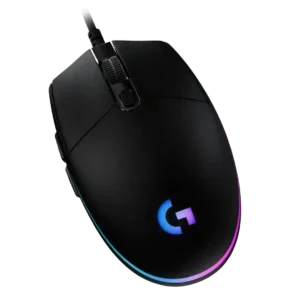
Best for a cheap, comfortable wired mouse with strong clicks, RGB, and useful software. Skip it if you need wireless, silent clicks, premium materials, larger-hand ergonomics, or hardcore MMO buttons.
Pros: value for money, RGB features
Cons: palm grip comfort, click noise
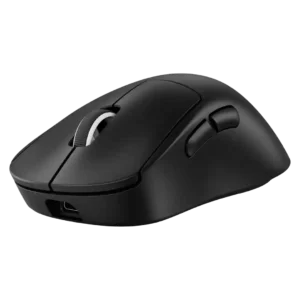
Choose the DEX if you want an ultra-light right-handed FPS mouse with excellent wireless responsiveness, sensor tracking, and battery life. Skip it if you need left-handed comfort, crisp side buttons,...
Pros: weight, shape comfort
Cons: side button quality, value for money
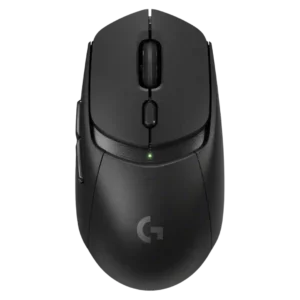
Best for accurate wireless tracking, strong battery life, responsive clicks, and PowerPlay-friendly lightweight use. Skip it if you want standout value without PowerPlay, higher polling rates, richer ergonomics, RGB, or...
Pros: value for money, weight
Cons: premium feel, polling rate
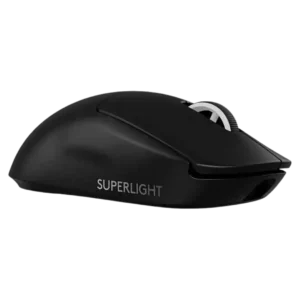
Best for competitive FPS speed, comfort, battery life, and reliable wireless performance. Skip it if you need a bargain, softer clicks, smoother stock skates, a DPI button, or lots of...
Pros: switch feel, polling rate
Cons: value for money, side button quality
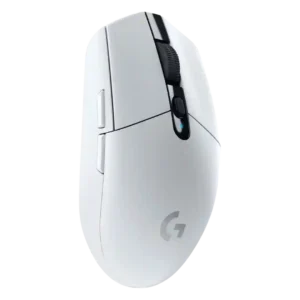
Choose the Logitech G305 for affordable, lag-free 2.4GHz wireless gaming, strong sensor accuracy, and long AA battery life. Skip it if you need Bluetooth, USB-C charging, large-hand ergonomics, lighter weight,...
Pros: value for money, weight
Cons: charging convenience, palm grip comfort
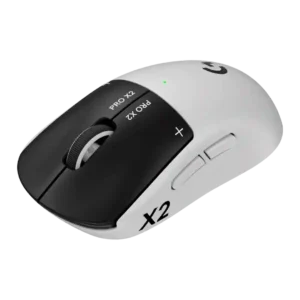
Good if you want customizable haptic clicks, elite tracking, and strong battery life. Skip it if price, Bluetooth, extra buttons, or a perfectly balanced shape matter more.
Pros: switch feel, click latency
Cons: value for money, glide smoothness
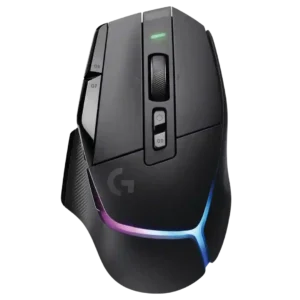
Choose the G502 X Plus for precise wireless tracking, ergonomic comfort, vivid RGB, and many customizable buttons. Skip it if you need Bluetooth, ultralight FPS handling, adjustable weights, or strong...
Pros: RGB features, weight
Cons: value for money, scroll wheel quality
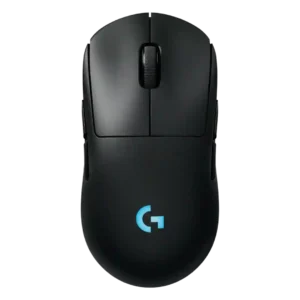
Choose the G Pro 2 Lightspeed if you want a familiar ambidextrous Logitech shape, strong sensor, good clicks, and long battery life. Skip it if you prioritize ultralight glide, high...
Pros: battery life, handedness options
Cons: value for money, polling rate
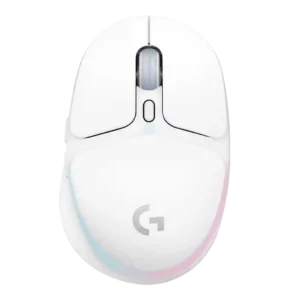
Best for small hands, soft RGB, easy wireless use, and a comfortable compact shape. Skip it if you need large-hand comfort, elite FPS specs, long RGB battery life, or stronger...
Pros: shape comfort, battery life
Cons: value for money, DPI range
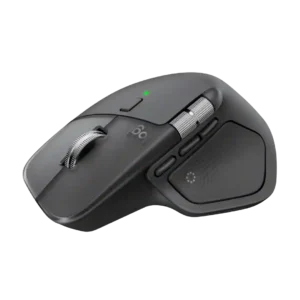
Best for all-day productivity, deep customization, quiet clicks, and best-in-class scrolling. Skip it for competitive gaming, left-handed use, frequent travel, or if an MX Master 3S already meets your needs.
Pros: productivity performance, materials quality
Cons: haptic controls, gaming suitability