Best for ergonomic design
Logitech G Pro Wireless
5.0 attribute score
Highest scored product for this attribute based on supporting review evidence.

Highest scored product for this attribute based on supporting review evidence.
Balances the attribute score, supporting reviews, and overall product strength.
Has the broadest review evidence for this attribute.
Strongest overall product among items with scored evidence for this attribute.
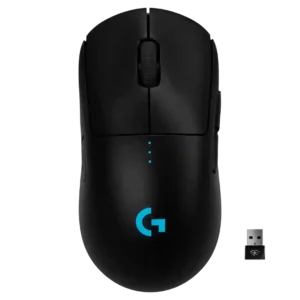
Ergonomic design was praised for a safe, adaptable shape that does not force one grip style.
Pros: value for money, battery life
Cons: cable flexibility, RGB features
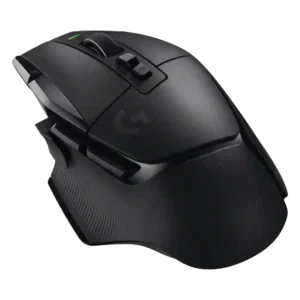
Ergonomic design was praised for comfort, long-use fit, and no hand fatigue in the reviews that focused on it.
Pros: shape comfort, programmable buttons
Cons: value for money, side button quality
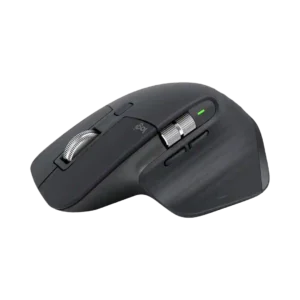
The sculpted right-handed shape receives unusually strong praise for wrist position, palm support, and everyday comfort. It is one of the product’s clearest strengths.
Pros: click noise, ergonomic design
Cons: gaming suitability, handedness options
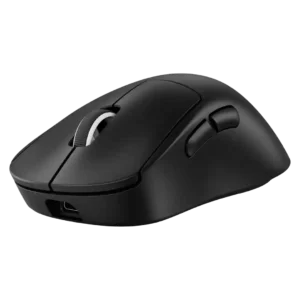
Ergonomic design was a major positive overall, with reviewers praising the hand support, contoured right-handed form, and FPS-friendly ergonomic balance.
Pros: weight, shape comfort
Cons: side button quality, value for money
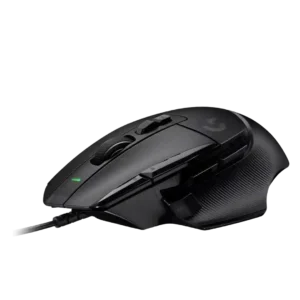
Ergonomic design was one of the strongest themes, with reviewers praising the slant, thumb rest, support, and natural hand position.
Pros: button customization, switch feel
Cons: RGB features, weight tuning
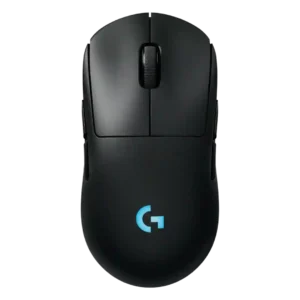
Ergonomics are strong for many hands, with reviewers praising the hand fit and shape across grip styles.
Pros: battery life, handedness options
Cons: value for money, polling rate
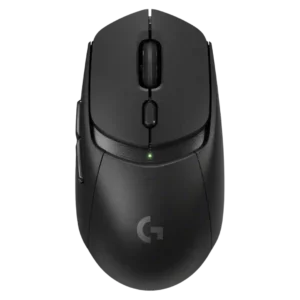
Ergonomics were mostly positive where discussed, especially for comfort and control placement, though one reviewer wanted more curves.
Pros: value for money, weight
Cons: premium feel, polling rate
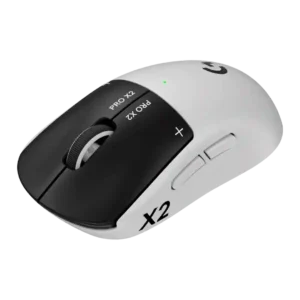
Ergonomics are generally strong for the G Pro-style shell, with comfort praised across several reviews despite some shape-specific caveats.
Pros: switch feel, click latency
Cons: value for money, glide smoothness
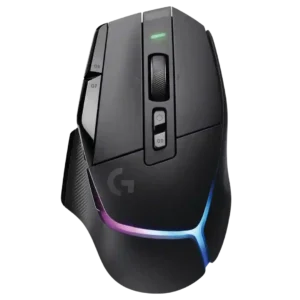
Ergonomic design was praised for refined comfort, natural hand fit, and better extended-use ergonomics.
Pros: RGB features, weight
Cons: value for money, scroll wheel quality
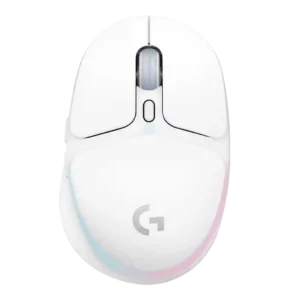
Ergonomics were strong for small hands, with praise for thumb support and contouring, but reviewers repeatedly warned larger hands may struggle.
Pros: shape comfort, battery life
Cons: value for money, DPI range
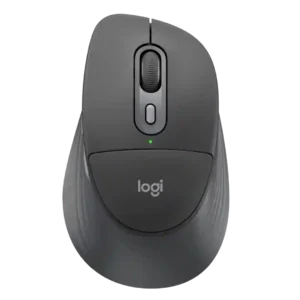
The overall sculpted shape is widely comfortable, especially for long desk work, but reviewers disagree sharply on whether the built-in cushion adds meaningful ergonomic benefit.
Pros: ergonomic design, hand support
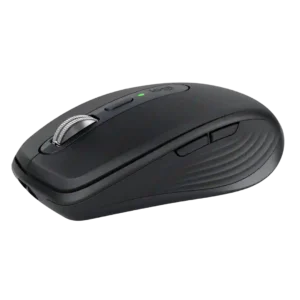
Comfort is good for a travel mouse and often excellent for small-to-medium hands, but the compact shape is not universally ergonomic. Large-handed users and full-day palm grippers may prefer a...
Pros: portability, click noise
Cons: hand size compatibility, dongle-free setup
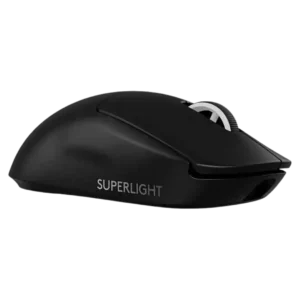
Ergonomics were generally positive for comfort and contouring, but one review noted large hands may find the shape less ergonomic.
Pros: switch feel, polling rate
Cons: value for money, side button quality
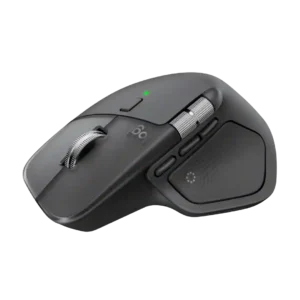
The sculpted right-handed shape earns widespread praise for supporting the palm and wrist through long work sessions. Comfort is less universal for people who prefer vertical mice or a smaller,...
Pros: productivity performance, materials quality
Cons: haptic controls, gaming suitability
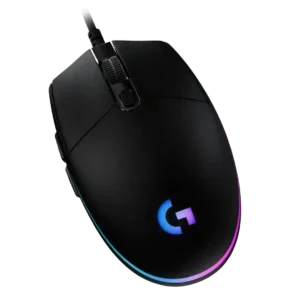
Ergonomic design splits reviewers: some found it ergonomic or comfortable for hours, while others disliked the low, flat, non-humped shape.
Pros: value for money, RGB features
Cons: palm grip comfort, click noise
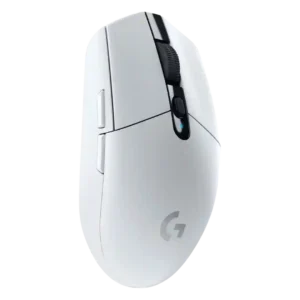
Ergonomics were mixed to weak, with reviewers praising the simple shape for some hands but criticizing the lack of palm or ergonomic support.
Pros: value for money, weight
Cons: charging convenience, palm grip comfort