Best for click noise
Logitech Signature Comfort Plus M850 L
4.9 attribute score
Highest scored product for this attribute based on supporting review evidence.

Highest scored product for this attribute based on supporting review evidence.
Balances the attribute score, supporting reviews, and overall product strength.
Has the broadest review evidence for this attribute.
Strongest overall product among items with scored evidence for this attribute.
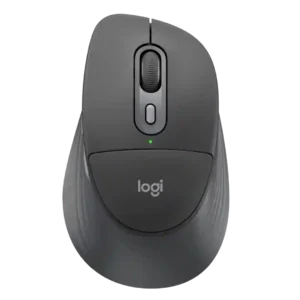
Quiet clicking is one of the most consistent wins. The main buttons are repeatedly described as barely audible or pleasantly subdued for office use.
Pros: ergonomic design, hand support
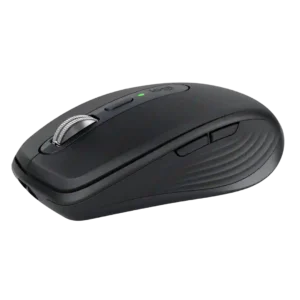
The Quiet Click switches are extremely quiet while preserving useful tactile feedback. They are especially well suited to libraries, shared offices, calls, and other places where normal mouse clicks can...
Pros: portability, click noise
Cons: hand size compatibility, dongle-free setup
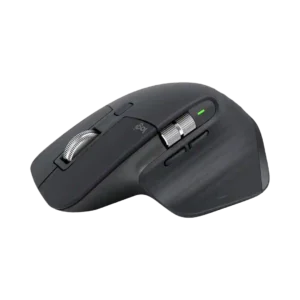
Quiet Clicks are one of the most universally praised upgrades, making the mouse far less distracting in offices, calls, recording setups, and late-night work.
Pros: click noise, ergonomic design
Cons: gaming suitability, handedness options
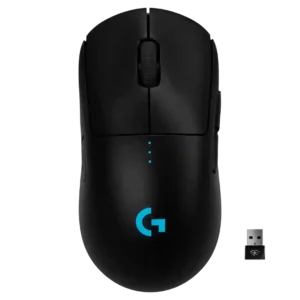
Click noise was viewed favorably in the few reviews that addressed it, with comments about quiet or pleasant-sounding clicks.
Pros: value for money, battery life
Cons: cable flexibility, RGB features
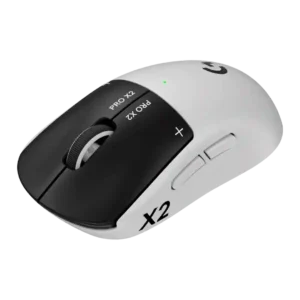
Click noise is a positive for many reviewers because the haptic clicks are quieter and more muted than conventional mechanical mouse clicks.
Pros: switch feel, click latency
Cons: value for money, glide smoothness
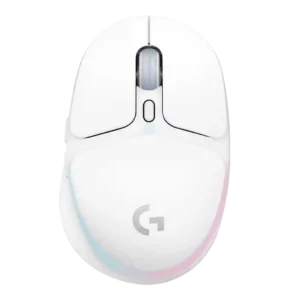
Click noise had limited evidence, but the scroll-wheel click was praised as quiet and non-disruptive.
Pros: shape comfort, battery life
Cons: value for money, DPI range
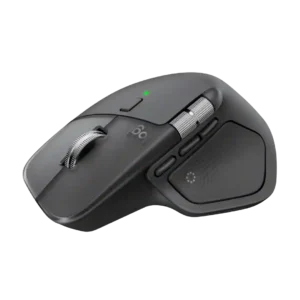
Near-silent primary clicks are one of the most consistently praised refinements, especially for offices and shared rooms. Secondary and wheel clicks can still be noticeably louder.
Pros: productivity performance, materials quality
Cons: haptic controls, gaming suitability
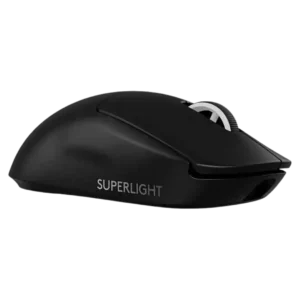
Click noise was mixed: some liked the satisfying click sound, while others found it loud or high-pitched.
Pros: switch feel, polling rate
Cons: value for money, side button quality
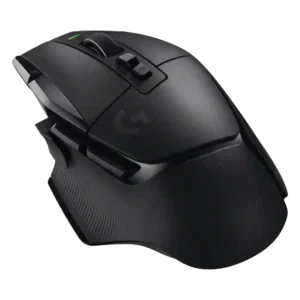
Click noise was mixed, with one reviewer criticizing cheap, echoey clicks and another praising the click sound.
Pros: shape comfort, programmable buttons
Cons: value for money, side button quality
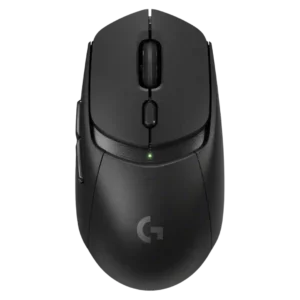
Click noise was only judged in one review, which found the clicks somewhat loud but not as loud as a pricier Logitech model.
Pros: value for money, weight
Cons: premium feel, polling rate
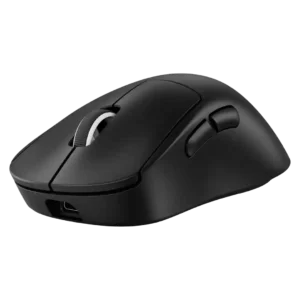
Click noise was a caveat: main clicks were often loud or high-pitched, though some found the noise acceptable or preference-based.
Pros: weight, shape comfort
Cons: side button quality, value for money
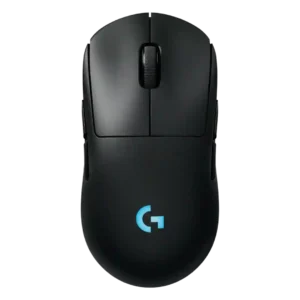
Click noise is mixed to negative: one reviewer said clickiness could annoy some, and another criticized audible right-click ping.
Pros: battery life, handedness options
Cons: value for money, polling rate
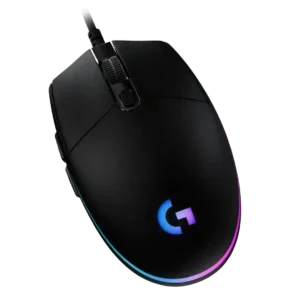
Click noise is mixed-to-negative: some enjoyed the audible click, but several reviewers found the buttons loud, too clicky, or unsuitable around others.
Pros: value for money, RGB features
Cons: palm grip comfort, click noise
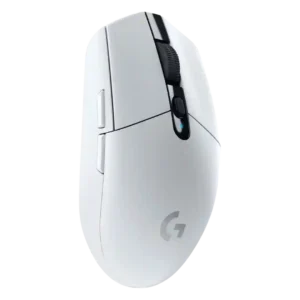
Click noise was mixed to negative, ranging from average to noticeably loud or distracting depending on the reviewer and environment.
Pros: value for money, weight
Cons: charging convenience, palm grip comfort
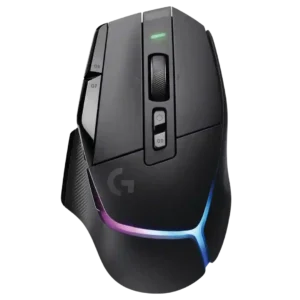
Click noise had limited negative evidence, with one review saying the primary keys and especially the wheel were relatively loud.
Pros: RGB features, weight
Cons: value for money, scroll wheel quality
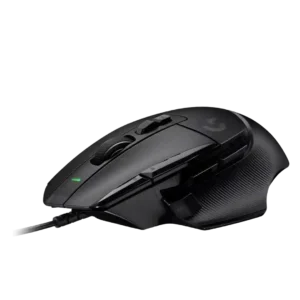
Click noise was a recurring caveat, involving a loud scroll wheel or switch sound that some reviewers disliked.
Pros: button customization, switch feel
Cons: RGB features, weight tuning