Best for DPI range
Logitech G PRO X Superlight 2 DEX
4.8 attribute score
Highest scored product for this attribute based on supporting review evidence.

Highest scored product for this attribute based on supporting review evidence.
Balances the attribute score, supporting reviews, and overall product strength.
Has the broadest review evidence for this attribute.
Strongest overall product among items with scored evidence for this attribute.
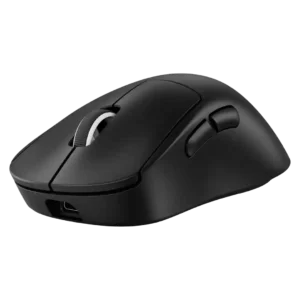
The DPI ceiling was treated as extremely high and impressive, with fine adjustment praised by reviewers who used G Hub.
Pros: weight, shape comfort
Cons: side button quality, value for money
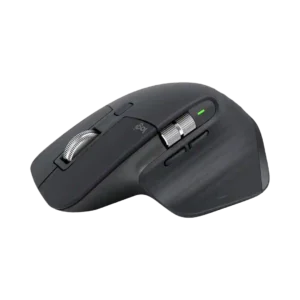
The 8,000-DPI ceiling is more than enough for productivity and helps on high-resolution or multi-monitor setups, though many users never need the upper range.
Pros: click noise, ergonomic design
Cons: gaming suitability, handedness options
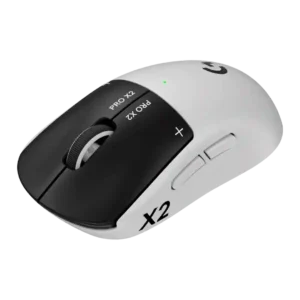
The DPI range is treated as a premium spec, with one reviewer calling the 44,000 DPI ceiling among the highest they had seen.
Pros: switch feel, click latency
Cons: value for money, glide smoothness
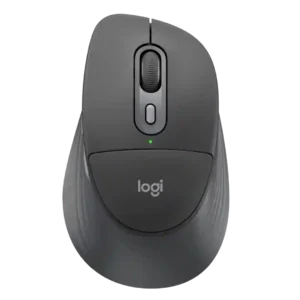
The 4,000-DPI ceiling is more than sufficient for fast productivity work, even if it is not aimed at serious gaming.
Pros: ergonomic design, hand support
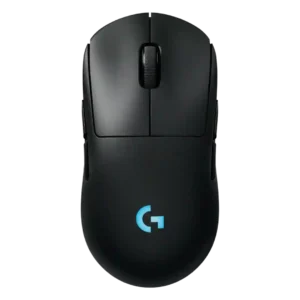
The DPI range is treated as a strength because reviewers noted a wide sensitivity range and unusually high sensor ceiling.
Pros: battery life, handedness options
Cons: value for money, polling rate
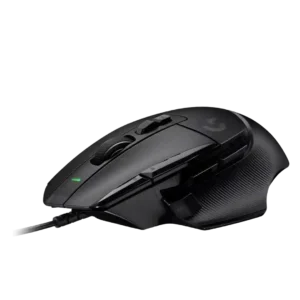
DPI capability and quick DPI changes were viewed positively, especially for fast movement and on-the-fly sensitivity control.
Pros: button customization, switch feel
Cons: RGB features, weight tuning
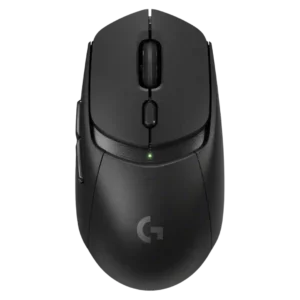
DPI range was viewed as useful for presets and micro-adjustments, especially by reviewers who valued sensitivity control for gaming and desktop precision.
Pros: value for money, weight
Cons: premium feel, polling rate
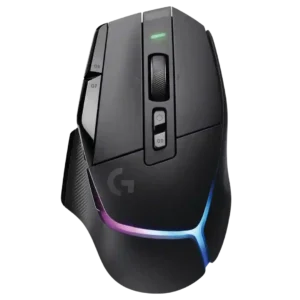
DPI control was generally praised for its wide range and fine increments, though one reviewer questioned the practical value of ultra-high DPI.
Pros: RGB features, weight
Cons: value for money, scroll wheel quality
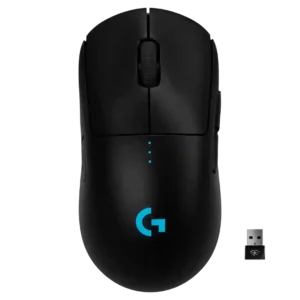
DPI range and adjustment were praised as broad and easy to customize, even if bottom-button placement was divisive.
Pros: value for money, battery life
Cons: cable flexibility, RGB features
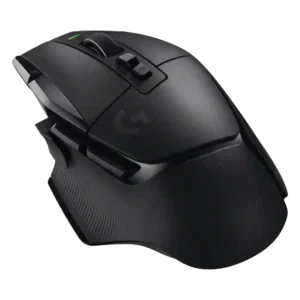
DPI control was viewed as flexible and easy to tune, though one reviewer noted the full 25K-style range is more than most users would ever maximize.
Pros: shape comfort, programmable buttons
Cons: value for money, side button quality
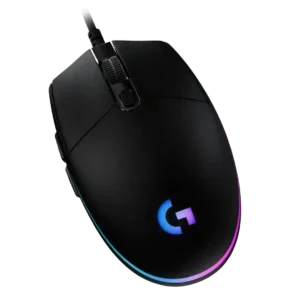
The 200-8,000 DPI range is usually viewed as sufficient and flexible for casual gaming, with some reviewers praising fine increments while noting higher-end mice offer more range.
Pros: value for money, RGB features
Cons: palm grip comfort, click noise
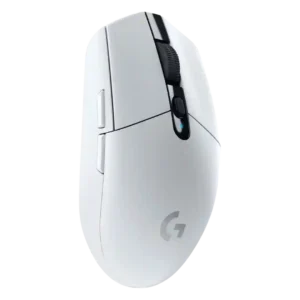
The 12,000 DPI range was mostly considered enough for mainstream users, though reviewers noted it trails newer or higher-end gaming mice.
Pros: value for money, weight
Cons: charging convenience, palm grip comfort
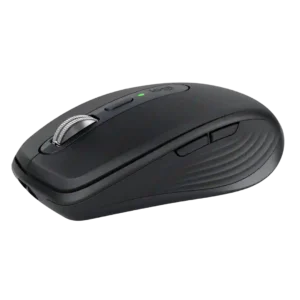
The 200–8,000 DPI range gives plenty of speed for large or high-resolution displays, though several users consider the top end excessive for ordinary office work. It is broad enough for...
Pros: portability, click noise
Cons: hand size compatibility, dongle-free setup
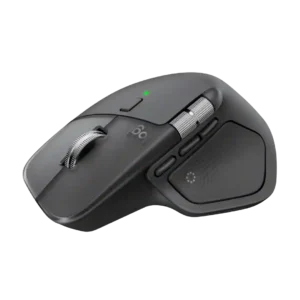
The 8,000-DPI ceiling is considered ample for productivity and high-resolution displays. Reviewers rarely see a need for more unless the mouse is being judged against gaming hardware.
Pros: productivity performance, materials quality
Cons: haptic controls, gaming suitability
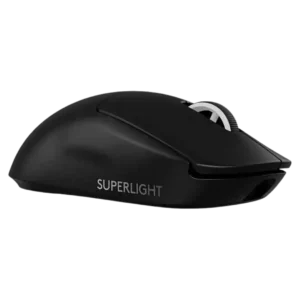
DPI coverage was seen as technically strong and granular, but one reviewer felt the extreme ceiling is more marketing than everyday value.
Pros: switch feel, polling rate
Cons: value for money, side button quality
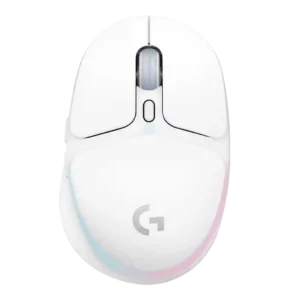
DPI range was mixed: everyday users found 8,200 DPI adequate, while competitive or spec-focused reviewers found it low for the price.
Pros: shape comfort, battery life
Cons: value for money, DPI range