Best for surface compatibility
Logitech MX Master 3S
5.0 attribute score
Highest scored product for this attribute based on supporting review evidence.

Highest scored product for this attribute based on supporting review evidence.
Balances the attribute score, supporting reviews, and overall product strength.
Has the broadest review evidence for this attribute.
Strongest overall product among items with scored evidence for this attribute.
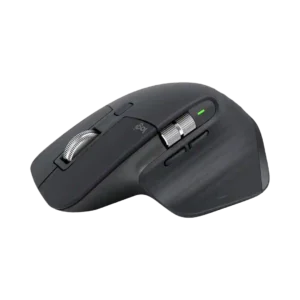
Darkfield tracking is a clear win, with reviewers repeatedly confirming reliable use on glass and other surfaces that trip up ordinary mice.
Pros: click noise, ergonomic design
Cons: gaming suitability, handedness options
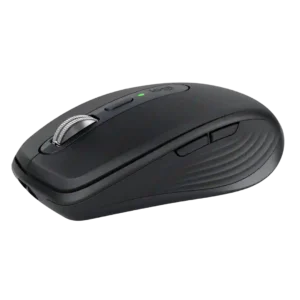
Any-surface tracking lives up to the product's name: glass, fabric, wood, glossy surfaces, and even improvised workspaces generally pose little trouble. Only extreme reflective surfaces are noted as an edge...
Pros: portability, click noise
Cons: hand size compatibility, dongle-free setup
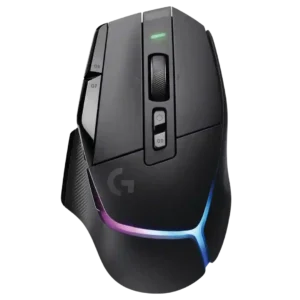
Surface compatibility evidence was positive, with reviewers noting smooth glide or hiccup-free performance across surfaces and environments.
Pros: RGB features, weight
Cons: value for money, scroll wheel quality
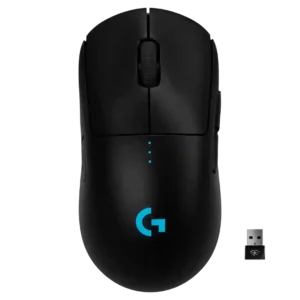
Surface compatibility was positive where discussed, with calibration or pad testing producing strong sensor behavior.
Pros: value for money, battery life
Cons: cable flexibility, RGB features
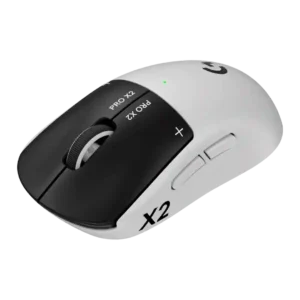
Surface compatibility varies by skate preference: tracking works across surfaces, but glide can feel much better on glass than cloth.
Pros: switch feel, click latency
Cons: value for money, glide smoothness
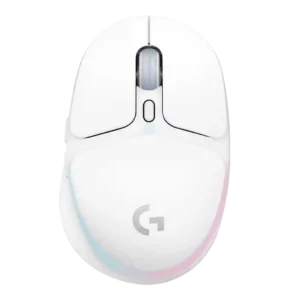
Surface compatibility was positive where reviewers said it moved smoothly over most surfaces, pads, and tabletops.
Pros: shape comfort, battery life
Cons: value for money, DPI range
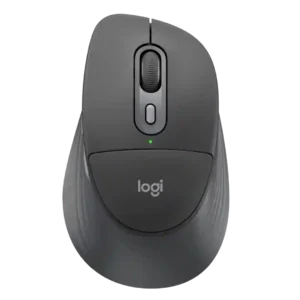
The mouse works well across many surfaces in most testing, including desks, pads, glass, and rubber mats, though one reviewer found movement rough on both a pad and tabletop.
Pros: ergonomic design, hand support
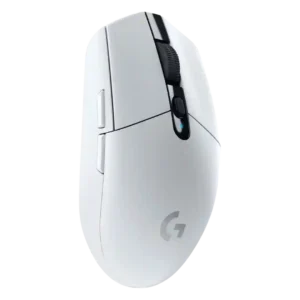
Surface compatibility was generally good across pads, desks, and varied surfaces, but several reviewers noted weakness on glass.
Pros: value for money, weight
Cons: charging convenience, palm grip comfort
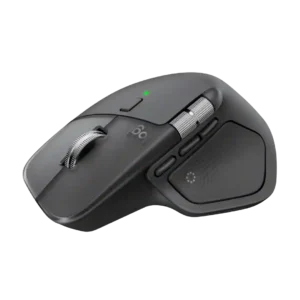
Reviewers repeatedly report reliable tracking on difficult surfaces such as wood and glass, making a mouse pad largely optional.
Pros: productivity performance, materials quality
Cons: haptic controls, gaming suitability
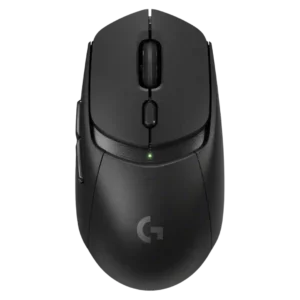
Surface compatibility was mixed: one reviewer recommended padded surfaces due to thin skates, while another praised performance on different surfaces.
Pros: value for money, weight
Cons: premium feel, polling rate
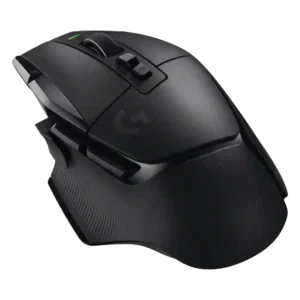
Surface compatibility was adequate to good, with reviewers saying it worked alright on desks and felt better or incredible on mousepads.
Pros: shape comfort, programmable buttons
Cons: value for money, side button quality
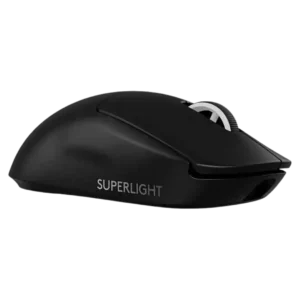
Surface compatibility was mixed, with good results across many surfaces but complaints on softer pads and warnings to tune surface modes.
Pros: switch feel, polling rate
Cons: value for money, side button quality
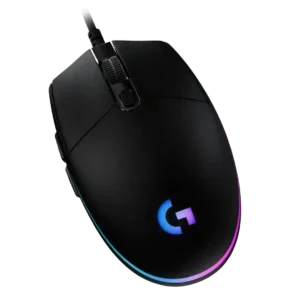
Surface compatibility is adequate, with the mouse working on desk or mat surfaces, but one review said a bare desk was less smooth than a mouse pad.
Pros: value for money, RGB features
Cons: palm grip comfort, click noise
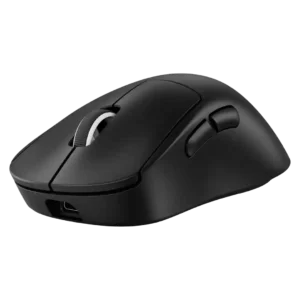
Surface compatibility was adequate but not universal, with one reviewer preferring padded surfaces and another reporting no glass-pad tracking issues.
Pros: weight, shape comfort
Cons: side button quality, value for money