Best for programmable buttons
Logitech MX Master 3S
5.0 attribute score
Highest scored product for this attribute based on supporting review evidence.

Highest scored product for this attribute based on supporting review evidence.
Balances the attribute score, supporting reviews, and overall product strength.
Has the broadest review evidence for this attribute.
Strongest overall product among items with scored evidence for this attribute.
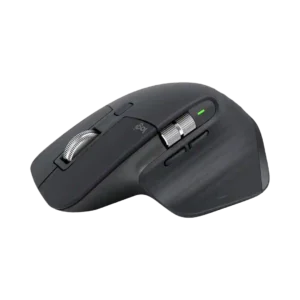
The programmable controls are repeatedly praised for turning common shortcuts and app commands into faster, more efficient mouse actions.
Pros: click noise, ergonomic design
Cons: gaming suitability, handedness options

The programmable controls add useful shortcuts to a compact body and can be tailored to common productivity tasks.
Pros: portability, click noise
Cons: hand size compatibility, dongle-free setup
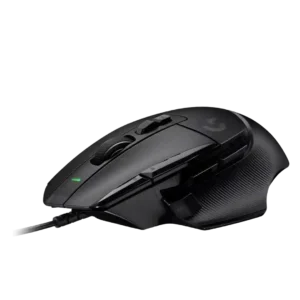
Programmable button support was one of the clearest strengths, with reviewers praising the large number of programmable controls for gaming and productivity.
Pros: button customization, switch feel
Cons: RGB features, weight tuning
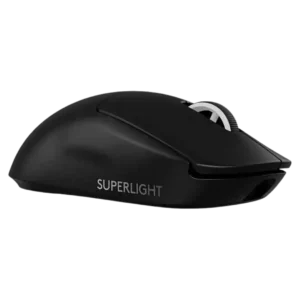
Programmable side buttons were useful to one reviewer for DPI adjustment, especially because the mouse lacks a dedicated DPI button.
Pros: switch feel, polling rate
Cons: value for money, side button quality
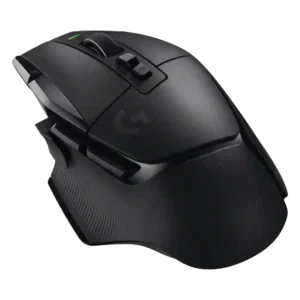
Programmable buttons were one of the clearest strengths for control, MMO use, and keyboard relief, though one reviewer felt the 13-button setup was excessive.
Pros: shape comfort, programmable buttons
Cons: value for money, side button quality
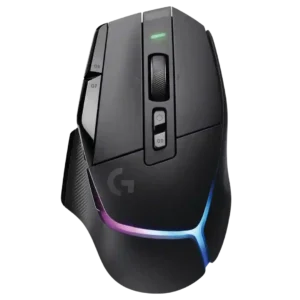
Programmable buttons were widely valued for genre flexibility, productivity, and accessible control layouts.
Pros: RGB features, weight
Cons: value for money, scroll wheel quality
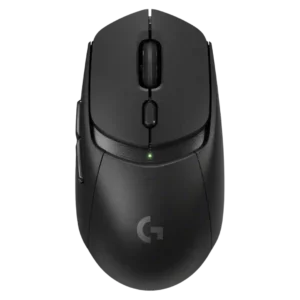
Programmable button usefulness was adequate but limited by the six-button layout; reviewers liked remapping but noted there is not much to remap.
Pros: value for money, weight
Cons: premium feel, polling rate
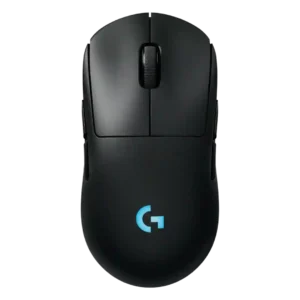
Programmable buttons are useful for flexible layouts, with one reviewer implying the richer button configuration is worth keeping.
Pros: battery life, handedness options
Cons: value for money, polling rate
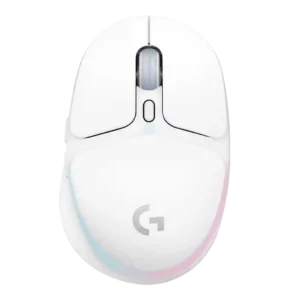
Programmable buttons were useful and full-featured for a small mouse, but the six-button limit hurt MMO/MOBA-heavy use.
Pros: shape comfort, battery life
Cons: value for money, DPI range
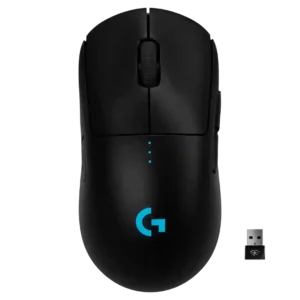
Programmable buttons were praised for useful remapping and G-Shift style layers, though minimalist button count limited some use cases.
Pros: value for money, battery life
Cons: cable flexibility, RGB features
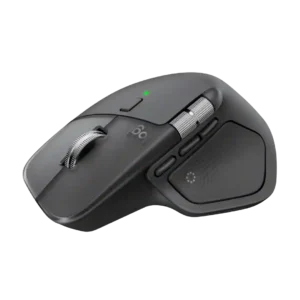
The many programmable controls are repeatedly praised for letting users move common commands off the keyboard. Their value rises sharply for editing and other repetitive professional workflows.
Pros: productivity performance, materials quality
Cons: haptic controls, gaming suitability
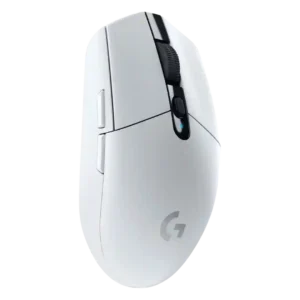
Programmable button feedback was mixed: remapping was useful, but the small six-button layout left some reviewers wanting more controls.
Pros: value for money, weight
Cons: charging convenience, palm grip comfort
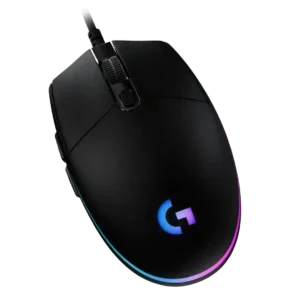
Programmable-button coverage is useful for a basic mouse, but reviewers frame the six-button layout as simple and limited compared with richer gaming mice.
Pros: value for money, RGB features
Cons: palm grip comfort, click noise
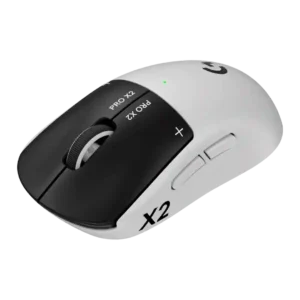
Programmable buttons are useful through remapping and macros, but the limited button count hurts flexibility at this price.
Pros: switch feel, click latency
Cons: value for money, glide smoothness
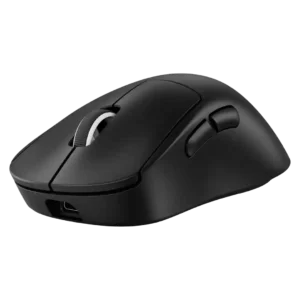
Programmable button evidence was mixed: G Hub assignment was useful, but the five-button layout and lack of extra controls limited flexibility.
Pros: weight, shape comfort
Cons: side button quality, value for money