Best for palm grip comfort
Logitech G Pro Wireless
5.0 attribute score
Highest scored product for this attribute based on supporting review evidence.

Highest scored product for this attribute based on supporting review evidence.
Balances the attribute score, supporting reviews, and overall product strength.
Has the broadest review evidence for this attribute.
Strongest overall product among items with scored evidence for this attribute.
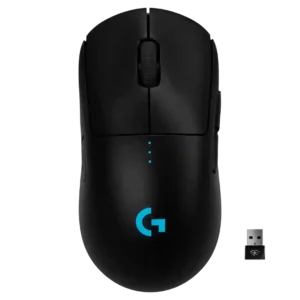
Palm grip comfort was strong for some hand sizes, though larger-hand palm users may not find the low profile ideal.
Pros: value for money, battery life
Cons: cable flexibility, RGB features
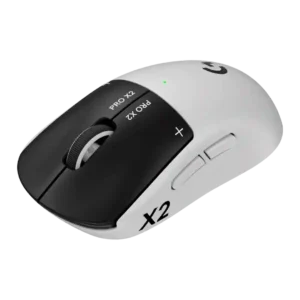
Palm grip comfort is strong in the cited reviews, with the domed shell and arch supporting the palm well.
Pros: switch feel, click latency
Cons: value for money, glide smoothness
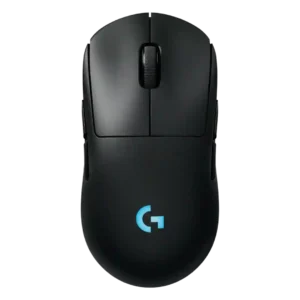
Palm grip comfort received direct praise from a reviewer whose hand position fit the mouse well.
Pros: battery life, handedness options
Cons: value for money, polling rate
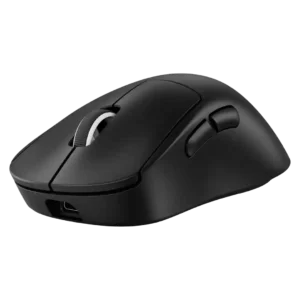
Palm grip comfort was usually strong, with reviewers praising the larger ergonomic rear and palm support; one source still advised some palm users toward a rival.
Pros: weight, shape comfort
Cons: side button quality, value for money
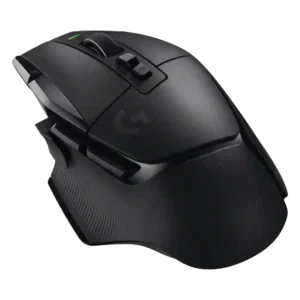
Palm grip comfort was generally strong, with reviewers calling it comfortable or ideal, but reach issues appeared for certain hand sizes.
Pros: shape comfort, programmable buttons
Cons: value for money, side button quality
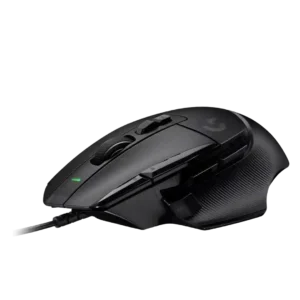
Palm grip comfort was positive in the reviews that mentioned it, especially for palm and finger grip users and larger hands.
Pros: button customization, switch feel
Cons: RGB features, weight tuning
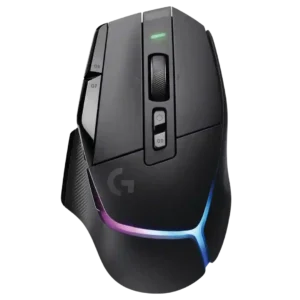
Palm grip comfort was favorable, with reviewers saying the shape supports palm grip well.
Pros: RGB features, weight
Cons: value for money, scroll wheel quality
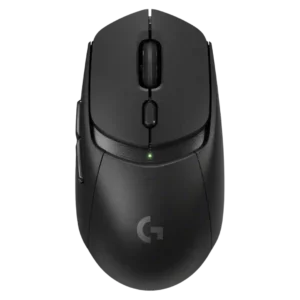
Palm grip comfort was mixed, with some noting improved or accommodating palm support and others finding the mouse smaller or more claw-oriented.
Pros: value for money, weight
Cons: premium feel, polling rate
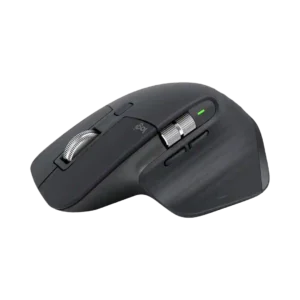
Palm grip is the mouse’s natural fit and is usually very comfortable, though users may need to adjust hand position to keep both support and button reach.
Pros: click noise, ergonomic design
Cons: gaming suitability, handedness options
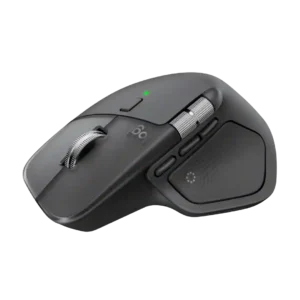
Palm-grip users are especially well served by the large sculpted body, which supports the hand comfortably over long sessions.
Pros: productivity performance, materials quality
Cons: haptic controls, gaming suitability
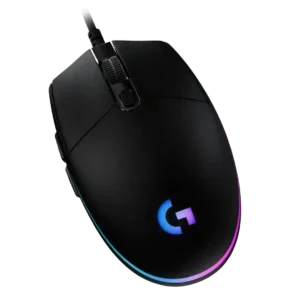
Palm grip comfort is mixed: some reviewers liked the raised rear or palm support, while others found the small, flat shape awkward or finger-dragging.
Pros: value for money, RGB features
Cons: palm grip comfort, click noise
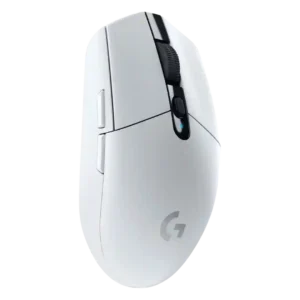
Palm grip comfort was highly hand-size dependent, with some reviewers comfortable but others finding palm support poor or awkward.
Pros: value for money, weight
Cons: charging convenience, palm grip comfort
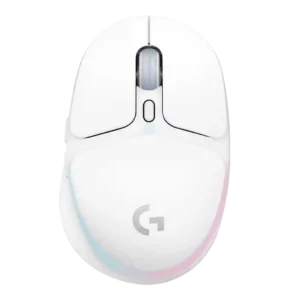
Palm grip comfort was mixed to poor for larger hands; some reviewers found it possible, but several said the short body made palm grip less ideal.
Pros: shape comfort, battery life
Cons: value for money, DPI range
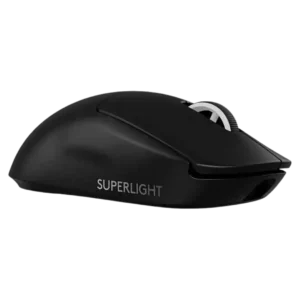
Palm grip comfort was limited by one review saying palm-grip players may be better served elsewhere.
Pros: switch feel, polling rate
Cons: value for money, side button quality
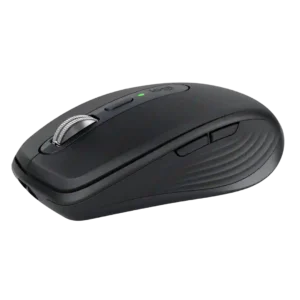
Palm-grip comfort is the clearest ergonomic weakness: larger hands do not get enough hand-filling support from the low, compact shell. Finger-led grips suit the shape much better.
Pros: portability, click noise
Cons: hand size compatibility, dongle-free setup