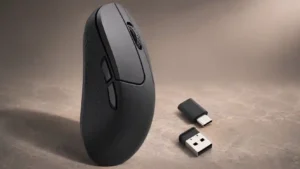
Overall: 4.0/5
Huano switches have a tactile, snappy feel that many enjoy, with a click weight that depends on personal preference.
Pros: weight, value for money
Cons: side button quality, connection stability

Overall: 4.0/5
Huano switches have a tactile, snappy feel that many enjoy, with a click weight that depends on personal preference.
Pros: weight, value for money
Cons: side button quality, connection stability
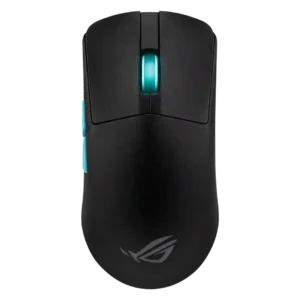
Overall: 4.1/5
Switch feel was broadly praised for satisfying, tactile, responsive clicks, though some felt the switches were heavier than ideal.
Pros: weight, grip texture
Cons: software usability, profile switching
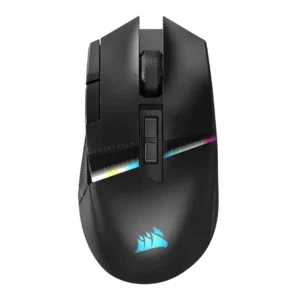
Overall: 3.9/5
Switch feel is widely liked, with reviewers describing the clicks as wonderful, crisp, quiet, snappy, smooth, and cushiony.
Pros: tilt gesture controls, MMO gaming suitability
Cons: battery life, software usability
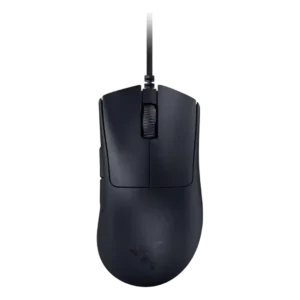
Overall: 4.4/5
Switch feel was generally positive thanks to crisp or satisfying optical clicks, though a few reviewers found them hollow, mushy, or less pleasant than mechanical switches.
Pros: value for money, weight
Cons: fingertip grip comfort, profile switching
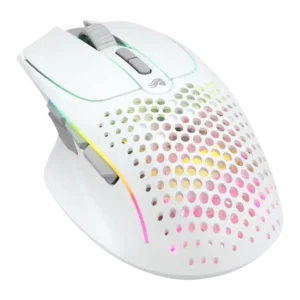
Overall: 4.1/5
Switch feel was generally positive, with reviewers calling clicks tactile, crisp, satisfying, and nice-feeling.
Pros: weight, shape comfort
Cons: battery life, side button quality
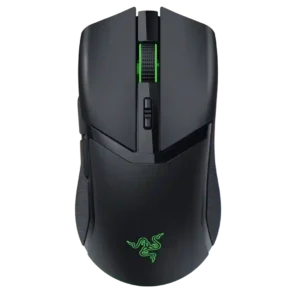
Overall: 4.0/5
Switch feel was generally praised as tactile, clicky, satisfying, and premium, though a few reviewers found the feel heavier or preferred other switch implementations.
Pros: value for money, battery life
Cons: weight, balance and weight distribution
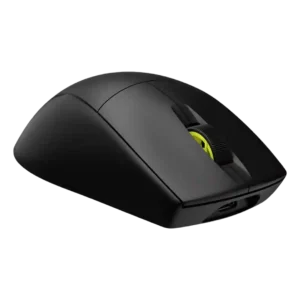
Overall: 3.8/5
Switch feel trends positive, with reviewers liking the crisp, thocky, or satisfying optical-click feel, though not every click implementation is perfect.
Pros: weight, battery life
Cons: value for money, profile switching
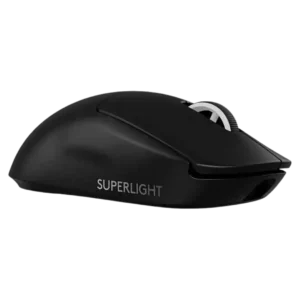
Overall: 4.0/5
Switch feel split reviewers: many loved the crisp, tactile Lightforce feel, while others found the clicks heavier or too tactile.
Pros: switch feel, polling rate
Cons: value for money, side button quality
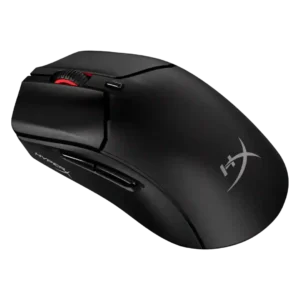
Overall: 4.0/5
Switch feel was polarizing: several reviewers loved the satisfying, crisp clicks, while others found the switches too firm or a downgrade from the original.
Pros: weight, value for money
Cons: side button quality, RGB features
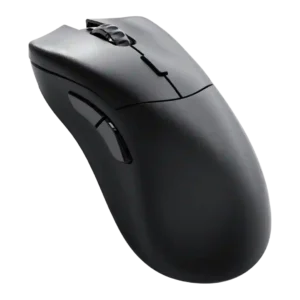
Overall: 3.7/5
Switch feel was generally positive for light, spammable, tactile optical clicks, though one reviewer found them less refined than rivals.
Pros: value for money, glide smoothness
Cons: battery life, polling rate
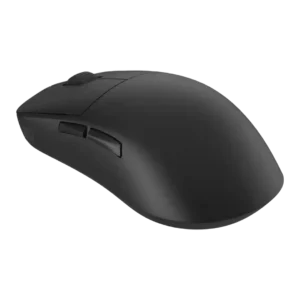
Overall: 4.1/5
Switch feel is sharply split: some praise crisp, satisfying tactility, while others find the stock switches heavy, hollow, or hard to spam.
Pros: left and right click quality, build quality
Cons: macro support, palm grip comfort
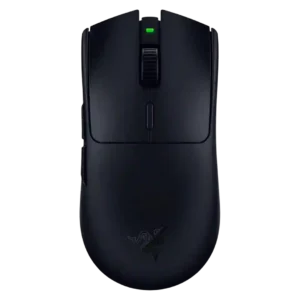
Overall: 4.1/5
Switch feel split reviewers: many liked the crisp or snappy Gen-2 mechanical feel, while others found it mushy or less sharp than premium opticals.
Pros: value for money, grip texture
Cons: weight, charging convenience
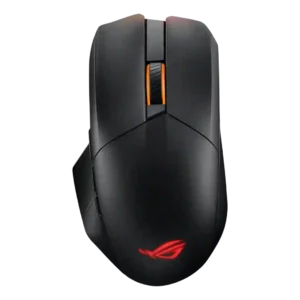
Overall: 3.7/5
Switch feel was mostly liked for tactile or satisfying feedback, though one review found the lighter switches too sensitive.
Pros: glide smoothness, scroll wheel quality
Cons: analog joystick usability, shape comfort
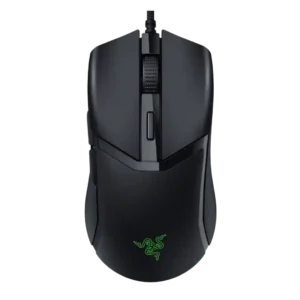
Overall: 4.2/5
Switch feel was mixed-positive: many liked the satisfying optical clicks, while some found them hollow or unusual at first.
Pros: value for money, shape comfort
Cons: onboard memory, side button quality