#1
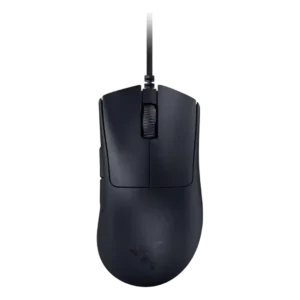
Good if you want an ultralight wired FPS mouse with elite tracking, fast clicks, and large-hand comfort. Skip it if you need wireless freedom, left-handed support, RGB, richer buttons, or...
Pros: value for money, weight
Cons: fingertip grip comfort, profile switching
#2
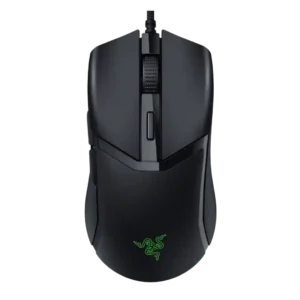
Good if you want a light, precise, budget-friendly wired gaming mouse with strong Razer build and RGB. Skip it if you need wireless freedom, quiet clicks, several onboard profiles, or...
Pros: value for money, shape comfort
Cons: onboard memory, side button quality
#3
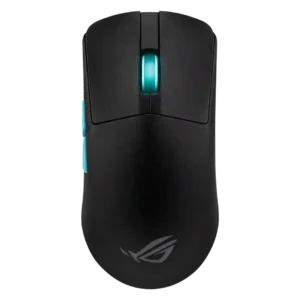
Best for a featherweight FPS mouse with precise tracking, long battery life, and deep tuning. Skip it if you need lots of buttons, top-side DPI switching, or Armoury Crate-free simplicity.
Pros: weight, grip texture
Cons: software usability, profile switching
#4
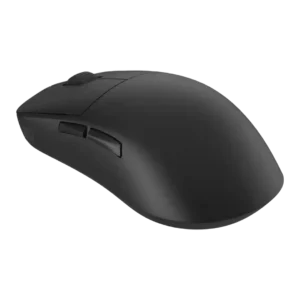
Good if you want a compact, sturdy, grippy FPS mouse with strong customization. Skip it if you need light clicks, slick software, MMO macros, Bluetooth-first versatility, or a shape for...
Pros: left and right click quality, build quality
Cons: macro support, palm grip comfort
#5
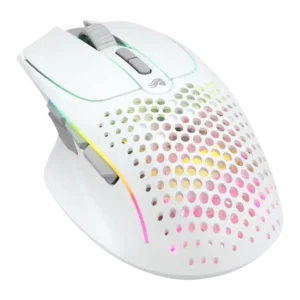
Good if you want a lightweight ergonomic mouse with strong tracking, glide, and remappable buttons. Skip it if you need long RGB-on battery life, left-handed support, or a true MMO...
Pros: weight, shape comfort
Cons: battery life, side button quality
#6
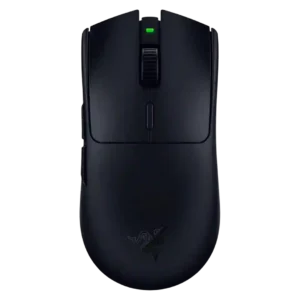
Best for strong wireless sensor performance, grippy comfort, and value. Skip it if AA batteries, extra weight, limited onboard profiles, or no Bluetooth/wired fallback bother you.
Pros: value for money, grip texture
Cons: weight, charging convenience
#7
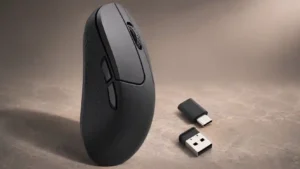
Excellent tracking, low weight and flexible connectivity make this an unusually capable budget mouse for gaming and work. The compact shape, rough grips and occasional reliability problems are the main...
Pros: weight, value for money
Cons: side button quality, connection stability
#8
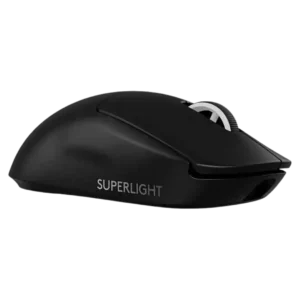
Best for competitive FPS speed, comfort, battery life, and reliable wireless performance. Skip it if you need a bargain, softer clicks, smoother stock skates, a DPI button, or lots of...
Pros: switch feel, polling rate
Cons: value for money, side button quality
#9
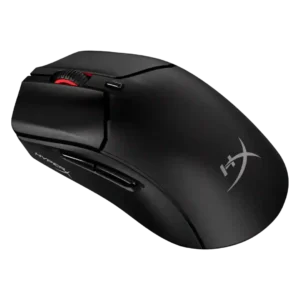
Best for a featherweight Haste shape, smooth glide, strong battery, and fair value. Skip it if you need refined software, many buttons, flawless wireless stability, or premium click consistency.
Pros: weight, value for money
Cons: side button quality, RGB features
#10
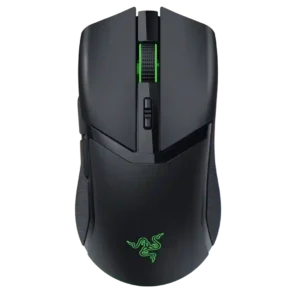
Best for sharp tracking, rich RGB, flexible wireless, and small-to-medium-hand comfort. Skip it if you want an ultralight FPS mouse, big-hand palm comfort, included dock charging, or budget pricing.
Pros: value for money, battery life
Cons: weight, balance and weight distribution
#11
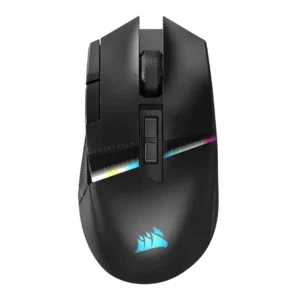
Good if you want a premium MMO/MOBA mouse with strong tracking, deep customization, and useful tilt gestures. Skip it if battery life, easy software, left-handed use, or lower price matters...
Pros: tilt gesture controls, MMO gaming suitability
Cons: battery life, software usability
#12
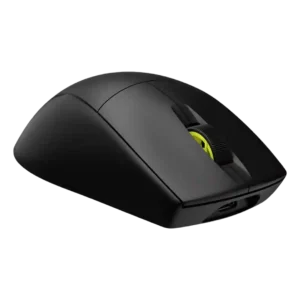
Choose the Corsair M75 Air if you want an ultralight FPS mouse with precise tracking and low-latency wireless. Skip it if you need lots of buttons, easy DPI switching, premium...
Pros: weight, battery life
Cons: value for money, profile switching
#13
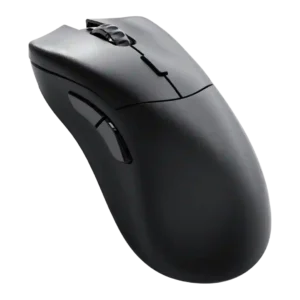
Choose the Glorious Model D 2 Pro if you want a very light right-handed esports mouse with strong tracking and easy software. Skip it if 4K/8K polling, short high-rate battery...
Pros: value for money, glide smoothness
Cons: battery life, polling rate
#14
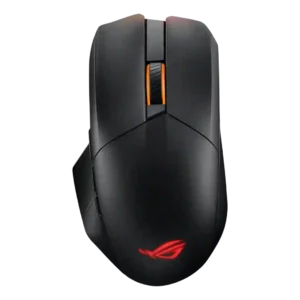
Best for deep customization, strong battery life, smooth glide, and a fast sensor. Skip it if you need lightweight FPS reliability, clean software, easy side buttons, or a natural-feeling joystick.
Pros: glide smoothness, scroll wheel quality
Cons: analog joystick usability, shape comfort
