Best for passthrough features
Razer Huntsman V2 Analog
4.3 attribute score
Highest scored product for this attribute based on supporting review evidence.

Highest scored product for this attribute based on supporting review evidence.
Balances the attribute score, supporting reviews, and overall product strength.
Has the broadest review evidence for this attribute.
Strongest overall product among items with scored evidence for this attribute.
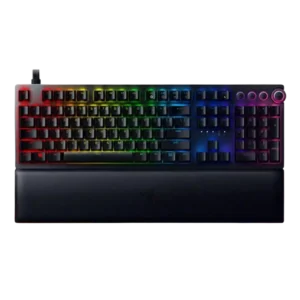
Passthrough features were mostly praised, especially the USB 3.0 port, though one reviewer felt the extra port burden reduced its practical freedom.
Pros: analog input support, wrist rest quality
Cons: value for money, cable quality

Passthrough features are generally appreciated as a useful luxury or handy extra, though cable routing is not universally ideal.
Pros: extra gaming features, wrist rest quality
Cons: value for money, software quality
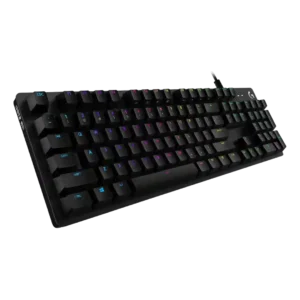
Passthrough features are mixed: reviewers liked the convenience, but repeatedly criticized USB 2.0 speed, dual USB use, or a failed passthrough unit.
Pros: value for money, design aesthetics
Cons: passthrough features, noise level

Passthrough was viewed as useful but limited, especially by USB 2.0 speeds, voltage constraints, and the need for a second cable.
Pros: value for money, wrist rest quality
Cons: software quality, ergonomics

USB-C passthrough is useful in theory but divisive in practice. Reviewers like the idea, yet several complain about extra cables, USB 2.0 limits, recessed ports, or poor implementation.
Pros: macro customization, switch feel
Cons: software quality, value for money
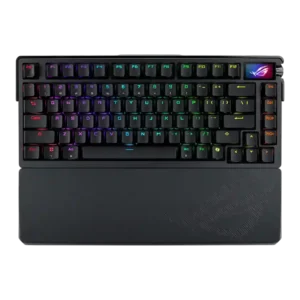
Passthrough features had limited support and were only mildly positive because one reviewer called the USB passthrough dongle adapter slightly bulky.
Pros: build quality, customization options
Cons: value for money, rapid trigger support

Passthrough features were a weakness, with reviewers missing built-in USB passthrough from earlier or competing keyboards.
Pros: value for money, keycap quality
Cons: polling rate, acoustics

Passthrough was a limitation because one reviewer said USB passthrough would have improved portability.
Pros: sound dampening, value for money
Cons: ergonomics, polling rate
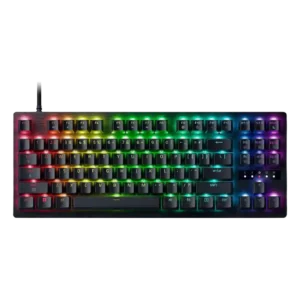
Keyboard passthrough for controller emulation is a sore spot in one review, where it occasionally failed until the board was replugged.
Pros: value for money, typing feel
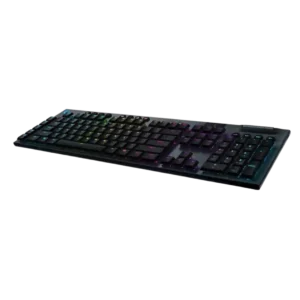
USB passthrough is a recurring absence, with reviewers noting or expecting it at this high price.
Pros: battery life, wireless performance
Cons: value for money, wrist rest quality

USB passthrough was only discussed as an absence, and that absence was framed as a potential weakness.
Pros: switch feel, battery life
Cons: volume control, media controls

Passthrough features were a weakness, with reviewers wishing for extra ports or noting the lack of USB passthrough.
Pros: customization options, typing feel
Cons: value for money, wrist rest quality

Passthrough features were a weakness, with reviewers criticizing the lack of extra USB ports or audio jack.
Pros: switch feel, typing feel
Cons: software quality, volume control
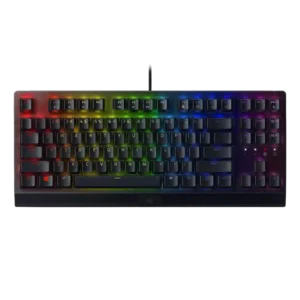
Passthrough features were criticized because reviewers noted the absence of USB or audio passthrough.
Pros: RGB lighting quality, value for money
Cons: wrist rest quality, noise level

Passthrough was a clear weakness where reviewers missed USB passthrough or noted its absence alongside wired limitations.
Pros: value for money, rapid trigger support
Cons: media controls, stabilizer quality

The only opinionated passthrough-related evidence was negative, with one reviewer calling the lack of extra ports a shame.
Pros: battery life, switch feel
Cons: value for money, ease of switch replacement

Passthrough features scored low because a reviewer explicitly wanted a USB hub but noted it was absent.
Pros: value for money, typing feel
Cons: wrist rest quality, media controls
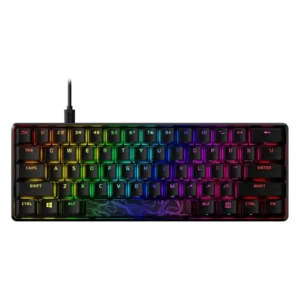
Passthrough features are a clear weakness where discussed, because losing the prior USB passthrough/charging port disappointed reviewers.
Pros: build quality, value for money
Cons: software quality, stabilizer quality
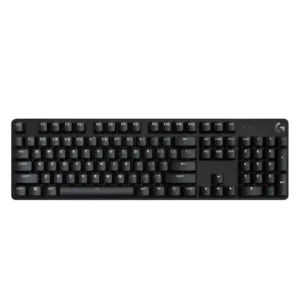
Passthrough features are a repeated omission, with several reviewers criticizing the loss or lack of USB passthrough.
Pros: design aesthetics, keycap quality
Cons: value for money, software quality

Passthrough features were a weakness, with reviewers criticizing the lack of USB passthrough or the wired-only connection limitations.
Pros: sound dampening, switch feel
Cons: reliability, rapid trigger support
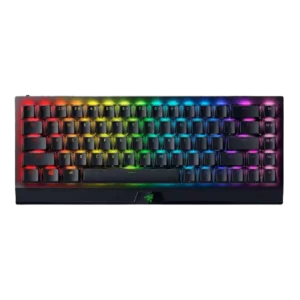
Passthrough features scored poorly because a review explicitly criticized the lack of USB passthrough.
Pros: size and form factor, switch feel
Cons: value for money, battery life

The lack of a built-in USB hub is a repeated disappointment, especially because an earlier HHKB generation included one. Reviewers miss being able to connect a mouse or accessory through...
Pros: switch feel, typing feel
Cons: value for money, layout options

Passthrough was a clear omission, with one reviewer explicitly noting there is no USB passthrough.
Pros: software quality, build quality
Cons: value for money, connectivity