Best for analog input support
Razer Huntsman V3 TKL
4.8 attribute score
Highest scored product for this attribute based on supporting review evidence.

Highest scored product for this attribute based on supporting review evidence.
Balances the attribute score, supporting reviews, and overall product strength.
Has the broadest review evidence for this attribute.
Strongest overall product among items with scored evidence for this attribute.
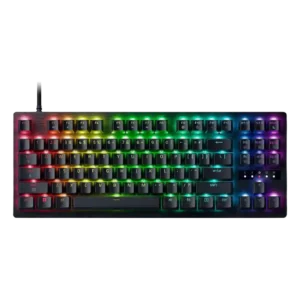
Analog support is one of the board's biggest strengths, with reviewers praising pressure-sensitive control, controller-style behavior, and precise optical switching. It is most useful for players who will actually tune...
Pros: value for money, typing feel

Analog input support was treated as a major gaming advantage, with reviewers calling the Hall-effect behavior game-changing and price-distinguishing.
Pros: value for money, build quality
Cons: switch options, hot-swappable switches

Analog key travel works well for progressive throttle, braking, steering, and variable movement. It adds unusual versatility, though one reviewer notes that learning to control partial key travel takes practice.
Pros: overall satisfaction, customization options
Cons: value for money, switch options

Reviewers valued dual-actuation-style control for movement, driving, and walk/run actions, treating it as a genuinely useful Hall-effect advantage.
Pros: software quality, build quality
Cons: value for money, connectivity

Analog and gamepad-style input was repeatedly treated as useful, especially for racing, flying, and controller-like progressive actions.
Pros: customization options, design aesthetics
Cons: switch options, key spacing

Analog-style input support was viewed positively for racing, simulator control, gameplay realism, and broader input behavior than normal on/off switches.
Pros: typing feel, design aesthetics

Analog input support was viewed as a strong gaming feature, with reviewers highlighting joystick-like behavior, gamepad emulation, and pressure-sensitive controls.
Pros: size and form factor, typing feel
Cons: switch options, portability
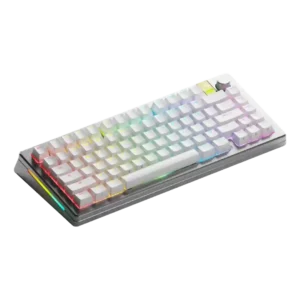
Analog input support was treated as useful for genres that benefit from smooth graduated input, such as racing and flight sims.
Pros: customization options, gaming performance
Cons: value for money, software quality

Analog input was treated as a useful gaming-capable mode that can provide controller-like precision from the keyboard.
Pros: build quality, keycap quality
Cons: switch options, portability
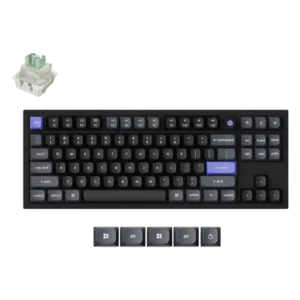
Analog input support was described as fluid, controller-like, and useful for more nuanced control.
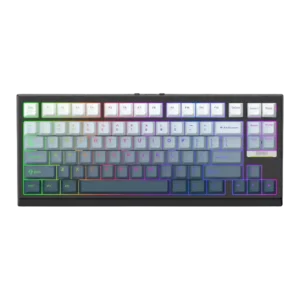
Analog-like input support was praised for racing-game control, where the reviewer valued linear control behavior for precise key actions.
Pros: gaming performance, key responsiveness
Cons: compatibility

Multi-depth input was useful for walk/run and steering-style control, though one reviewer questioned how useful the extra depth mapping would be personally.
Pros: build quality, switch feel
Cons: switch options

Analog-style depth input was viewed as a useful advanced feature, especially for gamepad-like controls, though one reviewer saw it as more novel than essential.
Pros: value for money, design aesthetics
Cons: cable quality, ergonomics

One review treated analog input as niche but genuinely useful for users who need proportional key-depth control.
Pros: typing feel, build quality
Cons: value for money, wireless performance
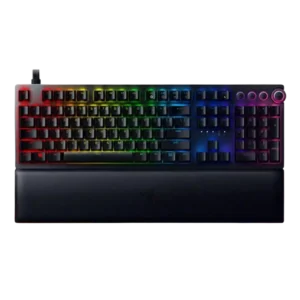
Analog input was the most divisive feature: reviewers praised it as game-changing or highly controllable in supported games, but several found support limited, hard to master, or not useful for...
Pros: analog input support, wrist rest quality
Cons: value for money, cable quality

Analog and gamepad-style input drew mixed reactions: several reviewers saw real potential or useful racing/gamepad possibilities, while others found gamepad functions quirky or unable to work natively as expected.
Pros: value for money, software quality
Cons: switch options, ergonomics
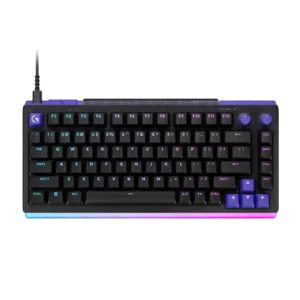
Dual-stage presses can map walking and sprinting or other paired actions, and several reviewers found the idea memorable and useful. Others disliked the SAPP ring feel or noted that the...
Pros: overall satisfaction, design aesthetics
Cons: value for money, wrist rest quality

Analog input support was highly mixed: some reviewers loved controller-like precision, while others found game support limited, inconsistent, or too much hassle.
Pros: customization options, typing feel
Cons: value for money, wrist rest quality
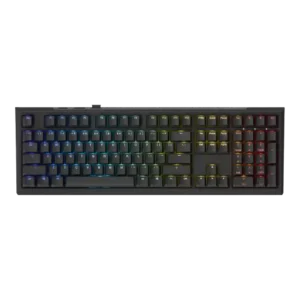
Analog-style functionality was a mixed strength: multi-point and adjustable actuation impressed some reviewers, while others said induction did not add enough beyond existing Hall-effect boards.
Pros: value for money, gaming performance
Cons: software quality, customization options
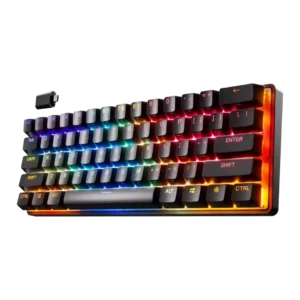
Analog-like and dual-actuation features split reviewers: some liked walk/run-style control and dual bindings, while others found the behavior unintuitive, questionable in games, or difficult to train.
Pros: gaming performance, key responsiveness
Cons: value for money, extra gaming features

GamesRadar framed the Joro as missing the fancier analog-system actuation features found elsewhere in Razer's lineup.
Pros: portability, build quality
Cons: value for money, ergonomics

Analog input support was a weakness because reviewers noted competing boards offered analog functionality while the G915 X did not.
Pros: value for money, battery life
Cons: hot-swappable switches, noise level

Analog-style depth control exists, but reviewers said the low-profile implementation is weak for joystick-like or gradual analog uses such as driving or flight games.
Pros: build quality, gaming performance
Cons: typing feel, typing comfort

Analog-style capability was treated as limited; one reviewer noted the K70 Max lacks more advanced analog movement found elsewhere.
Pros: customization options, gaming performance
Cons: value for money, noise level

Analog-style control was a weak point in the TechRadar review, which wanted more gamepad-like analog mapping options.
Pros: value for money, rapid trigger support
Cons: media controls, stabilizer quality

Analog input support was consistently marked down because reviewers repeatedly called out the absence of Hall-effect or analog switch features.
Pros: typing feel, design aesthetics
Cons: value for money, materials quality
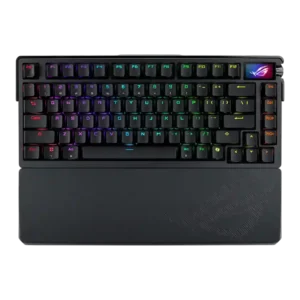
Analog input support was weak because reviewers pointed to missing analog or Hall-effect functionality as a drawback against speed-focused keyboards.
Pros: build quality, customization options
Cons: value for money, rapid trigger support

The keyboard does not deliver analog switch behavior, and multiple reviewers call that out as a limitation. This matters most for buyers who expect adjustable actuation or analog-style gaming controls.
Pros: macro customization, switch feel
Cons: software quality, value for money

The P65 is a conventional mechanical board rather than a Hall Effect model, so it lacks adjustable analog-style actuation for competitive play.
Pros: overall satisfaction, build quality
Cons: portability, reliability

Analog input support is a limitation rather than a strength, with reviewer evidence pointing analog-gaming shoppers toward a different keyboard.
Pros: switch feel, typing feel
Cons: software quality, key spacing

Analog input support was criticized as absent, with reviewers noting the switches are not analog, optical, or hall effect.
Pros: sound dampening, switch feel
Cons: reliability, rapid trigger support
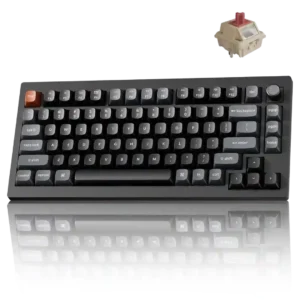
The mechanical switches do not offer Hall Effect-style adjustable sensitivity. Reviewers who want switch-level actuation tuning for serious competition are steered toward magnetic alternatives.
Pros: gaming performance, overall satisfaction
Cons: polling rate, frame rigidity

Reviewers who discuss analog input say the Light Mount lacks magnetic or optical analog response, making it weaker for cutting-edge gaming features.
Pros: noise level, RGB lighting quality
Cons: rapid trigger support, extra gaming features

The fixed optical switches do not provide analog input or adjustable actuation. Buyers seeking Hall Effect-style control will need another keyboard.
Pros: overall satisfaction, macro customization
Cons: value for money, software quality

Analog support was a clear weakness because one reviewer specifically noted the lack of analog mode.
Pros: switch feel, customization options
Cons: value for money, wireless performance

The fixed mechanical actuation point cannot be freely adjusted like a magnetic keyboard. That limits analog-style control and actuation tuning.
Pros: build quality, overall satisfaction
Cons: portability, ergonomics