Best for art display mode
Samsung The Frame 2026
5.0 attribute score
Highest scored product for this attribute based on supporting review evidence.

Highest scored product for this attribute based on supporting review evidence.
Balances the attribute score, supporting reviews, and overall product strength.
Has the broadest review evidence for this attribute.
Strongest overall product among items with scored evidence for this attribute.
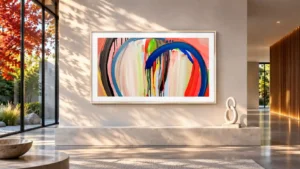
The matte surface, customizable frame and Art Mode create a convincing gallery display at typical viewing distances. The effect is less lifelike up close and may need individual brightness adjustments.
Pros: art display mode, design and appearance
Cons: overall satisfaction, HDMI port accessibility
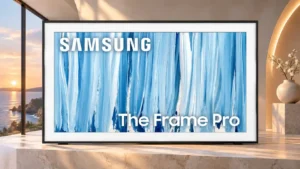
On its matte screen, paintings can convincingly resemble framed canvas rather than a glowing television. This is the standout reason to choose the Frame Pro.
Pros: cable management, design and appearance
Cons: value for money, Dolby Vision support
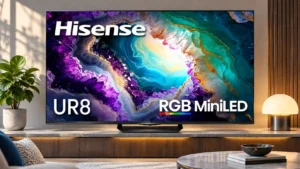
Artwork can look striking on the screen, with convincing textures and good luminance even in complex paintings.
Pros: gaming performance, color volume
Cons: blooming control, dark-room performance
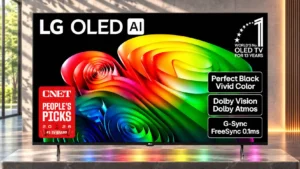
A rotating painting gallery makes the display appealing as background artwork in a living room.
Pros: value for money, peak brightness
Cons: color accuracy, stand quality
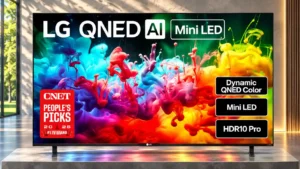
Gallery mode can show artwork as room decor, with some free selections and optional paid content.
Pros: picture quality, color accuracy
Cons: remote control quality, black levels

Paintings and photos can look surprisingly convincing on the matte screen, particularly with a decorative frame. The art effect is less persuasive in very dark rooms, and the gallery controls...
Pros: art display mode, picture quality
Cons: contrast ratio, high-refresh-rate gaming
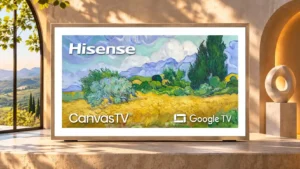
Art Mode gives the screen a convincing second life as wall decor, though the integrated gallery tools are relatively basic.
Pros: picture quality, color accuracy
Cons: HDR performance, sound quality
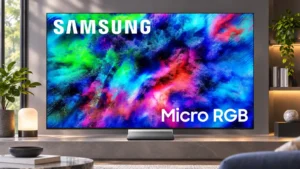
Artwork gains rich color and a convincing painting-like look on the matte display, making Art Mode an attractive secondary use rather than just a screensaver.
Pros: color volume, overall satisfaction
Cons: value for money, color accuracy

Gallery+ lets the screen function as decorative artwork when not playing TV. Changing paintings and the framed presentation appeal particularly to decor-focused buyers.
Pros: design and appearance, maximum volume
Cons: picture quality, value for money
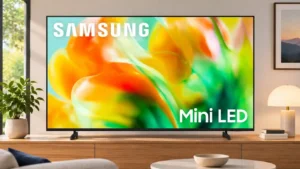
Optional artwork turns the idle screen into a decorative display; the paid art collection and non-Frame styling limit its appeal.
Pros: gaming performance, color accuracy
Cons: value for money, overall satisfaction
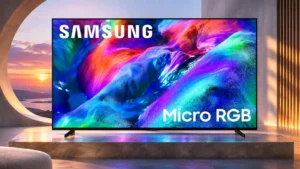
Samsung Art Store gives the screen an optional decorative role when shows and movies are not playing.
Pros: overall satisfaction, color gamut
Cons: value for money, local dimming performance
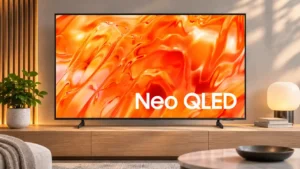
Personal photos, decorative backgrounds and the Art Store make idle screens more attractive, although some premium art requires payment.
Pros: picture quality, overall satisfaction
Cons: sound quality, black levels

The screensaver can display striking artwork, and AI-generated images are a pleasant extra rather than a reason to buy the TV.
Pros: peak brightness, picture quality
Cons: value for money, color accuracy

Artwork can look impressive at this size, with automatic dimming in screensaver mode. The glossy panel and fixed bezels do not replicate a dedicated art television.
Pros: picture quality, overall satisfaction
Cons: color crosstalk, value for money
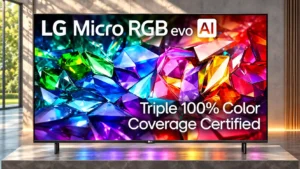
The gallery display looks colorful but lacks convincing canvas texture and detail, making it less compelling as digital wall art.
Pros: peak brightness, picture quality
Cons: value for money, viewing angles