Best for claw grip comfort
Logitech MX Anywhere 3S
5.0 attribute score
Highest scored product for this attribute based on supporting review evidence.

Highest scored product for this attribute based on supporting review evidence.
Balances the attribute score, supporting reviews, and overall product strength.
Has the broadest review evidence for this attribute.
Strongest overall product among items with scored evidence for this attribute.
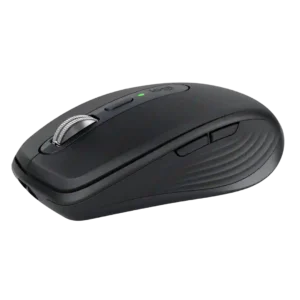
The compact shell works particularly well for claw grip, where its low shape and easy repositioning feel natural rather than cramped.
Pros: portability, click noise
Cons: hand size compatibility, dongle-free setup
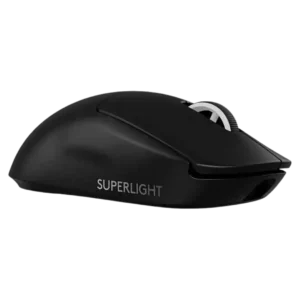
Claw grip comfort was broadly positive, with reviewers calling the mouse comfortable or easy to use for claw grip.
Pros: switch feel, polling rate
Cons: value for money, side button quality
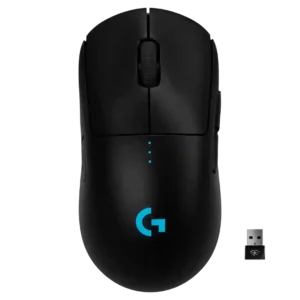
Claw grip comfort was strong, with reviewers saying the mouse suited claw grips well and caused little discomfort during long play.
Pros: value for money, battery life
Cons: cable flexibility, RGB features
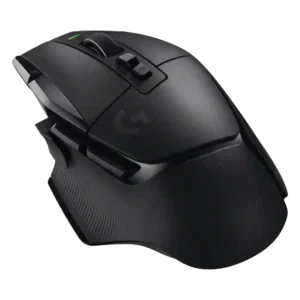
Claw grip comfort had limited but positive evidence, with one reviewer saying claw grip felt good.
Pros: shape comfort, programmable buttons
Cons: value for money, side button quality
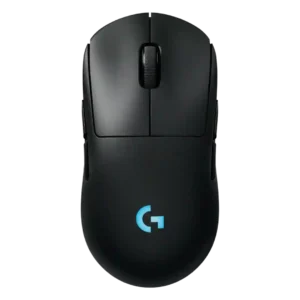
Claw grip comfort is supported by one reviewer who said the shape works for claw grip and broad grip preferences.
Pros: battery life, handedness options
Cons: value for money, polling rate
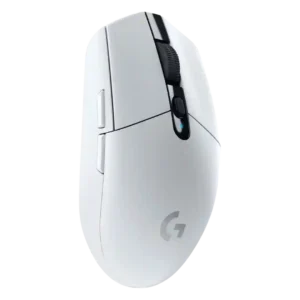
Claw grip comfort was usually positive, especially for small to medium hands, though some large-hand users still found the mouse small.
Pros: value for money, weight
Cons: charging convenience, palm grip comfort
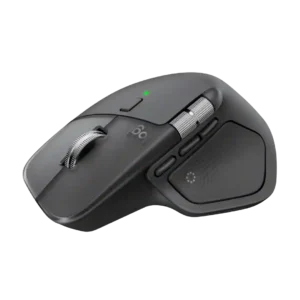
The shape also works well for claw grip according to reviewers who tried multiple grip styles, though the large body remains a preference issue.
Pros: productivity performance, materials quality
Cons: haptic controls, gaming suitability
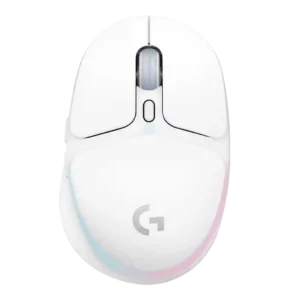
Claw grip comfort was one of the better-supported grip styles, especially for small-to-medium hands, although it depended strongly on hand size.
Pros: shape comfort, battery life
Cons: value for money, DPI range
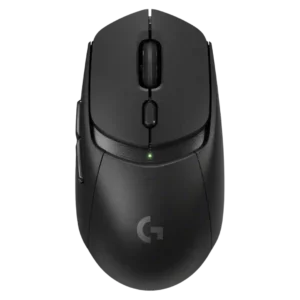
Claw grip comfort was generally stronger than palm feedback, with reviewers calling the shape claw-friendly, though one claw-grip assessment was negative.
Pros: value for money, weight
Cons: premium feel, polling rate
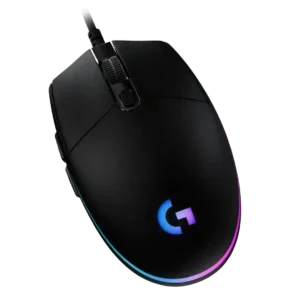
Claw grip comfort is generally good, especially for the compact low-profile body, though a few reviewers found it only acceptable or hand-position dependent.
Pros: value for money, RGB features
Cons: palm grip comfort, click noise
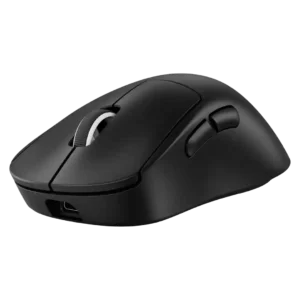
Claw grip comfort was mixed, working for relaxed claw or some users while feeling too large or high for others.
Pros: weight, shape comfort
Cons: side button quality, value for money
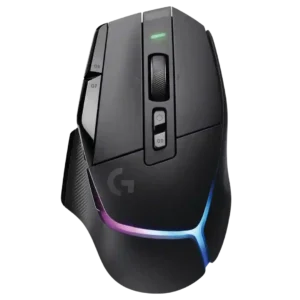
Claw grip comfort was mixed, with one review saying it suits claw or hybrid grips and another saying claw users may want a smaller mouse.
Pros: RGB features, weight
Cons: value for money, scroll wheel quality
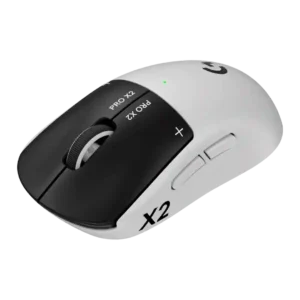
Claw grip comfort is only lightly covered, with one reviewer noting they had to adopt more of a claw grip after losing the G502X thumb shelf.
Pros: switch feel, click latency
Cons: value for money, glide smoothness
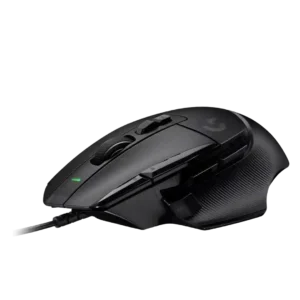
Claw grip comfort was a clear weak point in the one direct review, which said the shape definitely does not work for claw grip.
Pros: button customization, switch feel
Cons: RGB features, weight tuning