Best for charging convenience
Logitech MX Master 3S
5.0 attribute score
Highest scored product for this attribute based on supporting review evidence.

Highest scored product for this attribute based on supporting review evidence.
Balances the attribute score, supporting reviews, and overall product strength.
Has the broadest review evidence for this attribute.
Strongest overall product among items with scored evidence for this attribute.
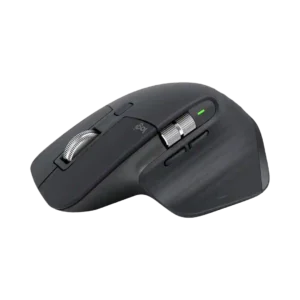
The front USB-C port lets the mouse keep working while it charges, a practical detail reviewers repeatedly appreciate.
Pros: click noise, ergonomic design
Cons: gaming suitability, handedness options
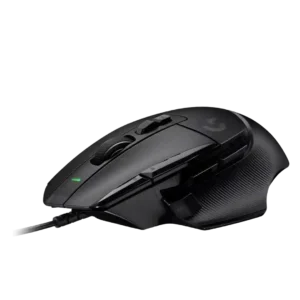
Charging convenience scored well only because one reviewer valued the wired model not needing charging.
Pros: button customization, switch feel
Cons: RGB features, weight tuning
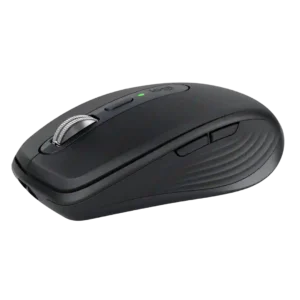
Front-mounted USB-C charging is easy to live with because the mouse remains usable while plugged in. That placement avoids the downtime associated with mice that charge from the underside.
Pros: portability, click noise
Cons: hand size compatibility, dongle-free setup
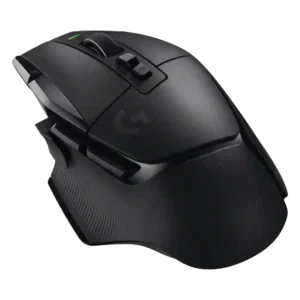
Charging convenience was praised for USB-C, PowerPlay-style charging support, and not needing to think much about recharging.
Pros: shape comfort, programmable buttons
Cons: value for money, side button quality
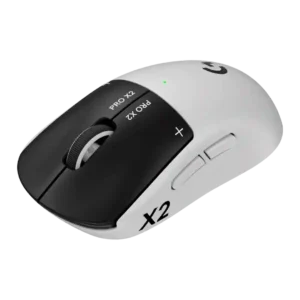
Charging convenience scores well thanks to PowerPlay support, USB-C charging, and quick recovery from low battery in reviewer testing.
Pros: switch feel, click latency
Cons: value for money, glide smoothness
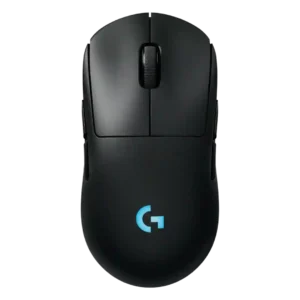
Charging convenience is strong thanks to fast charging impressions, USB-C, and Power Play/constant-power convenience.
Pros: battery life, handedness options
Cons: value for money, polling rate
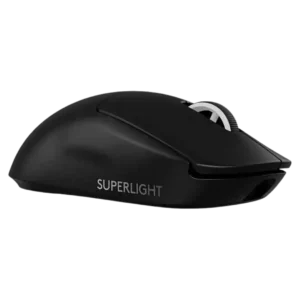
Charging convenience was praised for USB-C, faster charging, and fewer desk cables.
Pros: switch feel, polling rate
Cons: value for money, side button quality
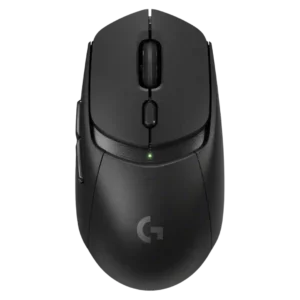
Charging convenience was strongest with PowerPlay or AA swapping, though one review disliked the lack of USB-C charging.
Pros: value for money, weight
Cons: premium feel, polling rate
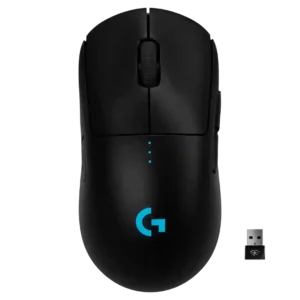
Charging convenience was mostly positive, helped by fast charging, wired-use capability, and PowerPlay support, though micro-USB was viewed as dated.
Pros: value for money, battery life
Cons: cable flexibility, RGB features
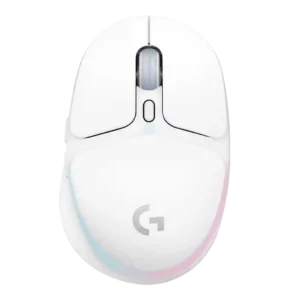
Charging convenience was well received thanks to USB-C, fast recharge mentions, and the ability to keep using the mouse while charging.
Pros: shape comfort, battery life
Cons: value for money, DPI range
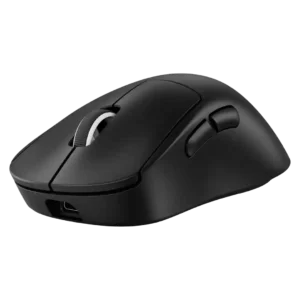
Charging convenience was strong when using USB-C or Powerplay, though one reviewer criticized the full recharge time.
Pros: weight, shape comfort
Cons: side button quality, value for money
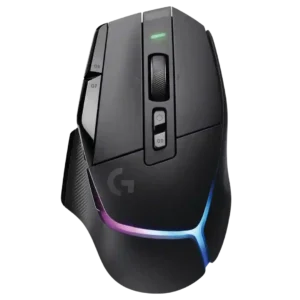
Charging convenience was generally positive thanks to USB-C and charge-while-playing, though one reviewer found the USB-C port fiddly.
Pros: RGB features, weight
Cons: value for money, scroll wheel quality
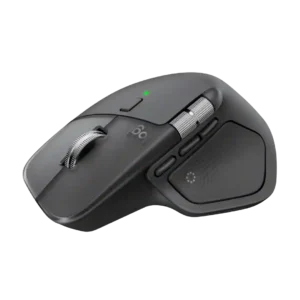
USB-C charging is convenient because the mouse remains usable while plugged in, avoiding the downtime associated with bottom-charging designs.
Pros: productivity performance, materials quality
Cons: haptic controls, gaming suitability
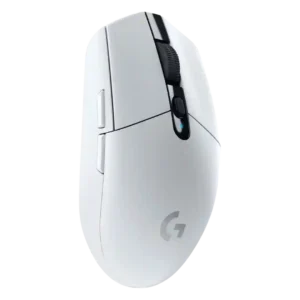
Charging convenience was weak because the mouse relies on replaceable AA batteries and lacks USB charging, wired use, or rechargeable convenience.
Pros: value for money, weight
Cons: charging convenience, palm grip comfort