Best for USB-A ports
EcoFlow Delta 3 Plus Review
5.0 attribute score
Highest scored product for this attribute based on supporting review evidence.

Highest scored product for this attribute based on supporting review evidence.
Balances the attribute score, supporting reviews, and overall product strength.
Has the broadest review evidence for this attribute.
Strongest overall product among items with scored evidence for this attribute.
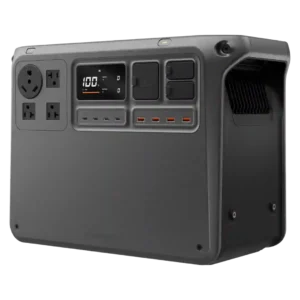
Four quick-charge USB-A ports add useful legacy-device capacity alongside the stronger USB-C selection.
Pros: noise level, power output
Cons: weight, accessory ecosystem
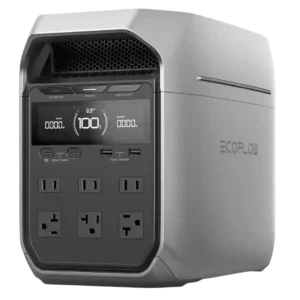
The two USB-A ports deliver more power than typical legacy ports and remain useful for older accessories.
Pros: overall product satisfaction, solar panel compatibility
Cons: long-term reliability, standby power loss
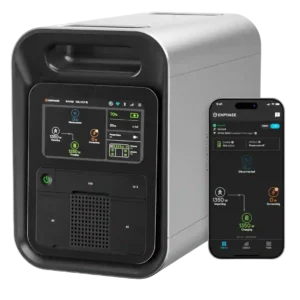
Four USB-A ports remain useful for older cables and help the station charge a broad mix of personal electronics.
Pros: display quality, overall product satisfaction
Cons: solar charging speed, weight
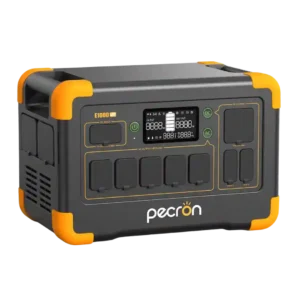
The two USB-A ports are a welcome addition alongside USB-C, preserving support for older accessories and charging cables.
Pros: overall product satisfaction, value for money
Cons: standby power loss, surge capacity
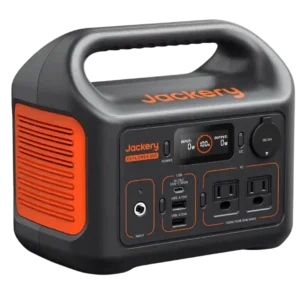
The USB-A selection is useful, including a Quick Charge port that reviewers found to meet its rated fast-charge performance.
Pros: overall product satisfaction, portability
Cons: high-demand appliance support, home backup capability
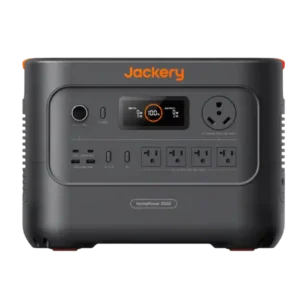
Two USB-A ports add useful legacy-device charging alongside the AC and USB-C outputs.
Pros: high-demand appliance support, overall product satisfaction
Cons: accessory ecosystem, charging input compatibility
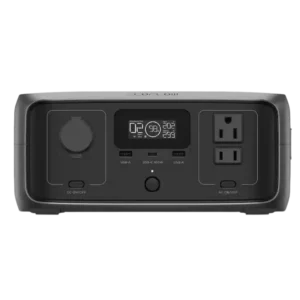
Two USB-A ports remain practical for older cables and smaller devices.
Pros: overall product satisfaction, portability
Cons: specification accuracy, display readability
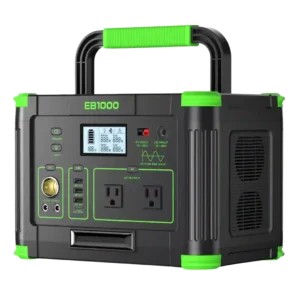
The USB-A ports charge phones and smaller devices reliably, though their speeds trail newer power stations.
Pros: overall product satisfaction, value for money
Cons: long-term reliability, recharge speed
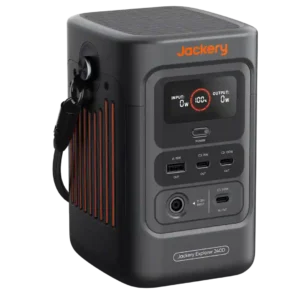
One legacy USB-A port is considered sufficient beside the three more useful USB-C ports. The balance favors modern devices without completely abandoning older cables.
Pros: value for money, compactness
Cons: high-demand appliance support, AC outlet count
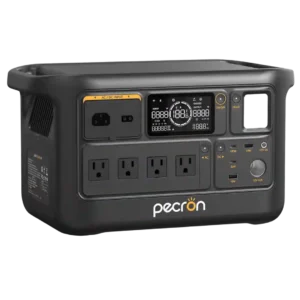
The 18W USB-A ports are considered reasonably fast for legacy USB-A charging and remain useful for phones and accessories.
Pros: overall product satisfaction, load handling
Cons: battery expandability, long-term reliability
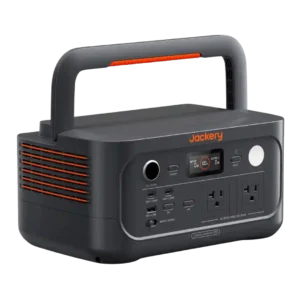
The single USB-A connection can feel limiting when several legacy devices need charging at once.
Pros: overall product satisfaction, compactness
Cons: high-demand appliance support, app connectivity
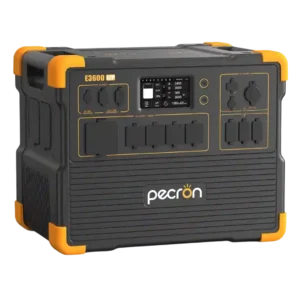
One owner reported that USB power damaged two devices, making the USB-A output a serious concern in that unit.
Pros: overall product satisfaction, value for money
Cons: long-term reliability, noise level
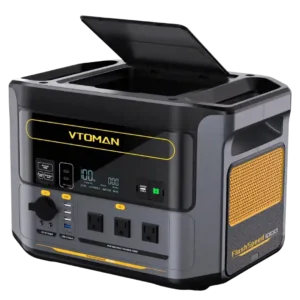
The four USB-A ports are useful, but only one supports faster 18W charging, which feels dated beside the stronger USB-C setup.
Pros: overall product satisfaction, AC charging speed
Cons: weight, display readability
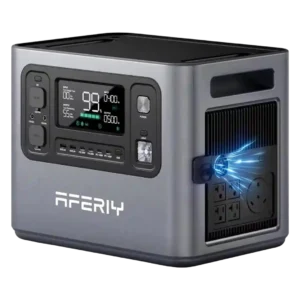
The USB-A ports work for basic charging but are limited to standard 5V output rather than modern fast-charging protocols.
Pros: overall product satisfaction, battery expandability
Cons: weight, built-in light
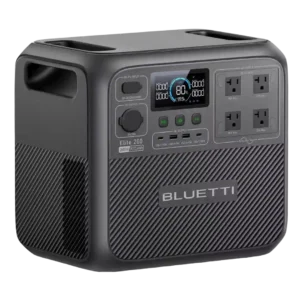
The USB-A ports cover basic legacy devices, but their modest charging speed feels dated beside the stronger USB-C outputs.
Pros: overall product satisfaction, value for money
Cons: weight, battery expandability
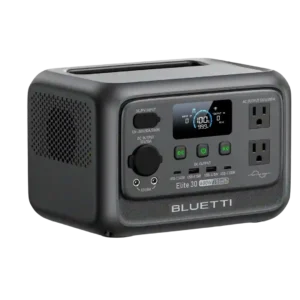
The two USB-A ports work for basic accessories, but their 15W output and lack of modern fast-charging standards feel dated.
Pros: value for money, portability
Cons: battery capacity, standby power loss
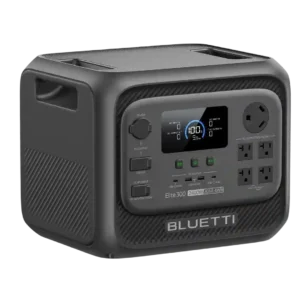
The USB-A ports work for legacy devices, but one tester would trade one of them for an additional USB-C connection.
Pros: compactness, load handling
Cons: weight, battery expandability
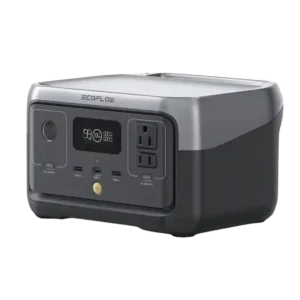
The two USB-A ports are useful for legacy devices but lack broad fast-charge protocol support and sometimes fall short of their rated output.
Pros: overall product satisfaction, AC charging speed
Cons: runtime, high-demand appliance support
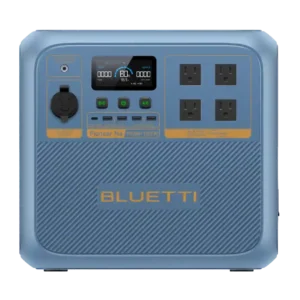
The four USB-A ports are one of the most consistent complaints. Reviewers see the mix as dated for 2026 and would rather trade some of them for additional USB-C.
Pros: overall product satisfaction, cold-weather performance
Cons: value for money, weight
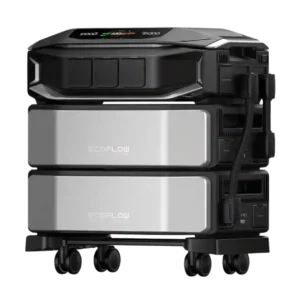
Removing USB-A ports is a recurring complaint from reviewers who still use a large home battery to charge phones and small electronics. A minority view the omission as reasonable for...
Pros: power output, home backup capability
Cons: AC outlet count, UPS functionality
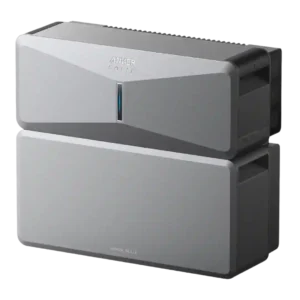
There are no built-in USB-A ports on the E10 inverter, a repeated complaint from reviewers who expected direct device charging.
Pros: ease of setup, overall product satisfaction
Cons: display quality, accessory ecosystem
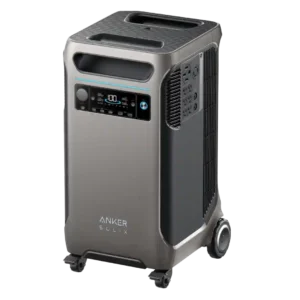
One shipping-damaged unit arrived with nonfunctional USB ports, creating a sharply negative but isolated report.
Pros: overall product satisfaction, home backup capability
Cons: value for money, weight
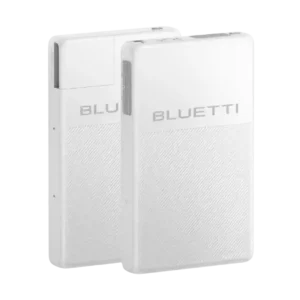
The main unit has no USB-A ports, forcing small-device charging through AC adapters or an expansion battery.
Pros: overall product satisfaction, runtime
Cons: weight, DC output