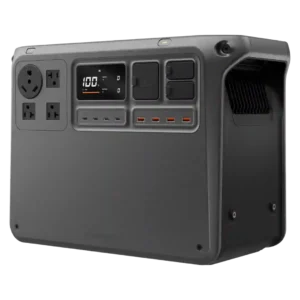
Four quick-charge USB-A ports add useful legacy-device capacity alongside the stronger USB-C selection.
Pros: rated output, peak output
Cons: startup reliability, full-load noise

Four quick-charge USB-A ports add useful legacy-device capacity alongside the stronger USB-C selection.
Pros: rated output, peak output
Cons: startup reliability, full-load noise
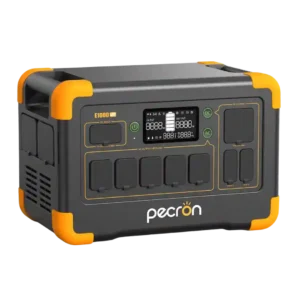
The two USB-A ports are a welcome addition alongside USB-C, preserving support for older accessories and charging cables.
Pros: inverter quality, LiFePO4 battery
Cons: idle noise, built-in light
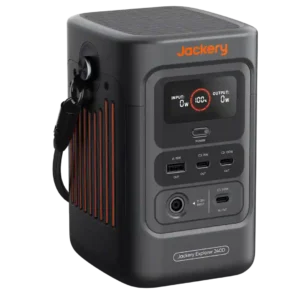
One legacy USB-A port is considered sufficient beside the three more useful USB-C ports. The balance favors modern devices without completely abandoning older cables.
Pros: power output, rated output
Cons: AC outlet count, repairability
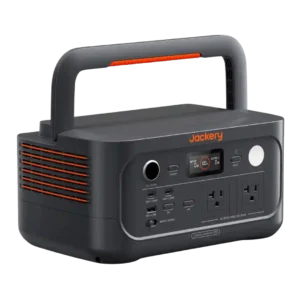
The single USB-A connection can feel limiting when several legacy devices need charging at once.
Pros: output stability, pure sine wave output
Cons: remaining runtime estimate, Bluetooth connectivity
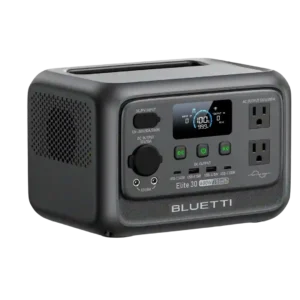
The two USB-A ports work for basic accessories, but their 15W output and lack of modern fast-charging standards feel dated.
Pros: rated output, output stability
Cons: over-voltage protection, cold-weather performance
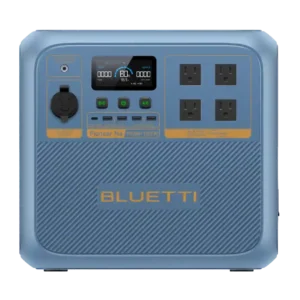
The four USB-A ports are one of the most consistent complaints. Reviewers see the mix as dated for 2026 and would rather trade some of them for additional USB-C.
Pros: pure sine wave output, startup performance
Cons: MPPT controller performance, battery expandability
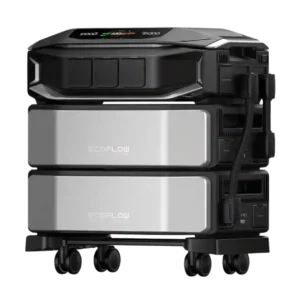
Removing USB-A ports is a recurring complaint from reviewers who still use a large home battery to charge phones and small electronics. A minority view the omission as reasonable for...
Pros: output stability, voltage regulation
Cons: solar cable compatibility, UPS functionality