Best for debounce customization
MSI Versa 300 Wireless 8K
5.0 attribute score
Highest scored product for this attribute based on supporting review evidence.

Highest scored product for this attribute based on supporting review evidence.
Balances the attribute score, supporting reviews, and overall product strength.
Has the broadest review evidence for this attribute.
Strongest overall product among items with scored evidence for this attribute.

MSI Center exposes fine debounce adjustment from 0 to 30ms, giving competitive users useful control over click behavior.
Pros: software usability, sensor performance
Cons: RGB features, scroll wheel quality

Debounce customization was praised as a useful tuning option for competitive players.
Pros: charging convenience, software usability
Cons: RGB features, value for money

Debounce customization was praised in one review because SWARM II explained debounce and related settings clearly.
Pros: battery life, software usability
Cons: weight, FPS gaming suitability

Debounce customization was viewed positively where tested, helping prevent accidental double clicks or supporting faster recognition.
Pros: weight, battery life
Cons: polling rate, RGB features

Debounce customization was viewed positively as a useful control for click behavior.
Pros: battery life, weight
Cons: click noise, left and right click quality
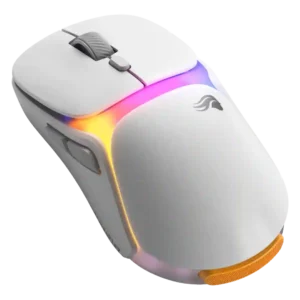
Debounce customization was praised as useful for super-competitive players through the Glorious software.
Pros: charging convenience, shape comfort
Cons: value for money, weight

Debounce and reset customization is praised through Rapid Trigger, though one reviewer says the differences between levels can feel subtle.
Pros: switch feel, click latency
Cons: value for money, glide smoothness
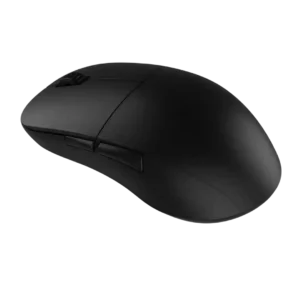
Debounce customization was seen as useful because it can be lowered to zero, improving click latency or click registration for certain uses.
Pros: value for money, glide smoothness
Cons: fingertip grip comfort, surface compatibility
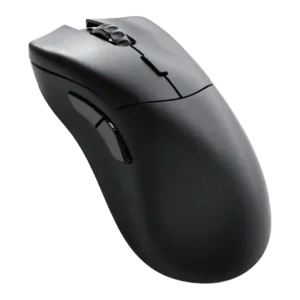
Debounce customization was viewed positively where discussed, with reviewers noting accessible performance-parameter and debounce settings.
Pros: value for money, glide smoothness
Cons: battery life, polling rate

Debounce customization is seen as a meaningful enthusiast feature, especially for multi-click filtering and double-click protection, though some settings require tuning.
Pros: left and right click quality, build quality
Cons: macro support, palm grip comfort
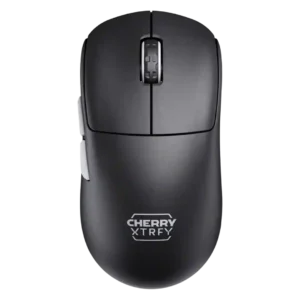
Debounce customization had enough increments for preferences in one review, but broader setup friction remained tied to no software.
Pros: build quality, shape comfort
Cons: value for money, charging convenience

Debounce customization was positive because adjustable debounce supported drag-click use.
Pros: weight, shape comfort
Cons: battery life, side button quality

Debounce customization had limited positive evidence, with one reviewer calling adjustable debounce a notable gaming feature but caveating its usefulness for casual players.
Pros: RGB features, battery life
Cons: value for money, scroll wheel quality
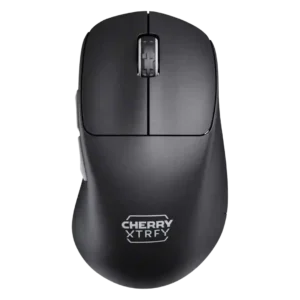
Debounce customization received negative evidence from one reviewer, who found the lowest debounce setting caused ghost or slam-click behavior.
Pros: build quality, weight
Cons: value for money, charging convenience
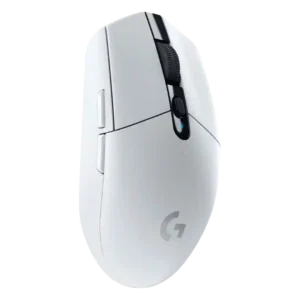
Debounce customization was a weakness because reviewers noted competing budget mice offer adjustable debounce while the G305 does not.
Pros: value for money, weight
Cons: charging convenience, palm grip comfort

Debounce customization was criticized only where advanced software tweaks were discussed, with TechRadar noting debounce time adjustment was absent.
Pros: value for money, weight
Cons: premium feel, polling rate

Debounce customization was only mentioned as a missing high-end feature, making it a weakness for advanced users.
Pros: battery life, weight
Cons: side button quality, value for money
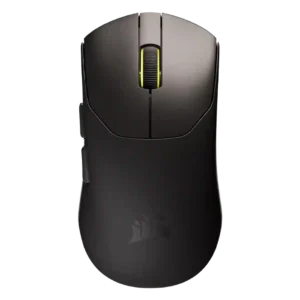
Debounce customization was a clear technical gap because reviewers said the mouse was stuck at an 8 ms debounce or lacked a public adjustment option.
Pros: build quality, weight
Cons: software usability, battery life