Best for button quality
Razer Basilisk V3 X HyperSpeed
5.0 attribute score
Highest scored product for this attribute based on supporting review evidence.

Highest scored product for this attribute based on supporting review evidence.
Balances the attribute score, supporting reviews, and overall product strength.
Has the broadest review evidence for this attribute.
Strongest overall product among items with scored evidence for this attribute.
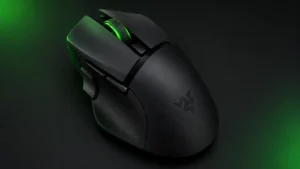
Overall: 4.2/5
Buttons feel solid and responsive, with less rattling than the original X HyperSpeed.
Pros: shape comfort, ergonomic design
Cons: weight, charging convenience
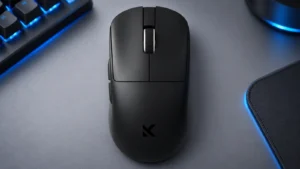
Overall: 4.2/5
The buttons feel well constructed and largely free of wobble.
Pros: sensor performance, weight
Cons: feet quality, glide smoothness
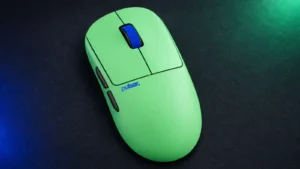
Overall: 4.3/5
Buttons are well implemented without grinding or loose movement on the tested sample.
Pros: build quality, gaming performance
Cons: battery life, hand size compatibility
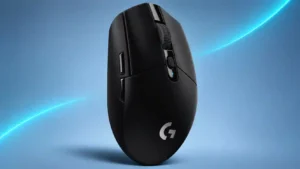
Overall: 4.3/5
Most buttons feel sturdy and responsive, with the primary clicks receiving particularly favorable feedback.
Pros: value for money, battery life
Cons: ergonomic design, balance and weight distribution
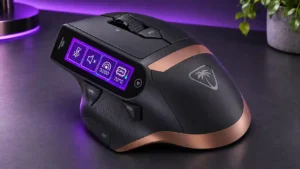
Overall: 3.6/5
Main clicks feel satisfying and crisp even though opinions differ on the shell surrounding them.
Pros: charging convenience, battery life
Cons: Touchscreen usefulness, value for money
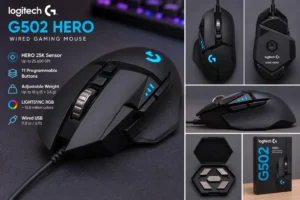
Overall: 4.2/5
Most buttons feel well made, though the overhanging DPI controls can feel fragile.
Pros: sensor performance, Accuracy and tracking precision
Cons: weight, Cable drag
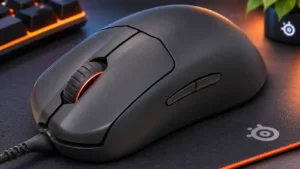
Overall: 3.9/5
The buttons feel solid with little unwanted travel or play.
Pros: value for money, gaming performance
Cons: coating quality, scroll wheel quality

Overall: 4.5/5
Most buttons feel crisp and solid with good feedback; the middle-click reliability complaint and occasional mushy thumb trigger are caveats.
Pros: scroll wheel quality, RGB features
Cons: weight, handedness options
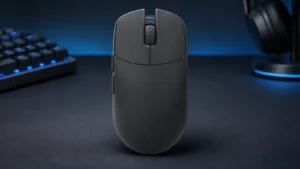
Overall: 3.9/5
Main buttons, side controls and wheel are generally well implemented and tactile.
Pros: weight, build quality
Cons: hand support, coating quality
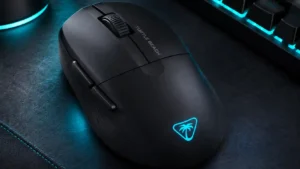
Overall: 3.3/5
Click feel divides opinion: some hear crisp, accurate responses while another finds grinding or cheap-feeling actuation.
Pros: build quality, gaming performance
Cons: ergonomic design, glide smoothness
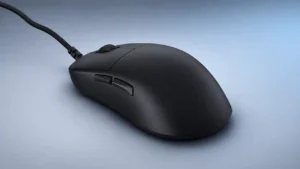
Overall: 4.3/5
The main buttons are well implemented, but the side-button shape is less convincing.
Pros: responsiveness, sensor performance
Cons: Cable drag, polling rate
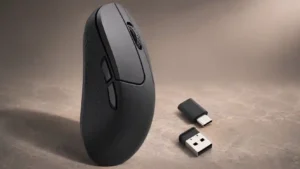
Overall: 4.0/5
Some owners enjoy the responsive buttons while others find them mushy or cheap-feeling.
Pros: weight, value for money
Cons: side button quality, connection stability
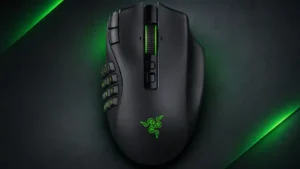
Overall: 4.2/5
Button quality is generally good, although edge buttons and the simpler two-button panel can feel mushy.
Pros: Interchangeable side panels, MMO gaming suitability
Cons: value for money, FPS gaming suitability
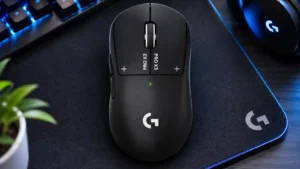
Overall: 3.8/5
Main paddles can feel solid with little grinding, but excessive side-to-side movement is noticeable on some units.
Pros: balance and weight distribution, weight
Cons: Upgrade value, value for money