If you want better Screen coating clarity
Choose LG 27GR83Q-B. It scores 5.0 vs 2.0 for Screen coating clarity, with a 4.2 overall score.

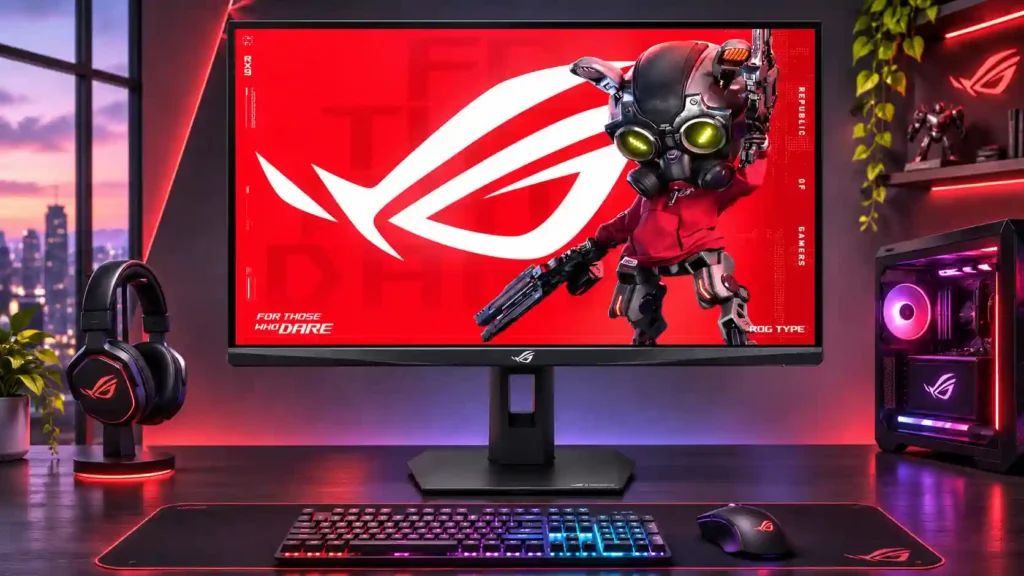
For NVIDIA-powered competitive gaming, the 360Hz IPS panel and Pulsar strobing deliver remarkably sharp motion. The tradeoff is weak HDR and contrast, limited connectivity, and a premium price.
NVIDIA PC gamers focused on competitive shooters, high-refresh esports, or fast-scrolling games, especially those who want superb motion clarity without extremely high frame rates.
HDR and cinematic-first players, budget shoppers, AMD users wanting Pulsar, or people needing USB-C laptop docking and multi-computer convenience.
The ASUS ROG Strix Pulsar XG27AQNGV is built for people who prize seeing moving targets clearly above everything else. Its 360Hz 1440p IPS panel is exceptionally responsive, but G-SYNC Pulsar is the real attraction: it delivers strikingly crisp motion across changing frame rates without the usual VRR-versus-strobing tradeoff. A compact stand, bright screen, and strong SDR color make it pleasant to use beyond esports, and even some slower games gain from cleaner movement. The compromises are substantial, though. Dark blacks and HDR highlights cannot rival OLED because there is no meaningful local dimming, HDMI stops at 120Hz, and there is no USB-C or KVM. Pulsar needs a compatible NVIDIA GPU, while low-rate ULMB can flicker. It is a compelling specialized gaming monitor, not the most versatile display at its price.
Compared with other Monitors, this product is above average in Backlight strobing, Black frame insertion (BFI), GPU demands, near average in color accuracy, USB hub functionality, below average in Video cadence compatibility, Integrated power supply, contrast.
| Attribute | This product | Category average | Difference |
|---|---|---|---|
| Backlight strobing | 4.9 | 2.7 | +2.2 |
| Video cadence compatibility | 1.0 | 3.3 | -2.3 |
| Black frame insertion (BFI) | 4.0 | 1.8 | +2.2 |
| Integrated power supply | 2.0 | 4.2 | -2.2 |
| contrast | 2.1 | 4.1 | -2.0 |
| USB port accessibility | 2.0 | 4.1 | -2.1 |
| black levels | 1.8 | 3.8 | -2.0 |
| KVM switch performance | 1.0 | 3.1 | -2.1 |
Choose LG 27GR83Q-B. It scores 5.0 vs 2.0 for Screen coating clarity, with a 4.2 overall score.
Choose LG 27GX790A-B. It scores 5.0 vs 1.8 for black levels, with a 4.0 overall score.
Choose KOORUI S2741LM. It scores 4.7 vs 2.0 for port selection, with a 4.2 overall score.
Choose Dell Alienware AW2523HF. It scores 5.0 vs 2.0 for Integrated power supply, with a 3.9 overall score.
Products reviewers directly compared with this model, grouped into quick takeaways.
Pulsar synchronizes strobing with variable refresh rates, helping moving objects remain sharp even when the game runs well below 360fps. Conventional fixed-rate strobing generally requires VRR to be disabled.
No. Normal VRR and fixed-rate ULMB 2 can work without an NVIDIA GPU, but Pulsar requires compatible GeForce hardware and G-SYNC.
No. Full 360Hz operation requires DisplayPort; the HDMI 2.1 inputs are limited to 120Hz on this monitor.
Not if HDR quality is a priority. The IPS panel lacks local dimming and deep blacks, so HDR looks much less dramatic than on a capable OLED or Mini LED monitor.
Pulsar switches off below its adjustable 75–90fps threshold. Updated firmware allows fixed 60Hz ULMB 2, but that mode can flicker visibly and introduce additional lag.
Yes, within limits: consoles can use supported 120Hz signals and the 1440p panel is sharp for office tasks. It lacks native 4K output, USB-C docking, KVM, and built-in speakers.
One owner returned an initial unit after finding dead pixels, despite praising its motion clarity, and later bought a replacement. That is a specific ownership experience, not proof of a widespread defect rate.
These are a few of the reviews included in our analysis.




This tech has to be seen to be believed
Asus delivers its take on G-Sync Pulsar with the ROG Strix XG27AQGNV.
So Pulsar, is it any good? Absolutely. No longer is it a choice between, smooth gameplay or sharp motion, with Pulsar enabled on the ROG...
ASUS has debuted the ROG Strix XG27AQNGV gaming monitor, introducing NVIDIA's new Pulsar technology that delivers significant motion clarity.
The ASUS ROG Strix Pulsar XG27AQNGV is a 27-inch, 1440p gaming monitor. As a newer version of the ASUS ROG Swift 360Hz PG27AQN, it carries...

This 360Hz QD-OLED ultrawide delivers exceptional gaming motion, vibrant HDR and dramatically cleaner text. Its high price, less-than-perfect bright-room blacks and occasional HDR dimming are the main reasons to hesitate.
Pros: color gamut, contrast
Cons: value for money, Resolution

The 360Hz QD-OLED panel delivers exceptional HDR gaming, responsive motion, and cleaner text than earlier ultrawides. Its 3440×1440 resolution is less sharp than 4K, and premium pricing remains a hurdle.
Pros: refresh rate, Text fringing
Cons: Resolution, GPU demands

A huge, sharp ultrawide workspace and unusually capable Thunderbolt dock make the U4025QW outstanding for demanding productivity and editing. Its high price, modest HDR, and imperfect motion handling keep it...
Pros: overall picture quality, color accuracy
Cons: value for money, built-in speakers

Lightning-fast 360Hz OLED gaming, rich color and an unusually flexible USB-C/KVM setup are the big draws. Strong room lighting, limited full-screen HDR brightness and static-content burn-in concerns keep it from...
Pros: color gamut, overall satisfaction
Cons: reflection handling, VRR flicker