Best for account requirements
Roku Pro Series (2026)
3.3 attribute score
Highest scored product for this attribute based on supporting review evidence.

Highest scored product for this attribute based on supporting review evidence.
Balances the attribute score, supporting reviews, and overall product strength.
Has the broadest review evidence for this attribute.
Strongest overall product among items with scored evidence for this attribute.
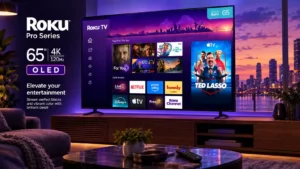
QR-code login makes account setup convenient, but mandatory sign-in frustrates buyers who would rather use the TV without an account.
Pros: contrast ratio, value for money
Cons: peak brightness, HDR brightness

Google sign-in can make app credentials easier to manage, but tying the TV to a Google account can be undesirable for people who want less ecosystem integration.
Pros: gaming performance, peak brightness
Cons: HDMI 2.1 support, HDMI 2.1 port count

Google account setup can be easy, but some owners strongly dislike being pushed into Google sign-in during initial setup.
Pros: overall satisfaction, picture quality
Cons: reliability, build quality
Google TV setup can require a Google account, and one installation hit enough sign-in friction to require manual email and password entry.
Pros: overall satisfaction, picture quality
Cons: HDMI 2.1 port count, reflection handling
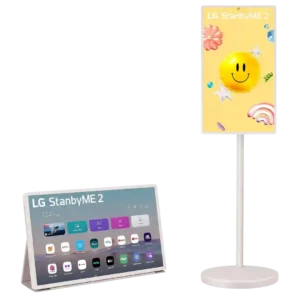
Account setup can be needlessly confusing, especially around LG ThinQ, multiple users, and sign-up steps. Reviewers would prefer a simpler onboarding and sharing process.
Pros: overall satisfaction, portability and versatility
Cons: value for money, menu responsiveness

Google TV setup requires substantial terms and data prompts, and some mandatory agreements cannot be skipped even in a basic setup.
Pros: peak brightness, picture quality
Cons: color accuracy, viewing angles
Using built-in streaming apps requires a Samsung account, and the associated permissions/setup flow can feel intrusive or tedious.
Pros: glare resistance, black levels
Cons: Dolby Vision support, color gamut
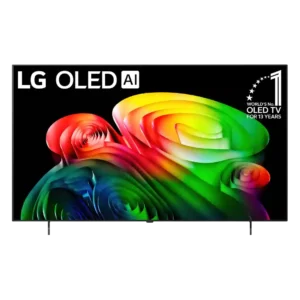
Account setup can be frustrating; app-assisted Google login failed for one reviewer and required manual completion.
Pros: picture quality, value for money
Cons: stand quality, daytime viewing performance
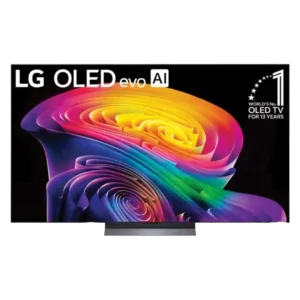
webOS 26 may require an LG account and acceptance of terms before built-in apps can be used, an unacceptable restriction for privacy-conscious buyers.
Pros: picture quality, gaming performance
Cons: value for money, sound quality

Streaming apps being locked behind an LG account is one of webOS 26’s most disliked changes, with added concern over required data consent.
Pros: picture quality, peak brightness
Cons: value for money, sound quality
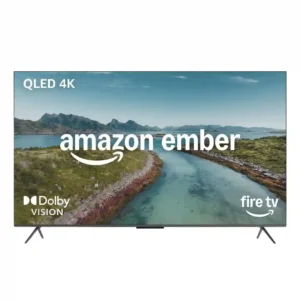
Amazon account requirements frustrate users who do not want to tie the TV to an Amazon/Alexa account. One expert notes that full smart functionality depends on signing in.
Pros: picture quality, overall satisfaction
Cons: value for money, reliability