Best for eye comfort features
MSI MPG 272URX QD-OLED
5.0 attribute score
Highest scored product for this attribute based on supporting review evidence.

Highest scored product for this attribute based on supporting review evidence.
Balances the attribute score, supporting reviews, and overall product strength.
Has the broadest review evidence for this attribute.
Strongest overall product among items with scored evidence for this attribute.

Overall: 4.2/5
Low-blue-light modes and exceptionally crisp text help some users work comfortably, including those sensitive to older OLED fringing.
Pros: HDR performance, DisplayPort connectivity
Cons: value for money, brightness

Overall: 3.9/5
Flicker-free standard backlighting and blue-light filtering provide welcome comfort options. Optional MPRT strobing is a separate feature with possible flicker or strain.
Pros: HDR performance, black levels
Cons: viewing angles, response time

Overall: 4.4/5
The monochrome and flicker-control options can reduce visual strain for users who prefer gentler presentation.
Pros: refresh rate, Text fringing
Cons: Resolution, GPU demands
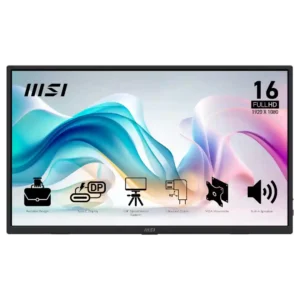
Overall: 4.1/5
The eye-comfort package is well regarded, with anti-flicker, low-blue-light, and matte treatment framed as useful for long work sessions.
Pros: value for money, portability and weight
Cons: built-in speakers, color gamut

Overall: 4.4/5
A low-blue-light mode and uniform-luminance control can make long text sessions more comfortable. At maximum output, large white windows may still feel harsh on the eyes.
Pros: brightness, reflection handling
Cons: cable management

Overall: 4.0/5
The blue-light filter is helpful after hours, but HDR brightness may need reducing for comfortable extended viewing.
Pros: Dual-mode versatility, refresh rate
Cons: black levels, contrast

Overall: 4.0/5
The immersive display can cause fatigue during very long sessions or when viewed too closely on a shallow desk.
Pros: overall satisfaction, DisplayPort connectivity
Cons: value for money, reliability over time