Best for menu usability
Shinobi: Art of Vengeance
5.0 feature score
Highest scored product for this feature based on supporting review evidence.

Highest scored product for this feature based on supporting review evidence.
Balances feature score, supporting reviews, and overall product strength.
Has the broadest review evidence for this feature.
Strongest overall product among items with scored evidence for this feature.
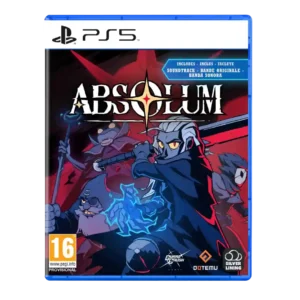
Menu usability received positive support for sleek, easy navigation.
Pros: mission design, world interactivity
Cons: quest design, endgame content

The recent-items tab is a meaningful quality-of-life improvement, making newly collected lore and gear much easier to track.
Pros: gameplay mechanics, core gameplay loop
Cons: platforming precision, tutorial quality
Menus and command navigation are generally clear and quick, with combat options easy to reach once learned.
Pros: controls responsiveness, movement feel
Cons: camera behavior, physical copy condition
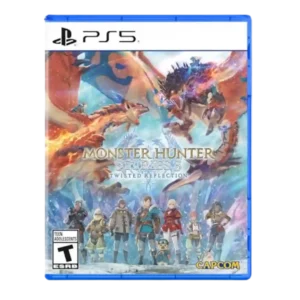
Menu streamlining is a meaningful quality-of-life win, making key systems easier to inspect and manage than in earlier entries.
Pros: puzzle design, level design
Cons: crash stability, multiplayer design
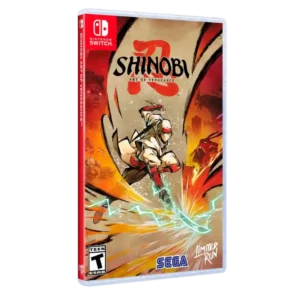
Menu usability is praised through the clean, easy-to-navigate interface that removes friction around fast travel and play.
Pros: graphics quality, environmental detail
Cons: bug frequency, dialogue quality
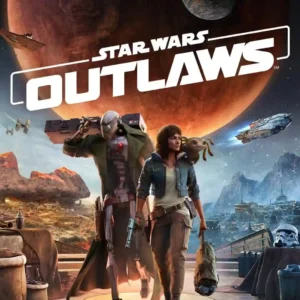
Directly selecting planets and systems from the travel menu is called out as a particularly convenient way to move around the galaxy.
Pros: visual effects quality, user interface design
Cons: monetization fairness, bug frequency
The streamlined favorites and equipment menus are widely praised on controllers for making a complex RPG approachable. PC-oriented interface criticism exists, but the general menu design is one of the...
Pros: gameplay mechanics, core gameplay loop
Cons: camera behavior, haptic feedback integration

Shared storage and equipment management are convenient, but some menus still feel more cumbersome than the best farming sims.
Pros: world interactivity, sandbox freedom
Cons: character diversity, character development

Menus and navigation are praised for being awesome and easier to use than prior collection workflows.
Pros: emotional impact, sound design
Cons: cross-play support, boss design
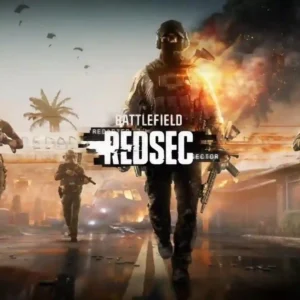
Inventory management is clean and simple, avoiding extra bags or menus for basics such as armor plates.
Pros: controls responsiveness, sandbox freedom
Cons: frame rate stability, user interface design
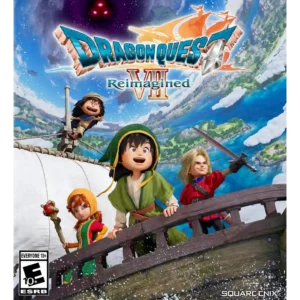
Menus and shared inventory are cleaner and faster than older versions, though repeated vocation-management steps can still add friction.
Pros: atmosphere, voice acting
Cons: controls responsiveness, quest design
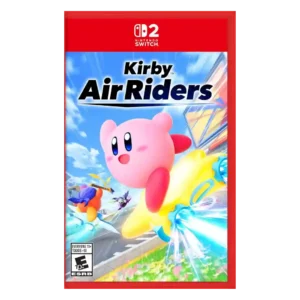
One review singled out the menus as sleek within a polished reward-heavy presentation.
Pros: flying mechanics, exploration quality
Cons: AI behavior, boss design
The interface and menus are praised for staying unobtrusive and avoiding unnecessary tab complexity.
Pros: bug frequency, crash stability
Cons: economy and resource balance, open-world design
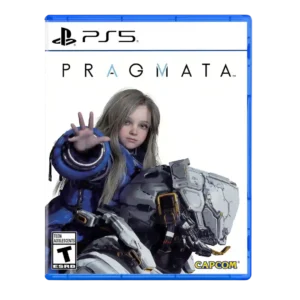
Menu usability receives positive evidence from reviewers who liked quick hub/loadout feedback and minimal menu friction.
Pros: bug frequency, user interface design
Cons: HUD clarity, mission design

Menu usability was praised as simple and easy to navigate.
Pros: atmosphere, voice acting
Cons: world interactivity, camera behavior

One reviewer specifically praises the character menu as organized and easy to return to between fights.
Pros: gameplay mechanics, world-building
Cons: AI behavior, platform-specific feature support
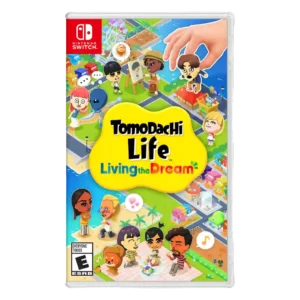
One review specifically praises the lack of bloated menus and the ability to jump directly to characters.
Pros: grind level, originality
Cons: social features, accessibility options

Menu usability is praised for cleaner maps and easy vehicle sorting.
Pros: open-world design, replay value
Cons: dialogue quality, writing quality
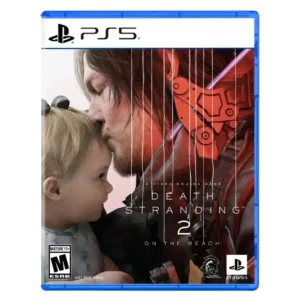
Menu usability is improved overall, especially radial menus and reworked menus, though some still found systems fiddly or clunky.
Pros: animation quality, facial animations
Cons: quest design, AI behavior
Menus are often clearer than older Anno entries, but dense submenus, radial navigation, and buried information can still create friction.
Pros: skill tree depth, upgrade system
Cons: matchmaking quality, server reliability
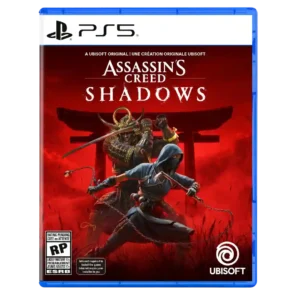
Menu usability is generally positive for clean systems, though character switching through menus was a noted friction point.
Pros: environmental detail, cross-save support
Cons: writing quality, enemy variety
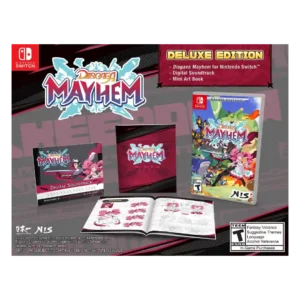
Menus feel fast and snappy, though large equipment inventories and duplicated graphics settings can become cluttered or confusing.
Pros: bug frequency, movement feel
Cons: enemy variety, AI behavior
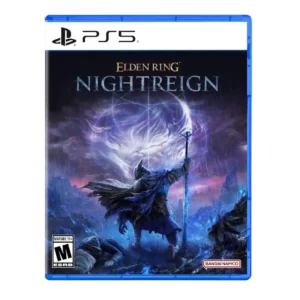
Menu usability improved post-launch through better relic filtering options.
Pros: emotional impact, visual effects quality
Cons: crash stability, cross-play support
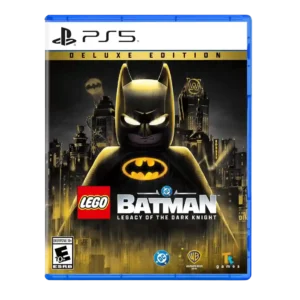
Menu usability has limited positive evidence around in-world shops, which one reviewer preferred over buying from a grid.
Pros: pacing, core gameplay loop
Cons: companion AI, map and navigation design
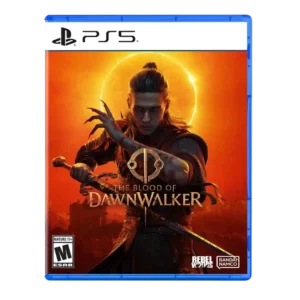
Inventory sorting is a welcome quality-of-life improvement and makes item management easier, even though other interface interactions can still be unreliable.
Pros: puzzle design, sound design
Cons: haptic feedback integration, controls responsiveness
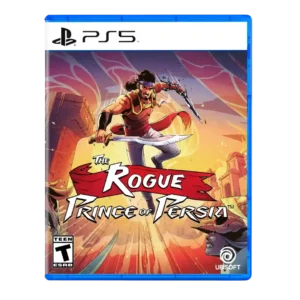
Menu usability received limited positive support from update coverage mentioning UI and menu tweaks.
Pros: crash stability, HUD clarity
Cons: character development, visual effects quality

Review evidence supported this attribute with mixed reviewer sentiment.
Pros: core gameplay loop, controls responsiveness
Cons: crash stability, cross-save support
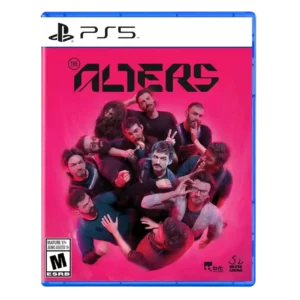
Menu usability was generally positive thanks to quality-of-life tools, though some reviewers found navigation old or menu-jumping cumbersome.
Pros: controls responsiveness, onboarding experience
Cons: crash stability, grind level
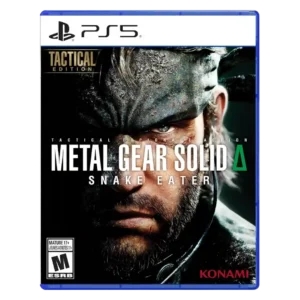
Menu usability improves through camo shortcuts, radial menus, and snappier access, though some reviews still criticize healing or control-menu friction.
Pros: world interactivity, sandbox freedom
Cons: crash stability, learning curve
Menus range from clean and quick to overloaded and confusing; the radial bus-control menu works well for some players but feels cumbersome to others.
Pros: level design, difficulty balance
Cons: writing quality, load times
The redesigned build menu earns praise for sorting, favorites, and search, but controller navigation and building inputs on PS5 are less intuitive.
Pros: core gameplay loop, movement feel
Cons: economy and resource balance, map and navigation design

Core menus are straightforward, but inventory organization and some older status screens lack the convenience and cleanliness of later games.
Pros: boss design, side character depth
Cons: monetization fairness, originality
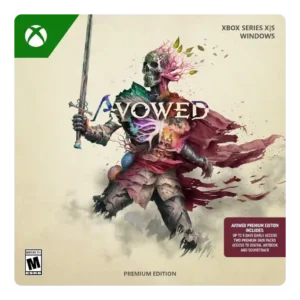
Menu and ability-wheel usability was mixed; some quality-of-life systems helped, but radial wheels and limited hotkeys disrupted combat for others.
Pros: tutorial quality, level design
Cons: stealth mechanics, endgame content
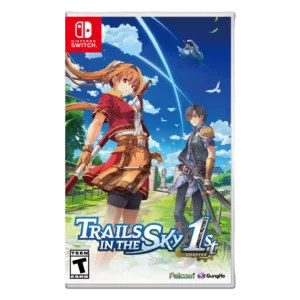
Menu usability was mixed, with praise for tracking but complaints about Arts/menu friction and inaccurate or issue-prone menus.
Pros: protagonist appeal, art direction
Cons: camera behavior, tutorial quality
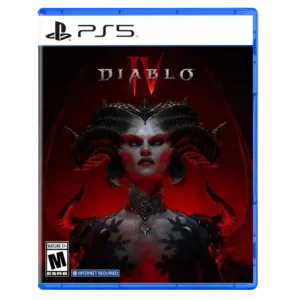
Menu and inventory usability was mixed, with praise for loot filters but criticism of the small inventory and missing gem bag.
Pros: lore depth, art direction
Cons: mission variety, protagonist appeal

Menu usability is mixed, balancing an intuitive car collection display against bloated menus.
Pros: controls responsiveness, movement feel
Cons: tutorial quality, animation quality

Shop controls are streamlined and quick-pricing features help, but console inventory management can still feel clumsy when moving many relics individually.
Pros: mission design, world interactivity
Cons: emotional impact, exploration quality
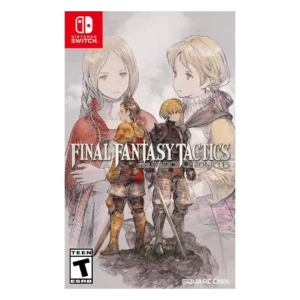
Menu usability improved in many places but still drew complaints for cumbersome navigation or small/hard-to-read text.
Pros: emotional impact, polish
Cons: bug frequency, crash stability
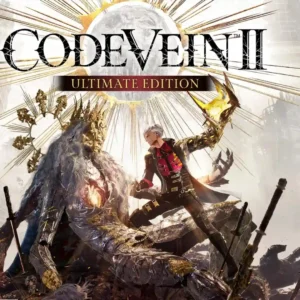
The amount of build information can make menus feel busy and MMO-like, and a few interface decisions are called awkward rather than intuitive.
Pros: world-building, sound design
Cons: multiplayer design, frame rate stability

Menu usability is mixed: some systems become convenient, but quest/menu digging can feel taxing.
Pros: load times, crash stability
Cons: originality, voice acting

Menus and settings are functional, with little reviewer attention compared with the cooperative action.
Pros: online stability, world-building
Cons: crash stability, camera behavior
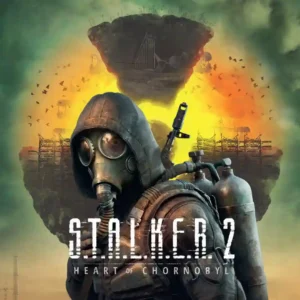
Menu usability suffered alongside the broader launch roughness, with at least one critic reporting problems in the main menus. It is not a major selling point of the experience.
Pros: core gameplay loop, sandbox freedom
Cons: pacing, dialogue quality
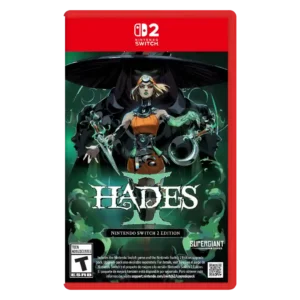
Menu usability has a small caveat: one reviewer struggled to locate item sub-menus, though it did not meaningfully hurt the experience.
Pros: skill tree depth, dialogue quality
Cons: emotional impact, economy and resource balance
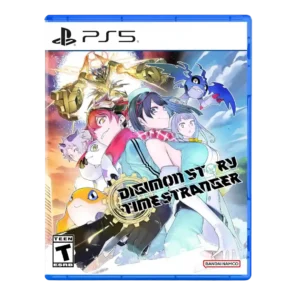
Menu usability was a major tradeoff, with streamlining praised but DigiFarm/evolution menu separation and training menuing often criticized.
Pros: atmosphere, world-building
Cons: HUD clarity, fast travel convenience
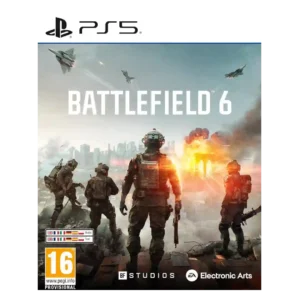
menu usability was mixed: some queue tools helped, but menus were also called unintuitive.
Pros: haptic feedback integration, performance optimization
Cons: pacing, microtransaction impact
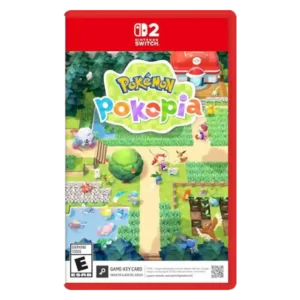
Menu and inventory usability were a major caveat, especially storage management, though one reviewer liked item pictures.
Pros: protagonist appeal, faithfulness to franchise
Cons: map and navigation design, aiming precision
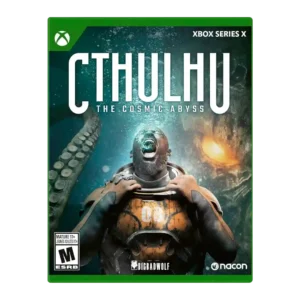
Menu usability was mixed, with some finding the mental map useful but several calling it fiddly, finicky, cluttered, or disorganized.
Pros: world-building, world interactivity
Cons: enemy variety, stealth mechanics

Menu performance varies widely by mode and platform. Some players praise much faster, smoother navigation, while others still find HUT and franchise menus slow, clunky, or needlessly cumbersome.
Pros: aiming precision, accessibility options
Cons: pacing, loot system
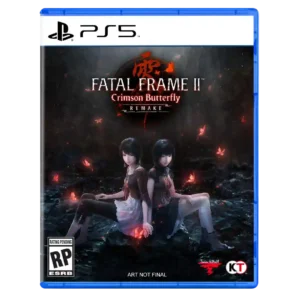
Menus are functional for most needs, yet customization is limited and at least one player considers the UI a major downgrade.
Pros: writing quality, checkpoint system
Cons: bug frequency, HUD clarity
Menu usability is mixed: one loot process is streamlined, but other reviewers find respec and gear menus annoying or time-consuming.
Pros: core gameplay loop, controls responsiveness
Cons: mission design, learning curve