Best for ease of use
Google Fitbit Edge
4.8 attribute score
Highest scored product for this attribute based on supporting review evidence.

Highest scored product for this attribute based on supporting review evidence.
Balances the attribute score, supporting reviews, and overall product strength.
Has the broadest review evidence for this attribute.
Strongest overall product among items with scored evidence for this attribute.
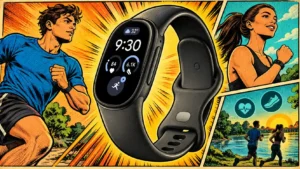
Straightforward controls and understandable health information keep daily use approachable. The simple experience suits users who want useful numbers without managing a complex sports platform.
Pros: value for money, design and appearance
Cons: contactless payments, GPS accuracy

Simple controls and approachable activities make participation easy, including for young children and newcomers.
Pros: minigame quality, art direction
Cons: gameplay mechanics, onboarding experience

Modern controls make Croc substantially easier to handle, reducing the effort needed to manage an older 3D platformer.
Pros: archival bonus content, remake/remaster quality
Cons: minigame quality, narrative quality
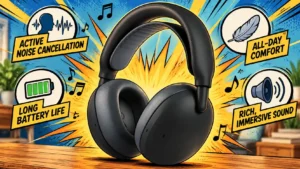
Accessible physical controls and a dedicated mute button make everyday operation straightforward. One first-time user still needs time to learn sidetone and the app.
Pros: Design and Aesthetics, Repairability
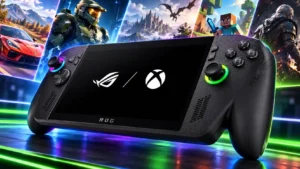
The gaming shell removes a substantial amount of Windows friction, and familiarity makes daily navigation easier. It still requires more learning, maintenance and occasional touch or mouse intervention than a...
Pros: performance, frame rate performance
Cons: ease of use, user interface
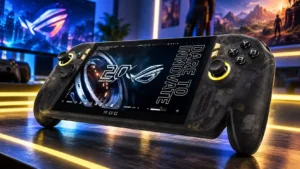
Quick settings and controller shortcuts help, but ordinary Windows tasks can still mean tiny touch targets and awkward trips to the desktop. Experiences range from near-console convenience to substantial frustration.
Pros: display quality, controller ergonomics
Cons: value for money, ease of use