
Overall: 4.3/5
The Tether interface makes routine monitoring and network changes straightforward.
Pros: value for money, Wi-Fi speed
Cons: subscription requirements, WAN port speed

Overall: 4.3/5
The Tether interface makes routine monitoring and network changes straightforward.
Pros: value for money, Wi-Fi speed
Cons: subscription requirements, WAN port speed

Overall: 4.0/5
Simple operation and easy configuration make the mouse approachable for everyday users.
Pros: weight, value for money
Cons: side button quality, connection stability
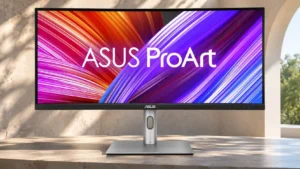
Overall: 3.9/5
Straightforward, reachable OSD controls spare users the awkward reaching associated with some monitors.
Pros: color accuracy, value for money
Cons: color gamut, black levels

Overall: 4.1/5
Straightforward controls, uncomplicated connectivity and low charging demands make everyday operation easy.
Pros: Battery, Weight comfort
Cons: 3.5mm analog input availability, Portability/foldability

Overall: 4.2/5
Everyday operation is approachable and the app is intuitive, though its richer feature list may feel more involved than simpler alternatives.
Pros: value for money, Wi-Fi speed
Cons: subscription requirements, long-range speed

Overall: 3.8/5
Straightforward USB-C operation and simple brightness control make everyday use easy, with some complaints about software complexity.
Pros: portability and weight, overall satisfaction
Cons: port selection, Device compatibility

Overall: 4.1/5
Simple device connection options make everyday use approachable.
Pros: wireless performance, Wi-Fi speed
Cons: value for money, size and footprint

Overall: 4.4/5
Everyday tasks are approachable, but inexperienced users may find the full range of options overwhelming.
Pros: setup ease, configuration flexibility
Cons: Wi-Fi 7 support, USB storage sharing
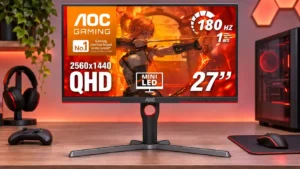
Overall: 3.9/5
Initial setup is straightforward, but daily adjustments can be irritating because the control buttons and menu navigation require too many presses.
Pros: value for money, HDR performance
Cons: on-screen display usability, port selection