#1

Overall: 4.3/5
USB-C carries video, peripheral data, and up to 96W charging through one connection. It can greatly reduce cable clutter, though the monitor is not a complete Ethernet/KVM dock.
Pros: USB-C power delivery, port selection
Cons: HDR performance, refresh rate
#2
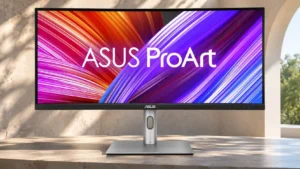
Overall: 3.9/5
A single USB-C link can carry display, data, network access and laptop charging, making it especially convenient for laptop-centered desks.
Pros: color accuracy, value for money
Cons: color gamut, black levels
#3
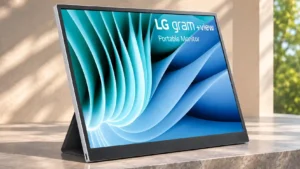
Overall: 3.8/5
A single compatible USB-C cable can carry video and power to the monitor, reducing clutter even though host charging capability varies by version.
Pros: portability and weight, overall satisfaction
Cons: port selection, Device compatibility
