#1
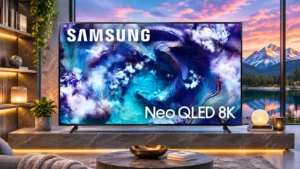
Overall: 4.2/5
Calibration controls make it possible to refine the already strong picture accuracy. Enthusiasts can get very close to the intended color and grayscale targets.
Pros: high-refresh-rate gaming, gaming performance
Cons: value for money, bass performance
#2

Overall: 3.8/5
The picture can become very accurate after adjustment, with useful controls, but one test found dimming restrictions made calibration more involved.
Pros: overall satisfaction, picture quality
Cons: value for money, local dimming performance
#3
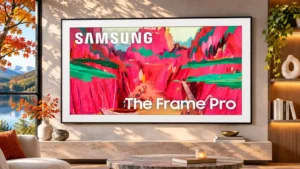
Overall: 3.8/5
Color calibration can produce excellent results, but HDR gaming calibration lacks a reliable HGIG path.
Pros: Wireless One Connect compatibility, art display mode
Cons: value for money, input lag
#4
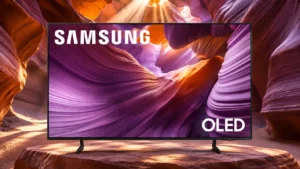
Overall: 3.9/5
There is room for significant accuracy improvement through calibration, though some HDR color errors remain.
Pros: color volume, black levels
Cons: Inconsistent panel and coating by size, sound quality
#5
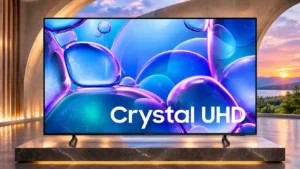
Overall: 3.0/5
A complete calibration can produce excellent accuracy, though some color and shadow errors remain.
Pros: picture quality, smart TV platform
Cons: value for money, refresh rate
#6
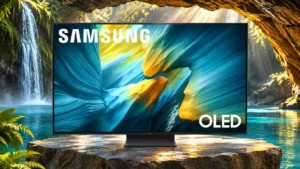
Overall: 4.0/5
SDR calibration is straightforward and effective, while HDR adjustments can be less reliable and require more care.
Pros: reflection handling, overall satisfaction
Cons: Dolby Vision support, bass performance
#7
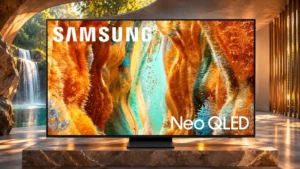
Overall: 3.8/5
Picture controls can produce a more natural image, but advanced automatic calibration is time-consuming and does not always improve HDR color.
Pros: picture quality, 4K at 144 Hz support
Cons: sound quality, value for money
#8
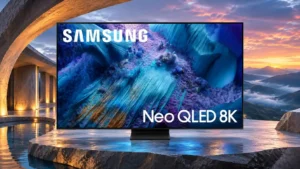
Overall: 3.8/5
The TV offers powerful adjustment routes, and a full calibration can correct much of its inaccurate default picture. Quick smartphone calibration does not always produce dependable results.
Pros: glare resistance, overall satisfaction
Cons: input lag, value for money
#9
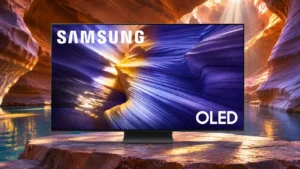
Overall: 3.9/5
Both automatic and manual tools can yield excellent results without an especially difficult adjustment process.
Pros: value for money, overall satisfaction
Cons: Dolby Vision support, sound quality
#10

Overall: 4.2/5
The TV can achieve significantly more accurate colors after calibration, but the always-active dimming zones make fine-tuning less simple.
Pros: picture quality, glare resistance
Cons: value for money, bass performance
#11
Overall: 3.0/5
Calibration produced little extra accuracy for some testers; one phone-assisted calibration result actually looked worse than Filmmaker Mode.
Pros: color gamut, smart TV platform
Cons: value for money, overall satisfaction
#12
Overall: 3.3/5
Picture calibration can improve accuracy, but achieving the best results can require extensive tweaking or prove frustrating.
Pros: color accuracy, upscaling quality
Cons: picture quality, sound quality
