#1
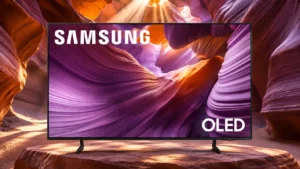
Overall: 3.9/5
Individual OLED pixels produce genuinely deep blacks, making night scenes look striking rather than gray. This is a defining advantage in controlled lighting.
Pros: color volume, black levels
Cons: Inconsistent panel and coating by size, sound quality
#2
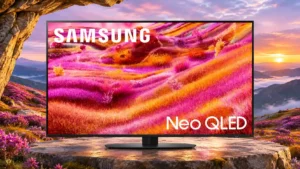
Overall: 4.2/5
Mini-LED dimming often produces impressively deep blacks for LCD, though OLED rivals and some dark, moving scenes expose limitations.
Pros: picture quality, glare resistance
Cons: value for money, bass performance
#3
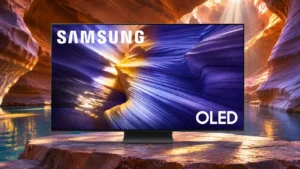
Overall: 3.9/5
In dark rooms, self-lit pixels create exceptionally deep blacks. QD-OLED blacks can turn purplish or gray when substantial ambient light hits the screen.
Pros: value for money, overall satisfaction
Cons: Dolby Vision support, sound quality
#4
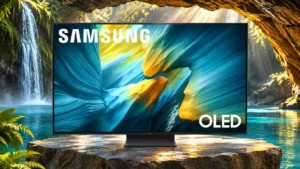
Overall: 4.0/5
OLED pixels deliver extraordinary blacks in controlled lighting, while the matte screen can make them appear gray in bright rooms.
Pros: reflection handling, overall satisfaction
Cons: Dolby Vision support, bass performance
#5
Overall: 4.2/5
Black backgrounds can look nearly OLED-like in favorable scenes. Raised blacks in bright rooms and light bleeding around tiny highlights prevent consistently perfect darkness.
Pros: high-refresh-rate gaming, gaming performance
Cons: value for money, bass performance
#6
Overall: 3.8/5
The 55- and 65-inch sets can show satisfyingly deep blacks, but haloing remains visible. The 100-inch model is more prone to raised, blue-tinged blacks in dark scenes.
Pros: overall satisfaction, picture quality
Cons: value for money, local dimming performance
#7
Overall: 3.8/5
Local dimming makes dark areas appear deep in controlled light. A bright room can make the matte-coated screen look gray instead of black.
Pros: glare resistance, overall satisfaction
Cons: input lag, value for money
#8
Overall: 3.8/5
Some viewers find the blacks respectable for a slim LCD, but darker tests reveal raised, uneven blacks that fall short of stronger Mini LED sets.
Pros: picture quality, 4K at 144 Hz support
Cons: sound quality, value for money
#9
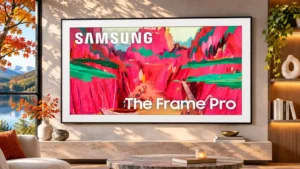
Overall: 3.8/5
Darkness is a recurring weakness: bright-room blacks lift, and the edge lighting struggles beside highlights. Some comparisons with older Frames still favor the Pro.
Pros: Wireless One Connect compatibility, art display mode
Cons: value for money, input lag
#10
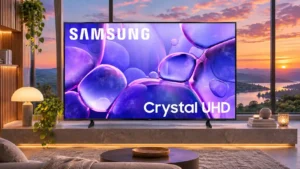
Overall: 3.3/5
VA versions can give dark scenes reasonable depth, especially in Standard mode, but black areas can turn gray when brighter objects enter the frame. IPS examples struggle more with dark...
Pros: color accuracy, upscaling quality
Cons: picture quality, sound quality
#11
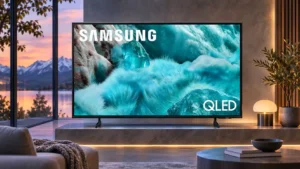
Overall: 3.0/5
The absence of local dimming leaves blacks looking lifted or gray in difficult scenes, despite more forgiving opinions from some users.
Pros: color gamut, smart TV platform
Cons: value for money, overall satisfaction
#12
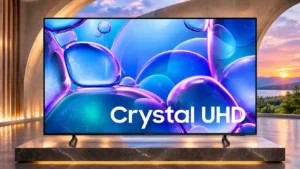
Overall: 3.0/5
Blacks tend to look gray rather than truly dark, especially with brighter objects in the scene. This is one of the clearest barriers to a cinematic image.
Pros: picture quality, smart TV platform
Cons: value for money, refresh rate
