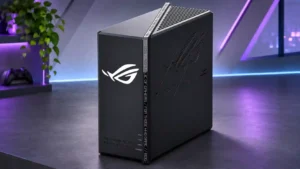
Overall: 4.3/5
The mobile app guides users through a quick QR-code-based setup process.
Pros: Wi-Fi speed, Ethernet port count
Cons: 10 GbE support, WAN port speed

Overall: 4.3/5
The mobile app guides users through a quick QR-code-based setup process.
Pros: Wi-Fi speed, Ethernet port count
Cons: 10 GbE support, WAN port speed

Overall: 4.8/5
The Aquila app earns consistent praise for making network creation and first-time configuration painless.
Pros: Wi-Fi 7 support, Wi-Fi speed
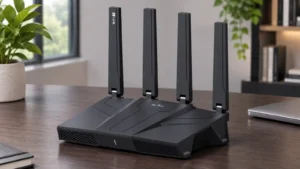
Overall: 4.2/5
The mobile setup option is convenient for users who prefer configuring a router from their phone.
Pros: configuration flexibility, Overall satisfaction
Cons: Upgrade value, OpenWrt compatibility

Overall: 3.8/5
The mobile setup workflow is praised for simplicity, with occasional firmware or password-related rough edges.
Pros: size and footprint, UniFi ecosystem integration
Cons: Wi-Fi standard support, Wi-Fi speed

Overall: 4.5/5
App-assisted setup worked smoothly in a real coffee-shop scenario, helping the router join the public network before all personal devices connected behind it.
Pros: VPN client support, value for money
Cons: 6 GHz performance, USB storage sharing
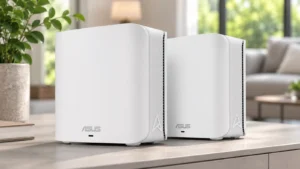
Overall: 4.0/5
The flexibility to set up the system with or without the mobile app is welcome.
Pros: multi-gig Ethernet support, range
Cons: dual-band support, 6 GHz performance
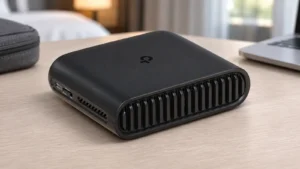
Overall: 3.8/5
The Tether app makes initial configuration easy, with advanced settings available through the browser afterward.
Pros: Internet source flexibility, Overall satisfaction
Cons: battery portability, External power dependence
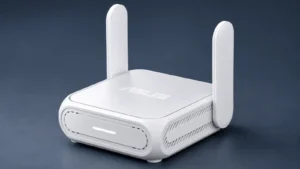
Overall: 3.9/5
The QR-based app setup is convenient in principle, but navigating the app is not especially intuitive.
Pros: size and footprint, Overall satisfaction
Cons: range, LAN port speed