Best for tilt gesture controls
Razer Naga V2 HyperSpeed
5.0 attribute score
Highest scored product for this attribute based on supporting review evidence.

Highest scored product for this attribute based on supporting review evidence.
Balances the attribute score, supporting reviews, and overall product strength.
Has the broadest review evidence for this attribute.
Strongest overall product among items with scored evidence for this attribute.
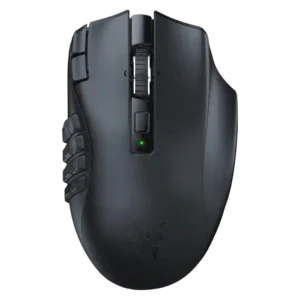
Overall: 3.9/5
Tilt controls were praised as quick, easy, comfortable shortcuts on the scroll wheel.
Pros: MMO gaming suitability, 2.4GHz connectivity
Cons: charging convenience, value for money

Overall: 4.3/5
Tilt gesture controls were praised as fresh, useful, and easy to flick, giving the mouse extra functions beyond a standard wheel.
Pros: value for money, button customization
Cons: fingertip grip comfort, portability
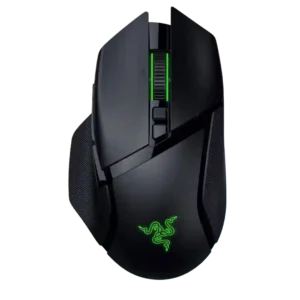
Overall: 4.2/5
Tilt controls were useful for horizontal scrolling, extra inputs, lean functions, and productivity workflows.
Pros: scroll wheel quality, battery life
Cons: value for money, weight
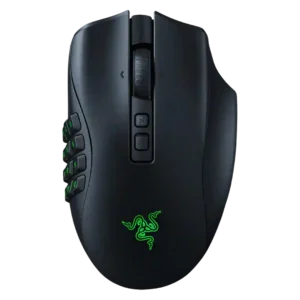
Overall: 4.2/5
Tilt controls were positively received as useful extra inputs, especially for spreadsheet navigation or in-game shortcuts.
Pros: button customization, scroll wheel quality
Cons: weight, value for money
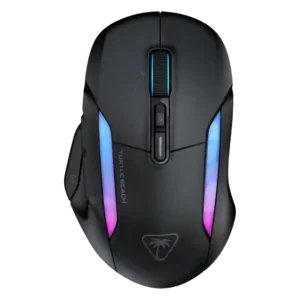
Overall: 4.3/5
Tilt gesture controls received positive limited evidence because the 4D wheel tilt added another layer of control for navigation.
Pros: battery life, software usability
Cons: weight, FPS gaming suitability
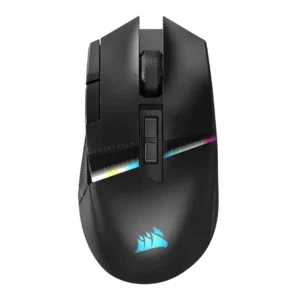
Overall: 3.9/5
Tilt gestures are a standout but divisive feature: several reviewers love or rely on them, while others report sensitivity, calibration, or reliability issues.
Pros: tilt gesture controls, MMO gaming suitability
Cons: battery life, software usability
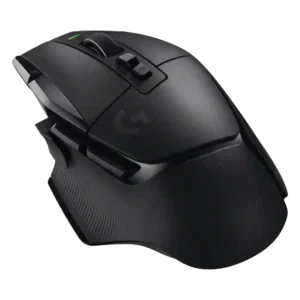
Overall: 4.2/5
Tilt gesture controls had limited but positive evidence as extra left-right scroll-wheel actions and keybind functionality.
Pros: shape comfort, programmable buttons
Cons: value for money, side button quality
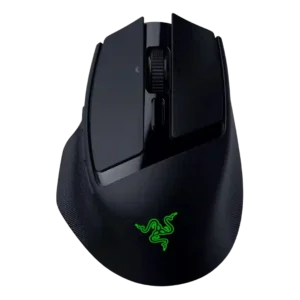
Overall: 4.1/5
Tilt controls were useful for horizontal scrolling and sensitivity actions, but several reviewers found the tilt interaction awkward.
Pros: ergonomic design, scroll wheel quality
Cons: AI Prompt Master, click noise
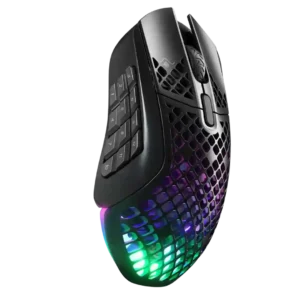
Overall: 4.1/5
Tilt gesture controls were mixed: some reviewers liked the extra inputs, while others found the wheel too low or hard to use.
Pros: side button quality, MMO gaming suitability
Cons: value for money, claw grip comfort
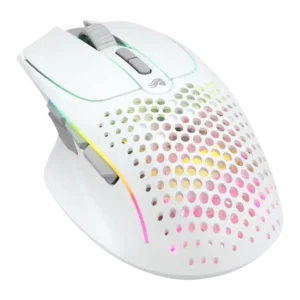
Overall: 4.1/5
Tilt controls were a limitation because reviewers missed left-right tilt or more advanced wheel behavior.
Pros: weight, shape comfort
Cons: battery life, side button quality
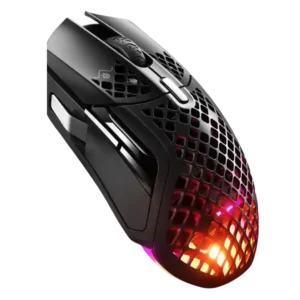
Overall: 4.0/5
Tilt/flick gesture controls were widely criticized as stiff, awkward, or hard to use under pressure despite occasional novelty value.
Pros: battery life, weight
Cons: side button quality, value for money
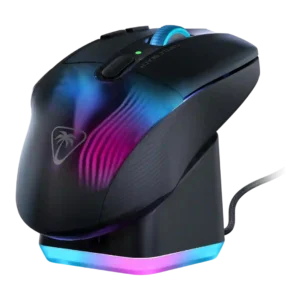
Overall: 4.1/5
Tilt gesture controls were mixed-negative overall, with several reviewers finding 4D tilt stiff, awkward, or hard to use despite some functional praise.
Pros: RGB features, battery life
Cons: value for money, scroll wheel quality
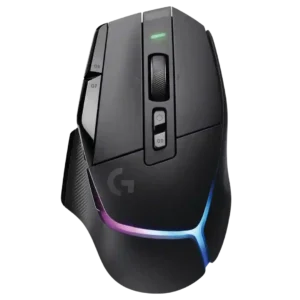
Overall: 3.9/5
Tilt controls were criticized because side-scrolling could require extra force or cause accidental scroll-wheel side inputs.
Pros: RGB features, weight
Cons: value for money, scroll wheel quality
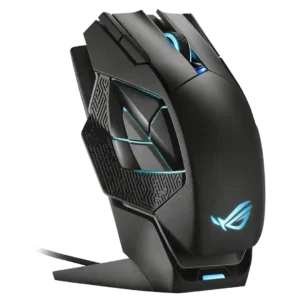
Overall: 3.9/5
Tilt controls were a weakness in the only opinionated mention because a proper tilt scroll wheel was missing.
Pros: charging convenience, RGB features
Cons: side button quality, weight
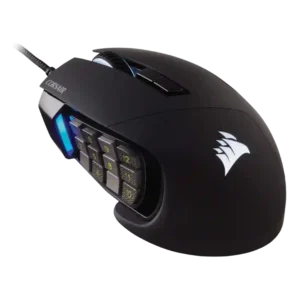
Overall: 3.9/5
Tilt controls were a noted limitation in one review, which said the absence of tilt scroll could be a deal breaker for editing use.
Pros: value for money, side button quality
Cons: FPS gaming suitability, weight
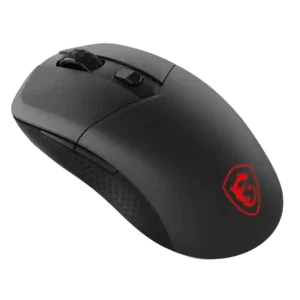
Overall: 4.4/5
There is no tilt-scroll function, an omission that stands out against some more expensive gaming mice.
Pros: software usability, sensor performance
Cons: RGB features, scroll wheel quality
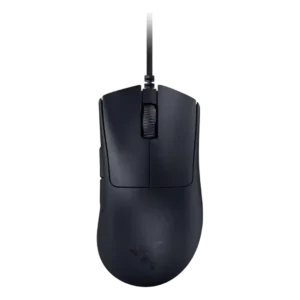
Overall: 4.4/5
Tilt gesture control support was a weakness because one reviewer specifically wished the scroll wheel had tilt functionality.
Pros: value for money, weight
Cons: fingertip grip comfort, profile switching
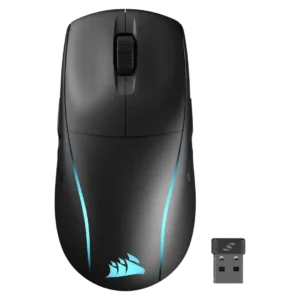
Overall: 3.9/5
Tilt gesture controls were a weakness because one reviewer specifically expressed disappointment that tilt controls were absent.
Pros: battery life, glide smoothness
Cons: side button quality, value for money

Overall: 4.4/5
Tilt-style controls were criticized in the one relevant review, which found the left-clicking wheel input unnatural and not usable.
Pros: button customization, MMO gaming suitability
Cons: FPS gaming suitability