Best for software usability
Logitech G203 LightSync
4.3 attribute score
Highest scored product for this attribute based on supporting review evidence.

Highest scored product for this attribute based on supporting review evidence.
Balances the attribute score, supporting reviews, and overall product strength.
Has the broadest review evidence for this attribute.
Strongest overall product among items with scored evidence for this attribute.
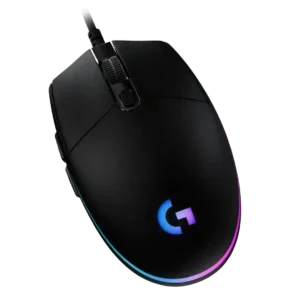
Overall: 4.1/5
Software usability is one of the strongest attributes, with G Hub described as comprehensive, intuitive, easy, flexible, and feature-rich, despite one dislike of extra software.
Pros: value for money, RGB features
Cons: palm grip comfort, click noise
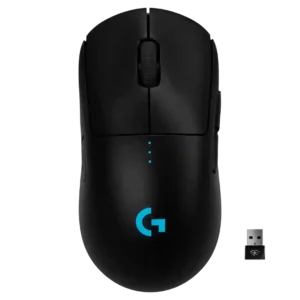
Overall: 4.3/5
Software usability was generally praised as easy, functional, and flexible for DPI, macros, lighting, and profiles.
Pros: value for money, battery life
Cons: cable flexibility, RGB features
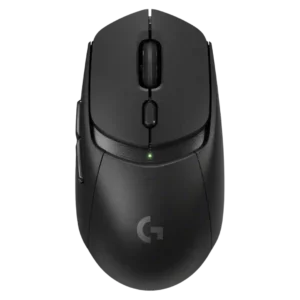
Overall: 4.1/5
Software usability was generally positive for G Hub customization and clarity, though some reviewers found remapping merely usable or basic.
Pros: value for money, weight
Cons: premium feel, polling rate

Overall: 4.3/5
Many find remapping and sensitivity adjustments straightforward, although others find the interface frustrating.
Pros: value for money, battery life
Cons: ergonomic design, balance and weight distribution
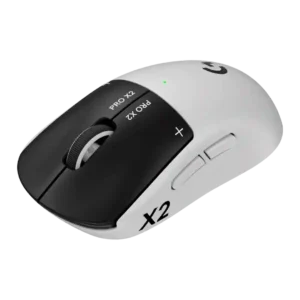
Overall: 4.0/5
Software usability is generally positive because G Hub exposes deep tuning clearly, but a few reviewers still find it inelegant or painful.
Pros: switch feel, click latency
Cons: value for money, glide smoothness
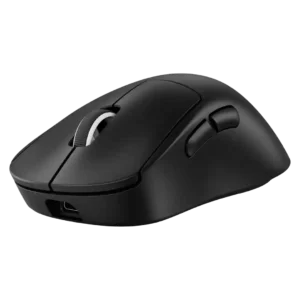
Overall: 4.1/5
Software usability was generally good when G Hub worked, with useful profiles, remapping, macros, and calibration; memory use and interface speed drew criticism.
Pros: weight, shape comfort
Cons: side button quality, value for money
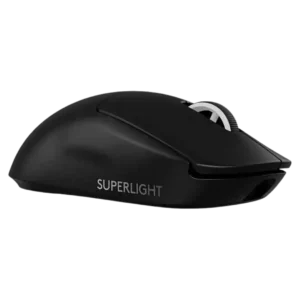
Overall: 4.0/5
Software usability was split sharply: some reviewers found G Hub easy and powerful, while others called it unintuitive or frustrating.
Pros: switch feel, polling rate
Cons: value for money, side button quality
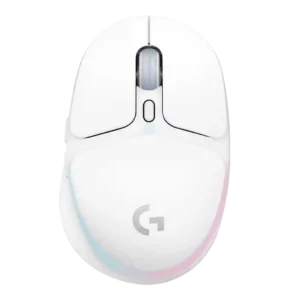
Overall: 3.8/5
Software usability was divided: G Hub was often called intuitive or feature-rich, but multi-app fragmentation and per-device setup made it frustrating for some.
Pros: shape comfort, battery life
Cons: value for money, DPI range
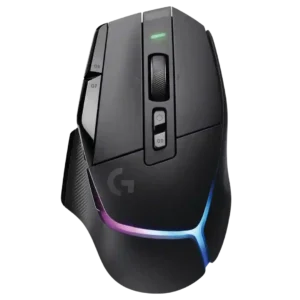
Overall: 3.9/5
Software usability split reviewers: some found G Hub easy or intuitive, while others called button programming complicated or the software poor.
Pros: RGB features, weight
Cons: value for money, scroll wheel quality
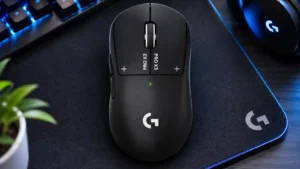
Overall: 3.8/5
G Hub makes many adjustments easy, but its layout and onboard-memory workflow can be counterintuitive.
Pros: balance and weight distribution, weight
Cons: Upgrade value, value for money

Overall: 4.2/5
Software usability was useful but mixed: reviewers liked easy button assignment and profiles, while some found the software limited or time-consuming.
Pros: button customization, switch feel
Cons: RGB features, weight tuning
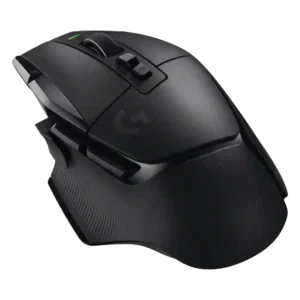
Overall: 4.2/5
Software usability was mixed: G Hub enables useful tuning, profiles, macros, and battery estimates, but reviewers also found it bad, buried, unavailable, or limiting.
Pros: shape comfort, programmable buttons
Cons: value for money, side button quality

Overall: 3.8/5
Software usability is mixed: G Hub offers useful controls, but reviewers complained about forced software, quirks, and a desire for a better setup experience.
Pros: battery life, handedness options
Cons: value for money, polling rate