Best for button customization
Logitech G Pro X2 Superstrike
4.7 attribute score
Highest scored product for this attribute based on supporting review evidence.

Highest scored product for this attribute based on supporting review evidence.
Balances the attribute score, supporting reviews, and overall product strength.
Has the broadest review evidence for this attribute.
Strongest overall product among items with scored evidence for this attribute.
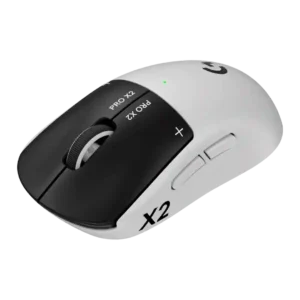
Overall: 4.0/5
Button customization is one of the standout strengths, especially adjustable actuation, haptic strength, and individual left/right click tuning.
Pros: switch feel, click latency
Cons: value for money, glide smoothness
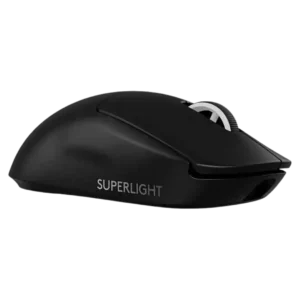
Overall: 4.0/5
Customization drew positive comments for granular controls and strong software-hardware integration, though it still depends heavily on G Hub.
Pros: switch feel, polling rate
Cons: value for money, side button quality

Overall: 4.2/5
Button customization was widely praised for reach improvements, remapping, removable thumb control, and overall functionality, with one reviewer noting fat-finger risk.
Pros: button customization, switch feel
Cons: RGB features, weight tuning
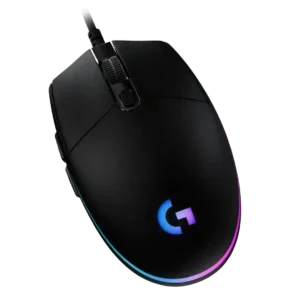
Overall: 4.1/5
Button customization through G Hub is consistently praised as easy, flexible, and broad, covering remaps, commands, profiles, lighting, and per-app behavior.
Pros: value for money, RGB features
Cons: palm grip comfort, click noise
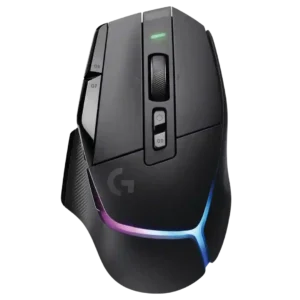
Overall: 3.9/5
Button customization was a clear strength, with reviewers praising remapping, physical DPI-shift adjustability, and flexible control setups.
Pros: RGB features, weight
Cons: value for money, scroll wheel quality
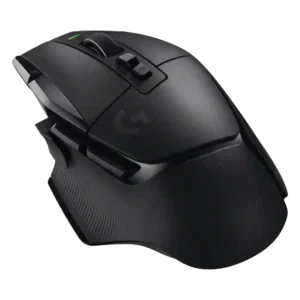
Overall: 4.2/5
Button customization was strong across reviews thanks to removable, swappable, remappable, and software-assignable controls.
Pros: shape comfort, programmable buttons
Cons: value for money, side button quality
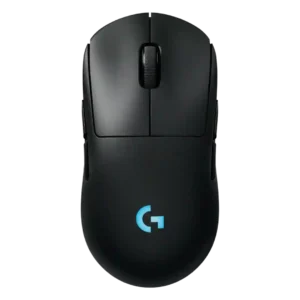
Overall: 3.8/5
Button customization is a major advantage, with reviewers praising the easy magnetic swaps, remapping flexibility, and G Hub input options.
Pros: battery life, handedness options
Cons: value for money, polling rate
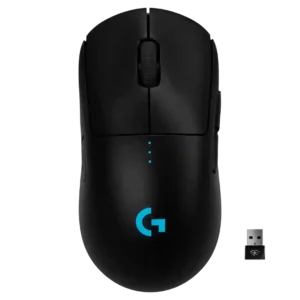
Overall: 4.3/5
Button customization was a consistent strength thanks to removable side buttons and software remapping options.
Pros: value for money, battery life
Cons: cable flexibility, RGB features
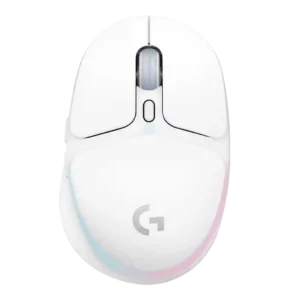
Overall: 3.8/5
Button customization was viewed positively through G Hub remapping and macro assignment, though some praise was tied to the software experience rather than the hardware alone.
Pros: shape comfort, battery life
Cons: value for money, DPI range
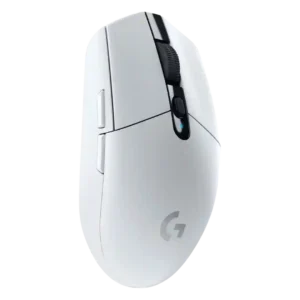
Overall: 4.0/5
Button customization was widely liked because the six buttons and DPI controls can be remapped easily in Logitech software.
Pros: value for money, weight
Cons: charging convenience, palm grip comfort
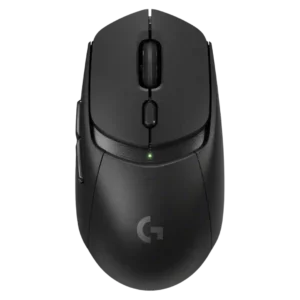
Overall: 4.1/5
Button customization was considered useful through G Hub, with remapping and binding flexibility praised even when advanced depth was limited.
Pros: value for money, weight
Cons: premium feel, polling rate
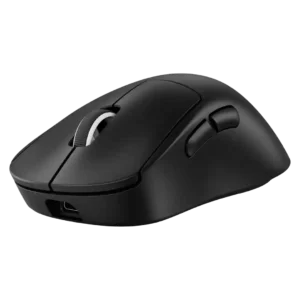
Overall: 4.1/5
Button customization was strong in software, especially drag-and-drop remapping, but constrained by the DEX's simplified button layout.
Pros: weight, shape comfort
Cons: side button quality, value for money