Best for setup ease
TP-Link Archer BE230
4.8 attribute score
Highest scored product for this attribute based on supporting review evidence.

Highest scored product for this attribute based on supporting review evidence.
Balances the attribute score, supporting reviews, and overall product strength.
Has the broadest review evidence for this attribute.
Strongest overall product among items with scored evidence for this attribute.

Overall: 4.1/5
Setup is consistently described as quick and straightforward, often taking only five or six minutes. A few ISP-specific settings can confuse beginners.
Pros: value for money, Wi-Fi speed
Cons: 6 GHz performance, subscription requirements
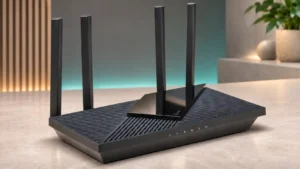
Overall: 4.0/5
Setup is consistently praised for being quick and approachable, even when small connection or button mishaps occur.
Pros: value for money, parental controls
Cons: subscription requirements, multi-gig Ethernet support
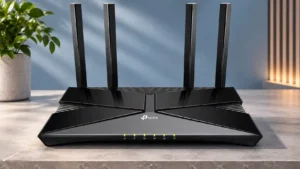
Overall: 3.7/5
Setup is consistently straightforward, whether performed through the Tether app or a browser.
Pros: Overall satisfaction, value for money
Cons: USB port support, 160 MHz support

Overall: 4.3/5
Setup is usually quick and easy with Tether, although some users encounter initial connection problems or separate SSID requirements.
Pros: value for money, Wi-Fi speed
Cons: subscription requirements, WAN port speed

Overall: 4.1/5
Initial setup is consistently described as quick and straightforward.
Pros: wireless performance, Wi-Fi speed
Cons: value for money, size and footprint

Overall: 4.1/5
Setup is usually quick and intuitive, though a few installations required resetting or rebooting additional nodes.
Pros: value for money, mobile app quality
Cons: Ethernet port count, subscription requirements

Overall: 4.2/5
Most installations are quick and straightforward, with nodes joining automatically. Some users needed repeated modem resets before the first unit connected.
Pros: value for money, Wi-Fi speed
Cons: subscription requirements, long-range speed
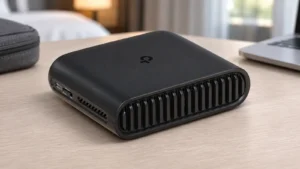
Overall: 3.8/5
Initial setup is generally straightforward, especially through the app, but some public-network connection failures take trial and error to resolve.
Pros: Internet source flexibility, Overall satisfaction
Cons: battery portability, External power dependence