Best for USB-C convenience
GameSir G8 Plus MFi
5.0 attribute score
Highest scored product for this attribute based on supporting review evidence.

Highest scored product for this attribute based on supporting review evidence.
Balances the attribute score, supporting reviews, and overall product strength.
Has the broadest review evidence for this attribute.
Strongest overall product among items with scored evidence for this attribute.
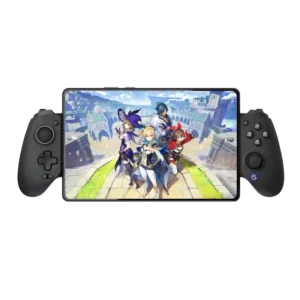
The flexible USB-C connector makes docking safer and easier, while passthrough charging and data support add practical value.
Pros: value for money, phone grip and fit
Cons: companion app quality, vibration quality
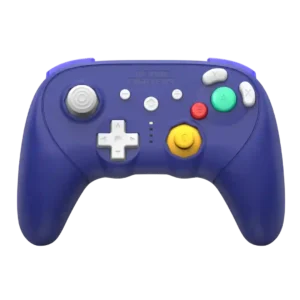
USB-C is treated as a welcome modern upgrade, especially compared with swapping AA batteries on older wireless GameCube controllers.
Pros: overall satisfaction, overall comfort
Cons: button quality, value for money

USB-C play-and-charge keeps the controller usable when the battery runs low, avoiding downtime during longer sessions.
Pros: overall satisfaction, button quality
Cons: d-pad accuracy, charging dock support
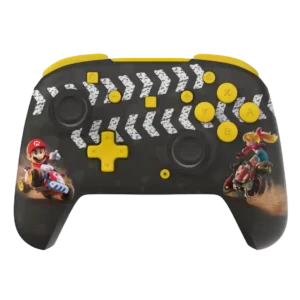
USB-C charging is easy to live with because the controller can be plugged in and used while charging.
Pros: overall satisfaction, value for money
Cons: premium feel, vibration quality

A detachable USB-C connection makes cable replacement and storage easy, and at least one user appreciated being able to swap in a preferred cable.
Pros: overall satisfaction, value for money
Cons: wired performance, vibration quality

USB-C convenience was praised for dock integration, wired play, and reducing PC USB clutter.
Pros: value for money, charging dock support
Cons: d-pad feel, compatibility with Xbox
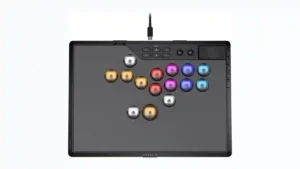
The locking USB-C connection is frequently praised for keeping the cable secure in tournament play. The main caveat is that one reviewer disliked how the lock can conflict with some...
Pros: overall satisfaction, button quality
Cons: control placement, button noise
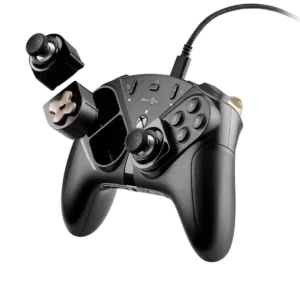
USB-C is a welcome modernization over the older connection and helps make the wired setup more current and convenient.
Pros: overall satisfaction, customization depth
Cons: value for money, upgrade value
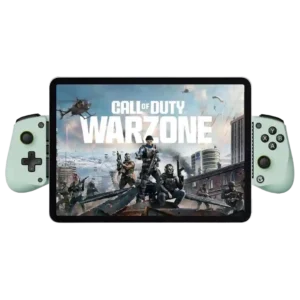
USB-C makes the controller convenient and avoids Bluetooth pairing. The port location and case clearance can still be awkward for certain devices.
Pros: overall satisfaction, value for money
Cons: d-pad accuracy, analog trigger precision
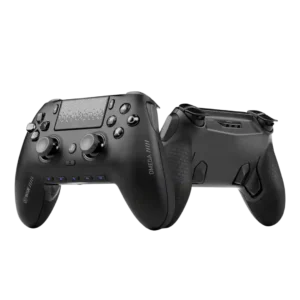
USB-C is useful for wired play, charging, and the cable-lock accessory. Reviewers liked the tournament-style lock because it helps prevent accidental unplugging.
Pros: overall satisfaction, companion app quality
Cons: back button placement, value for money
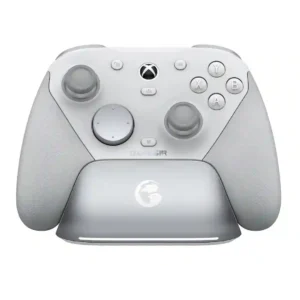
The removable USB-C cable retainer is a small but useful design detail that helps brace the connector and reduce strain during wired play. Reviewers appreciated the thoughtfulness even if they...
Pros: overall satisfaction, premium feel
Cons: compatibility with Xbox, d-pad feel
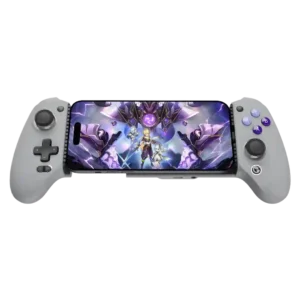
The pivoting USB-C connector is widely regarded as one of the smartest parts of the design because it simplifies insertion and removal. Some owners nevertheless report that the swivel connection...
Pros: overall satisfaction, overall comfort
Cons: phone grip and fit, durability
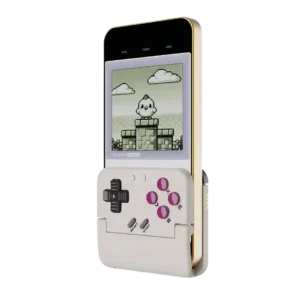
USB-C convenience is mostly praised because the bottom cutout lets the phone charge while playing. The caveat is clearance: multiple reviewers said not every USB-C cable fits through the opening.
Pros: retro gaming suitability, ease of setup
Cons: overall satisfaction, d-pad accuracy
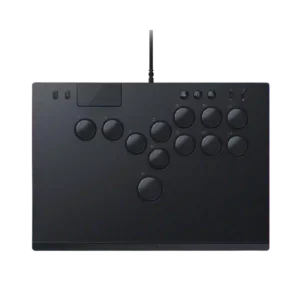
USB-C convenience was generally positive, especially the detachable locking cable, but reviewers noted cable length and cable-fit caveats.
Pros: face button responsiveness, button quality
Cons: value for money, learning curve
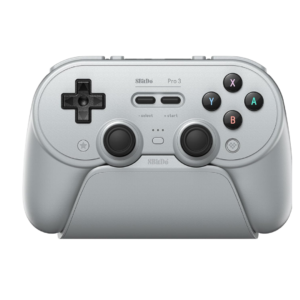
USB-C handles wired play, charging, and the dock connection cleanly, and the color-matched cable is a thoughtful touch. The USB-C dongle may require an adapter on devices limited to USB-A.
Pros: overall satisfaction, charging dock support
Cons: button noise, 2.4GHz dongle performance