Best for learning curve
Logitech G29
4.5 attribute score
Highest scored product for this attribute based on supporting review evidence.

Highest scored product for this attribute based on supporting review evidence.
Balances the attribute score, supporting reviews, and overall product strength.
Has the broadest review evidence for this attribute.
Strongest overall product among items with scored evidence for this attribute.
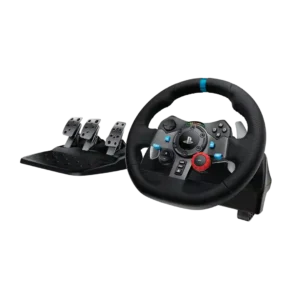
New users usually adapt quickly, though the two-stage brake and slower self-centering require some practice. Once adjusted, drivers can become comfortable within a few sessions.
Pros: force feedback quality, overall satisfaction
Cons: wheel noise, pedal set stability

Basic play is intuitive, while sensitive sticks, mode switching, and touch mapping can take time to learn. Most users become comfortable after calibration or a short adjustment period.
Pros: overall satisfaction, overall comfort
Cons: phone grip and fit, durability
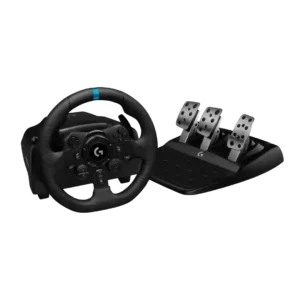
The wheel is approachable for first-time sim racers and helps translate real driving instincts into games. New users without driving experience may still need time to coordinate steering and three...
Pros: overall satisfaction, brake pedal performance
Cons: value for money, TrueForce game support
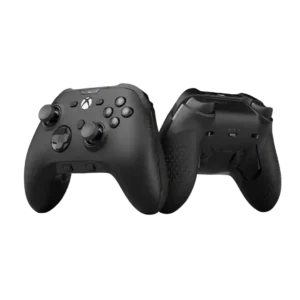
Learning curve was mostly manageable, though one reviewer warned customization could feel overwhelming.
Pros: analog stick precision, software customization
Cons: value for money, companion app quality
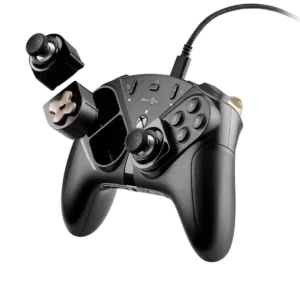
The extra lower buttons require a short adjustment period before they feel natural.
Pros: overall satisfaction, customization depth
Cons: value for money, upgrade value

The controller has a modest learning curve around ultra-short buttons, deadzone tuning, profile controls and unusual menu-key placement. Most testers adapted after some use.
Pros: overall satisfaction, button quality
Cons: d-pad accuracy, charging dock support
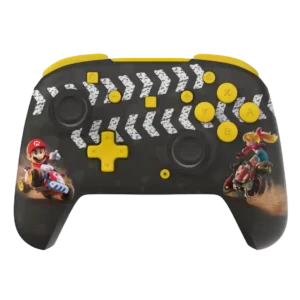
Most functions are easy to learn, but rear-button programming, unfamiliar system-button layouts, and some onboard controls can take adjustment.
Pros: overall satisfaction, value for money
Cons: premium feel, vibration quality
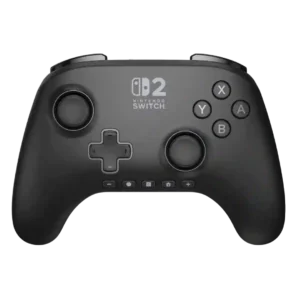
The unusual bottom-row system buttons take adjustment. Some reviewers adapt after a while, while others continue looking down or fighting muscle memory.
Pros: overall satisfaction, design and aesthetics
Cons: Switch wake support, Start and Select button design
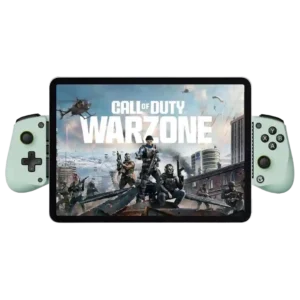
The basic controller is easy once configured, but instructions, mode switching, and remapping can confuse some users.
Pros: overall satisfaction, value for money
Cons: d-pad accuracy, analog trigger precision
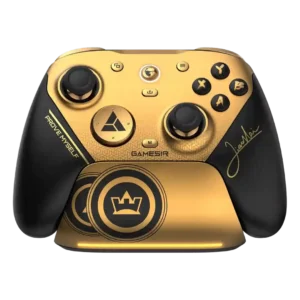
Most users adapt quickly, but the lighter sticks, extra buttons, software options, and unusually fast response can require a short adjustment period.
Pros: overall satisfaction, button quality
Cons: vibration quality, compatibility with Xbox
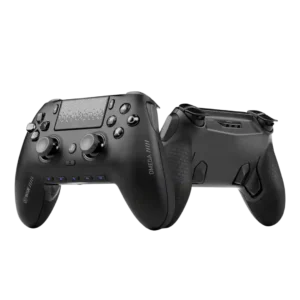
The extra controls and aggressive competitive layout can take time to learn. Once adapted, reviewers often found the controller faster and more efficient.
Pros: overall satisfaction, companion app quality
Cons: back button placement, value for money

Learning curve was a real caveat, mostly around obtuse onboard controls and memorized mode combinations.
Pros: value for money, charging dock support
Cons: d-pad feel, compatibility with Xbox

Xbox-first players may need time to adapt to symmetrical sticks and relocated controls, while PlayStation-first users tend to settle in quickly. Cross-platform muscle memory can cause mistakes at first.
Pros: overall satisfaction, value for money
Cons: wired performance, vibration quality
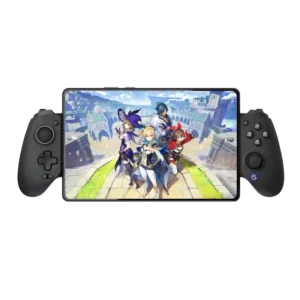
Frequent platform switching requires memorizing many button combinations and often keeping the manual nearby.
Pros: value for money, phone grip and fit
Cons: companion app quality, vibration quality
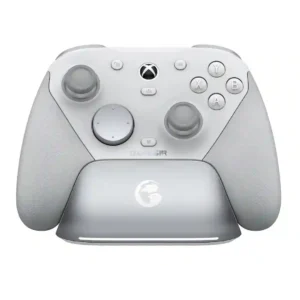
The G7 Pro is easy to use at a basic level, but its TMR sensitivity, extra buttons, and deep tuning can require adjustment. Reviewers who changed profiles or curves noted...
Pros: overall satisfaction, premium feel
Cons: compatibility with Xbox, d-pad feel
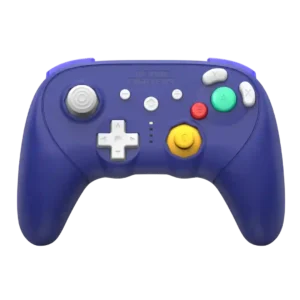
The authentic GameCube layout and trigger ranges take some adjustment, especially in modern games where players may need to reorient their hands or relearn inputs.
Pros: overall satisfaction, overall comfort
Cons: button quality, value for money
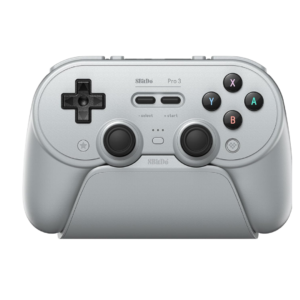
Core play is simple, but modes, profiles, button layouts, macros, and platform differences take time to understand. The physical selector helps, yet the full feature set can overwhelm new users.
Pros: overall satisfaction, charging dock support
Cons: button noise, 2.4GHz dongle performance
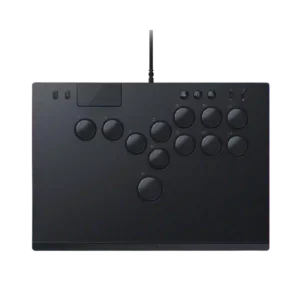
The learning curve was a repeated drawback, especially for players coming from sticks or standard controllers.
Pros: face button responsiveness, button quality
Cons: value for money, learning curve
The leverless layout and shortcut-heavy settings system take time to learn. Some reviewers adjusted quickly, but others needed the manual repeatedly or found even basic configuration frustrating.
Pros: overall satisfaction, button quality
Cons: control placement, button noise

The learning curve is real for newcomers. People comfortable with emulators and controller settings had better results than reviewers who expected the app to guide them clearly.
Pros: retro gaming suitability, ease of setup
Cons: overall satisfaction, d-pad accuracy