Best for ease of setup
GameSir G7 Pro
5.0 attribute score
Highest scored product for this attribute based on supporting review evidence.

Highest scored product for this attribute based on supporting review evidence.
Balances the attribute score, supporting reviews, and overall product strength.
Has the broadest review evidence for this attribute.
Strongest overall product among items with scored evidence for this attribute.
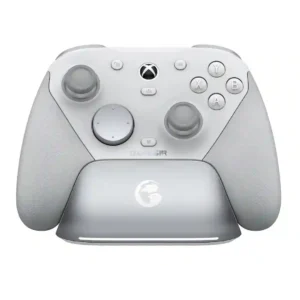
Setup is repeatedly described as simple: plug in the dongle or dock, choose the mode, power on, and play. Bluetooth and PC pairing also worked with little fuss in hands-on...
Pros: overall satisfaction, premium feel
Cons: compatibility with Xbox, d-pad feel
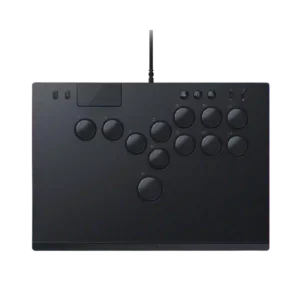
Setup evidence was very positive, with the controller described as plug-and-play for PS5 or PC.
Pros: face button responsiveness, button quality
Cons: value for money, learning curve
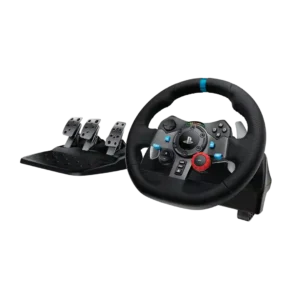
Setup is nearly plug-and-play: connect the pedals and power, attach the wheel, install Logitech software on PC, and start driving. Beginners repeatedly found the process quick and uncomplicated.
Pros: force feedback quality, overall satisfaction
Cons: wheel noise, pedal set stability
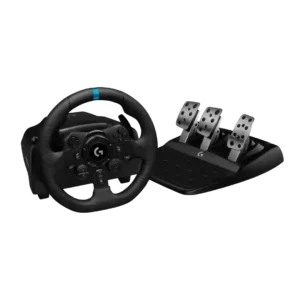
Desk mounting and console connection are usually quick and plug-and-play, with broad native game recognition. Thick furniture, PC driver setup, or awkward living-room placement can still complicate installation.
Pros: overall satisfaction, brake pedal performance
Cons: value for money, TrueForce game support
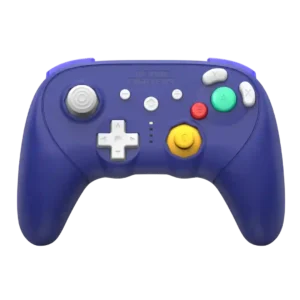
Pairing and switching systems are usually quick and straightforward, with most users describing setup as simple or nearly automatic after the first connection.
Pros: overall satisfaction, overall comfort
Cons: button quality, value for money

Setup was usually described as easy, especially for platform pairing and plug-and-play PC use.
Pros: value for money, charging dock support
Cons: d-pad feel, compatibility with Xbox
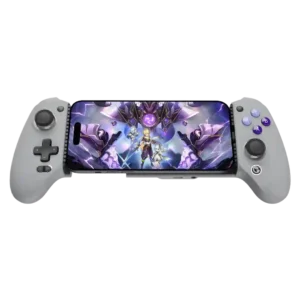
Native controller-supported games are generally plug-and-play, and attaching a phone is simple. Touch mapping, special modes, and occasional recognition problems can add extra setup for unsupported games.
Pros: overall satisfaction, overall comfort
Cons: phone grip and fit, durability
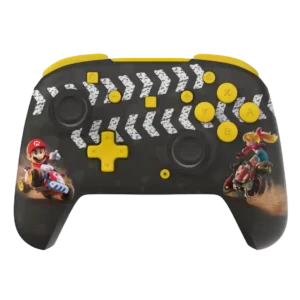
Setup is usually quick and straightforward, especially on wired Xbox/PC models; a few wireless or PC configurations require extra pairing or mapping steps.
Pros: overall satisfaction, value for money
Cons: premium feel, vibration quality
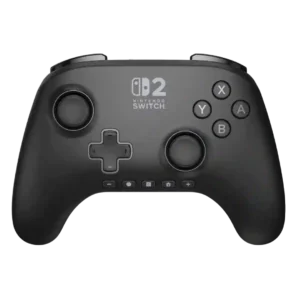
Pairing is easy for most users and often works quickly, but a few owners found the initial process unintuitive or required a cable/dock method they disliked.
Pros: overall satisfaction, design and aesthetics
Cons: Switch wake support, Start and Select button design
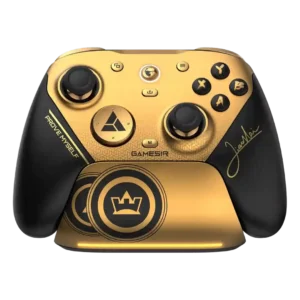
Many users were playing within minutes thanks to straightforward PC recognition and a simple app. Updating software or configuring 8K mode can add extra steps for some setups.
Pros: overall satisfaction, button quality
Cons: vibration quality, compatibility with Xbox
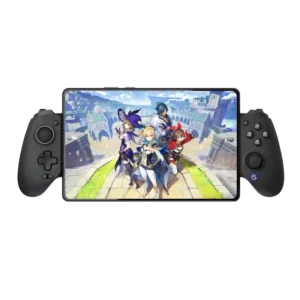
The wired MFi model is nearly plug-and-play, while Bluetooth mode combinations and occasional app recognition issues add friction.
Pros: value for money, phone grip and fit
Cons: companion app quality, vibration quality

Basic use is straightforward plug-and-play on Xbox and PC. The main setup frustration comes from sparse instructions for changing caps or programming rear buttons.
Pros: overall satisfaction, value for money
Cons: wired performance, vibration quality
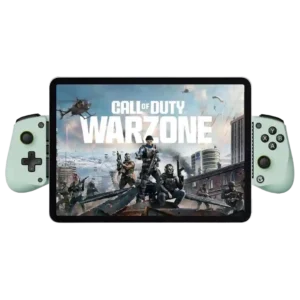
Setup is usually quick and plug-and-play for supported games. Apple mode changes, mapping, and unsupported games can add friction.
Pros: overall satisfaction, value for money
Cons: d-pad accuracy, analog trigger precision
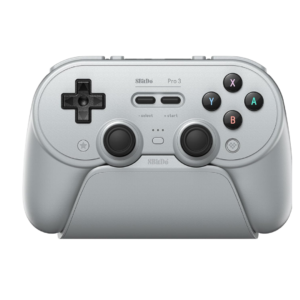
Basic PC and Switch setup is usually quick, especially with the physical mode switch and docked dongle. Advanced profiles, Android, Apple, Linux, and firmware workflows can become confusing.
Pros: overall satisfaction, charging dock support
Cons: button noise, 2.4GHz dongle performance

Basic mode switching can be simple, but setup quality depends heavily on software. One tester encountered a long sequence of installs and updates that turned setup into a major frustration.
Pros: overall satisfaction, button quality
Cons: d-pad accuracy, charging dock support
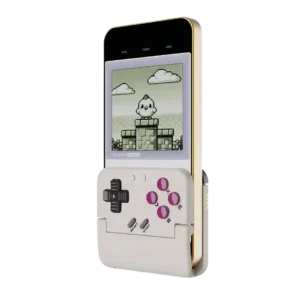
Setup ranges from seamless to frustrating. Some reviewers paired it in seconds, while others needed firmware, app setup, emulator skins, or repeated Bluetooth attempts before it behaved.
Pros: retro gaming suitability, ease of setup
Cons: overall satisfaction, d-pad accuracy
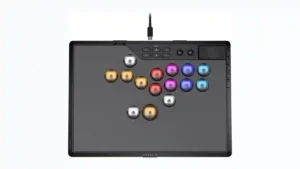
Ease of setup is mixed. Hardware mode switching and basic remapping can be straightforward, but several reviewers found the shortcut system confusing, hard to remember, or frustrating until they learned...
Pros: overall satisfaction, button quality
Cons: control placement, button noise
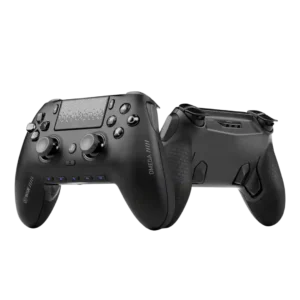
Setup is mixed: pairing and app-guided configuration can be simple, but hidden switches under the faceplate annoy users who move between PS5, PC, wired, and wireless modes.
Pros: overall satisfaction, companion app quality
Cons: back button placement, value for money
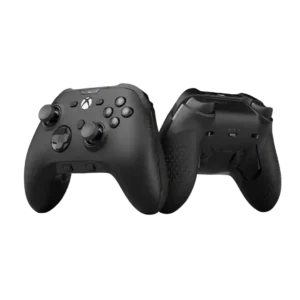
Ease of setup was mixed-negative overall, with basic setup described as straightforward but app/calibration workflows criticized as awkward or lengthy.
Pros: analog stick precision, software customization
Cons: value for money, companion app quality
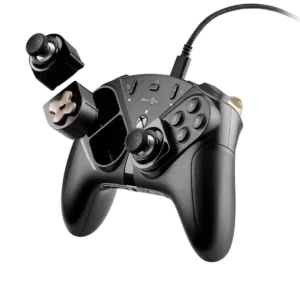
One customer had a very poor setup experience, reporting repeated failed attempts to make the desired controller-to-keyboard mapping work.
Pros: overall satisfaction, customization depth
Cons: value for money, upgrade value