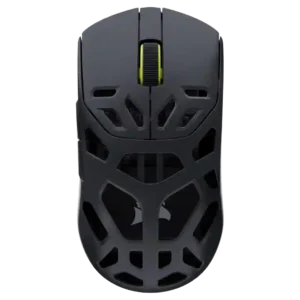
Overall: 4.2/5
Software usability was broadly praised because Corsair Web Hub is browser-based, intuitive, accessible, and avoids bulky downloads.
Pros: shape comfort, sensor performance
Cons: value for money, side button quality

Overall: 4.2/5
Software usability was broadly praised because Corsair Web Hub is browser-based, intuitive, accessible, and avoids bulky downloads.
Pros: shape comfort, sensor performance
Cons: value for money, side button quality

Overall: 4.4/5
Software usability was mostly strong, especially with Synapse Web reducing install friction, though Synapse still drew occasional caveats.
Pros: value for money, weight
Cons: click noise, RGB features
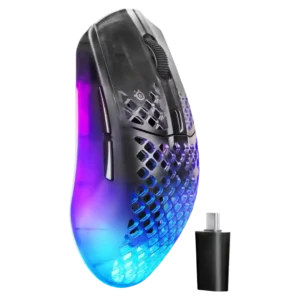
Overall: 4.3/5
SteelSeries GG software was strongly praised for clean usability, sensitivity tools, customization depth, and practical profile/game tuning.
Pros: software usability, polling rate
Cons: palm grip comfort, fingertip grip comfort
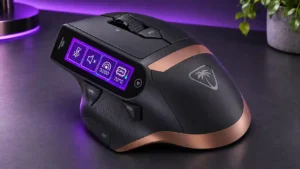
Overall: 3.6/5
The settings interface is mostly intuitive and flexible, although occasional slowness and the need for software lessen convenience.
Pros: charging convenience, battery life
Cons: Touchscreen usefulness, value for money
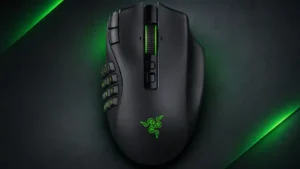
Overall: 4.2/5
Synapse offers powerful, often intuitive configuration, but desktop software dependence and bugs frustrate some users.
Pros: Interchangeable side panels, MMO gaming suitability
Cons: value for money, FPS gaming suitability
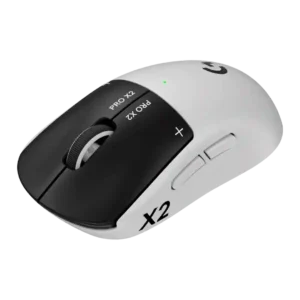
Overall: 4.0/5
Software usability is generally positive because G Hub exposes deep tuning clearly, but a few reviewers still find it inelegant or painful.
Pros: switch feel, click latency
Cons: value for money, glide smoothness
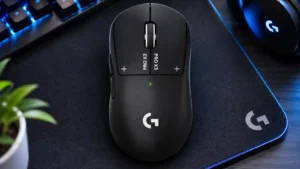
Overall: 3.8/5
G Hub makes many adjustments easy, but its layout and onboard-memory workflow can be counterintuitive.
Pros: balance and weight distribution, weight
Cons: Upgrade value, value for money
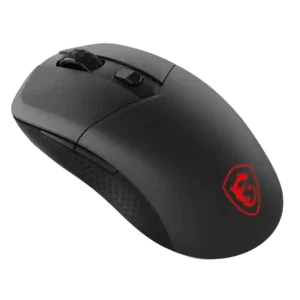
Overall: 4.4/5
The controls are generally clear and responsive, but the experience is fragmented between MSI Center and Portal X. Missing features, inconsistent connectivity, and separate RGB handling reduce polish.
Pros: software usability, sensor performance
Cons: RGB features, scroll wheel quality