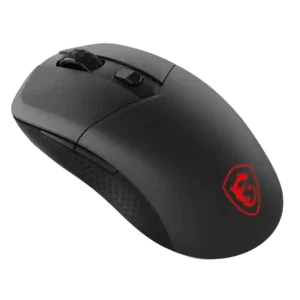
Overall: 4.4/5
Settings save directly to the mouse, allowing the same configuration to carry over without repeated setup.
Pros: software usability, sensor performance
Cons: RGB features, scroll wheel quality

Overall: 4.4/5
Settings save directly to the mouse, allowing the same configuration to carry over without repeated setup.
Pros: software usability, sensor performance
Cons: RGB features, scroll wheel quality

Overall: 4.4/5
Onboard memory/profile storage was praised where mentioned because browser-based changes can be saved directly to the mouse.
Pros: value for money, weight
Cons: click noise, RGB features
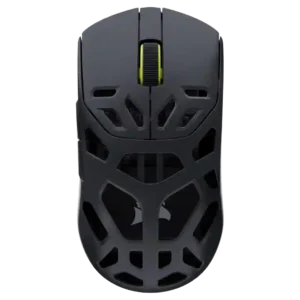
Overall: 4.2/5
Onboard memory/profile retention was praised because profiles remain available without running software.
Pros: shape comfort, sensor performance
Cons: value for money, side button quality
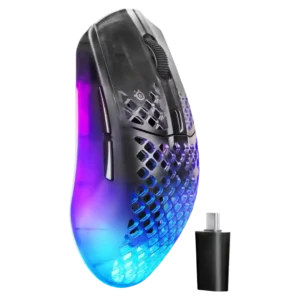
Overall: 4.3/5
Onboard memory was seen as practical because saved profiles can make settings easier to carry across systems without software.
Pros: software usability, polling rate
Cons: palm grip comfort, fingertip grip comfort
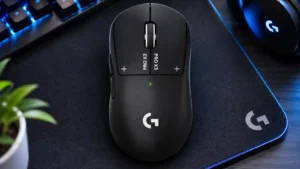
Overall: 3.8/5
Onboard profiles keep settings portable and reduce dependence on G Hub, although saving configurations can be counterintuitive.
Pros: balance and weight distribution, weight
Cons: Upgrade value, value for money
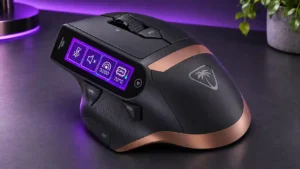
Overall: 3.6/5
Saved controls and widgets can be drawn from onboard memory as part of touchscreen setup.
Pros: charging convenience, battery life
Cons: Touchscreen usefulness, value for money
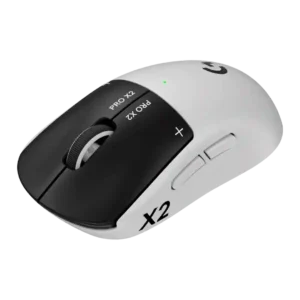
Overall: 4.0/5
Onboard memory is mixed: some reviews praise saved profiles, while another says key settings did not save to the mouse.
Pros: switch feel, click latency
Cons: value for money, glide smoothness