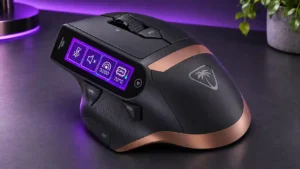
Overall: 3.6/5
Mapping multiple physical buttons gives owners alternatives to using the touchscreen for frequently needed commands.
Pros: charging convenience, battery life
Cons: Touchscreen usefulness, value for money

Overall: 3.6/5
Mapping multiple physical buttons gives owners alternatives to using the touchscreen for frequently needed commands.
Pros: charging convenience, battery life
Cons: Touchscreen usefulness, value for money
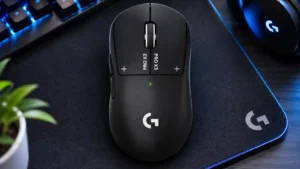
Overall: 3.8/5
Extensive per-button HITS controls and remapping let players customize inputs to their games and preferences.
Pros: balance and weight distribution, weight
Cons: Upgrade value, value for money
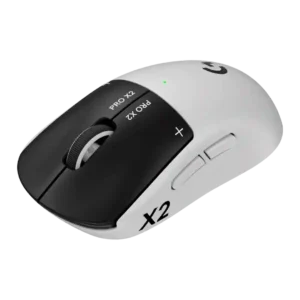
Overall: 4.0/5
Button customization is one of the standout strengths, especially adjustable actuation, haptic strength, and individual left/right click tuning.
Pros: switch feel, click latency
Cons: value for money, glide smoothness
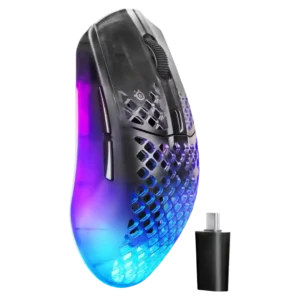
Overall: 4.3/5
Button customization was praised through GG software, free configuration, remapping options, and practical use of side buttons in daily workflows.
Pros: software usability, polling rate
Cons: palm grip comfort, fingertip grip comfort
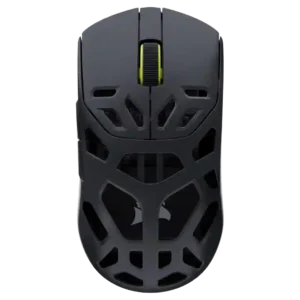
Overall: 4.2/5
Button customization was praised across reviews because remapping, assignments, and profile-specific controls were easy to access.
Pros: shape comfort, sensor performance
Cons: value for money, side button quality

Overall: 4.4/5
Button customization was consistently treated as flexible and easy through Synapse or Synapse Web.
Pros: value for money, weight
Cons: click noise, RGB features
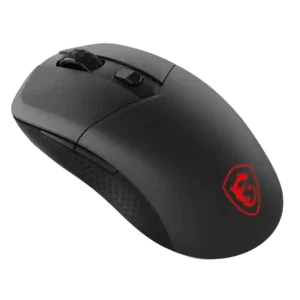
Overall: 4.4/5
Basic remapping is easy and covers common shortcuts, media controls, and macros. Power users may find the available functions and split software approach limiting.
Pros: software usability, sensor performance
Cons: RGB features, scroll wheel quality