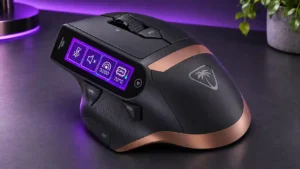
Overall: 3.6/5
The main click buttons are praised for satisfying, snappy feedback, even by reviewers who dislike the mouse shape.
Pros: charging convenience, battery life
Cons: Touchscreen usefulness, value for money

Overall: 3.6/5
The main click buttons are praised for satisfying, snappy feedback, even by reviewers who dislike the mouse shape.
Pros: charging convenience, battery life
Cons: Touchscreen usefulness, value for money
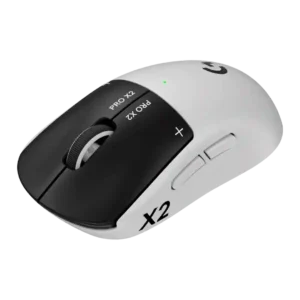
Overall: 4.0/5
Left and right click quality is a standout when tuned, with reviewers praising consistent actuation and feedback across the main buttons.
Pros: switch feel, click latency
Cons: value for money, glide smoothness

Overall: 4.4/5
Primary click quality was generally excellent, though one review found the left click less bouncy than preferred.
Pros: value for money, weight
Cons: click noise, RGB features
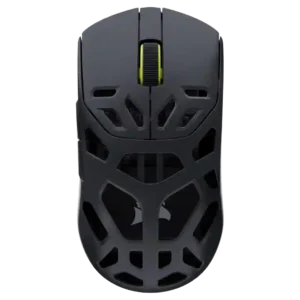
Overall: 4.2/5
Left and right click quality was consistently praised for crisp feedback, satisfying travel, solid snap, and spammable feel.
Pros: shape comfort, sensor performance
Cons: value for money, side button quality
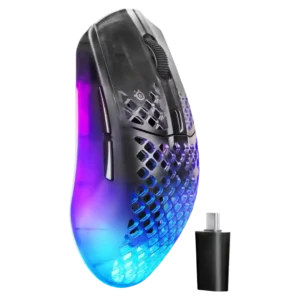
Overall: 4.3/5
Main click quality was praised by reviewers who found the left/right clicks satisfying, solid, and consistent.
Pros: software usability, polling rate
Cons: palm grip comfort, fingertip grip comfort
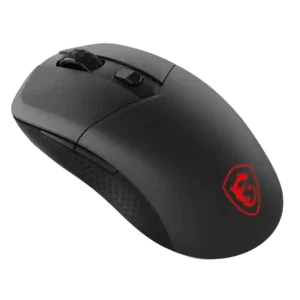
Overall: 4.4/5
Main-click quality varies by preference: one tester found the clicks razor sharp, while others thought they were firm, long-travel, and less snappy than optical competitors.
Pros: software usability, sensor performance
Cons: RGB features, scroll wheel quality
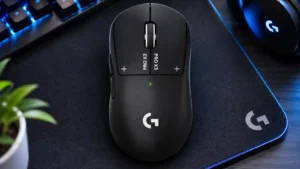
Overall: 3.8/5
Main clicks are adjustable and generally well implemented, although weaker haptics and lateral paddle movement detract on some units.
Pros: balance and weight distribution, weight
Cons: Upgrade value, value for money