If you want better horizontal scrolling
Choose ELECOM Huge M-HT1DRBK. It scores 4.0 vs 1.8 for horizontal scrolling, with a 3.7 overall score.

The centered trackball and exceptionally smooth scroll ring make everyday office work comfortable without moving the mouse. Limited buttons, missing horizontal scrolling and high click latency make it less appealing for advanced workflows or gaming.
Office and university users, left-handed users, first-time trackball buyers and people seeking reduced wrist movement or needing to conserve desk space. It is especially appealing for frequent vertical scrolling.
Fast-paced PC gamers and users who need extensive video editing or highly precise pointer control may find the latency, missing horizontal scrolling or smaller ball limiting.
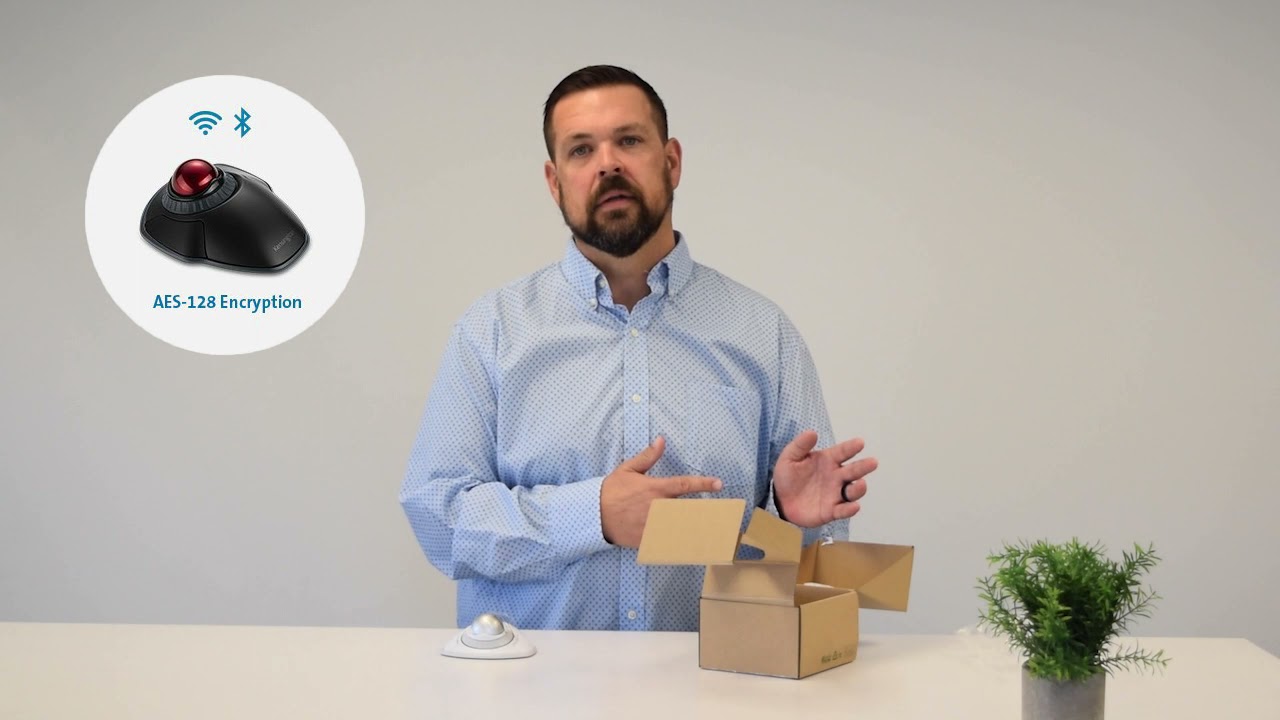
The Kensington Orbit Wireless Trackball with Scroll Ring is a particularly approachable way to switch from a traditional mouse. Its symmetrical layout suits either hand, and the stationary design helps reduce hand movement while saving desk space. The smooth scroll ring is the standout feature, making long pages easy to navigate. Wireless Bluetooth and USB receiver options add flexibility, while the dedicated DPI switch helps with larger or multiple displays. There are compromises: two buttons restrict shortcuts, horizontal scrolling is missing, and click latency makes it unsuitable for fast gaming. The detachable wrist rest can shift around, and some users prefer removing it entirely. Software experiences vary, from useful customization to ineffective settings on Windows 11. For comfortable everyday productivity, it offers compelling value, provided you can live with the modest controls and allow time to learn trackball navigation.
Compared with other Mice, this product is above average in handedness options, Connectivity versatility, Companion software dependence, near average in ease of use, programmable buttons, below average in click latency, acceleration control, premium feel.
| Attribute | This product | Category average | Difference |
|---|---|---|---|
| click latency | 1.5 | 4.2 | -2.7 |
| acceleration control | 2.0 | 4.7 | -2.7 |
| handedness options | 5.0 | 2.9 | +2.1 |
| Connectivity versatility | 4.7 | 2.7 | +1.9 |
| premium feel | 2.3 | 4.1 | -1.8 |
| horizontal scrolling | 1.8 | 3.5 | -1.7 |
| materials quality | 2.3 | 4.0 | -1.7 |
| Companion software dependence | 4.5 | 3.0 | +1.5 |
Choose ELECOM Huge M-HT1DRBK. It scores 4.0 vs 1.8 for horizontal scrolling, with a 3.7 overall score.
Choose Logitech Lift. It scores 4.9 vs 3.7 for button customization, with a 4.1 overall score.
Choose Logitech Pebble Mouse 2 M350s. It scores 4.9 vs 3.0 for aesthetic design, with a 4.0 overall score.
Choose Logitech M720 Triathlon. It scores 4.1 vs 2.3 for materials quality, with a 4.2 overall score.
Compared with Kensington Orbit Wireless Trackball with Scroll Ring
Yes. Its stationary design, smooth scroll ring and comfortable shape make it particularly useful for everyday desktop productivity.
Yes. The centered ball and symmetrical button layout suit either hand, and button functions can be remapped.
Yes. The simple controls and scroll ring are easy to learn, although adjusting pointer control from a conventional mouse may take about a week.
No. The scroll ring provides smooth vertical scrolling, but there is no dedicated horizontal scrolling function.
No. It is detachable, and several users prefer the trackball without it because the attachment can shift and their wrist position feels more natural without it.
Not for fast-paced gaming. High click latency and limited controls make conventional gaming mice a better fit.
Yes. Basic operation and hardware DPI presets work without it; the companion application is mainly useful for remapping and additional settings, although some adjustment controls failed in a Windows 11 test.
These are a few of the reviews included in our analysis.

The Kensington Orbit wireless trackball doesn't differ that much from the model that the manufacturer has released about a decade ago, but...
Reviewed for Colin Hewitt Although it's still the summer, thoughts of going or returning to University are at the forefront of many students'...
The Kensington Orbit Wireless offers a compact, affordable, and extremely comfortable trackball experience for left and right handed users.
The Kensington Orbit Wireless Trackball with Scroll Ring is a stationary, wireless trackball mouse designed for office and productivity...
Kensington has a wireless version of its Scroll Ring-toting Orbit trackball and it's very good, just like the wired version. Only it won't...

Best for travel, quiet shared spaces, precise any-surface tracking, and multi-device productivity. Skip it if you have large hands, want all-day palm support, or need a gaming-focused mouse.
Pros: portability, click noise
Cons: hand size compatibility, dongle-free setup

Choose it if you want a premium MMO/productivity mouse with 12 adjustable side buttons, strong battery life, and Stream Deck integration. Skip it if you need an ultralight FPS mouse,...
Pros: button customization, MMO gaming suitability
Cons: FPS gaming suitability

Fast tracking, a very light shell and a grippy coating make this a compelling affordable FPS mouse. The optional 4K receiver costs extra, and Bluetooth is absent.
Pros: Overall satisfaction, gaming suitability
Cons: polling rate, Software and driver support

Choose the Kone II if you want a large, ergonomic mouse with deep customization and strong sensor performance. Skip it if you have small hands, need an ambidextrous mouse, or...
Pros: value for money, button customization
Cons: fingertip grip comfort, portability