Best for back button placement
GameSir G8 Plus MFi
5.0 attribute score
Highest scored product for this attribute based on supporting review evidence.

Highest scored product for this attribute based on supporting review evidence.
Balances the attribute score, supporting reviews, and overall product strength.
Has the broadest review evidence for this attribute.
Strongest overall product among items with scored evidence for this attribute.
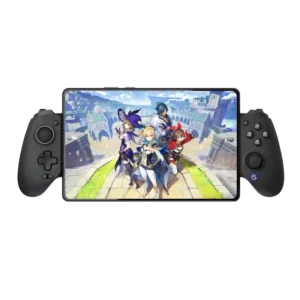
The rear buttons sit naturally under the middle fingers and are positioned to avoid accidental presses.
Pros: value for money, phone grip and fit
Cons: companion app quality, vibration quality

The two rear buttons usually fall naturally under the middle or ring fingers, making them easy to reach without changing grip. Placement earns some of the strongest praise on the...
Pros: overall satisfaction, value for money
Cons: wired performance, vibration quality

Back button placement was one of the most consistent positives, with reviewers saying the paddles aligned naturally and avoided accidental presses.
Pros: value for money, charging dock support
Cons: d-pad feel, compatibility with Xbox

Rear-button placement is usually a highlight, sitting naturally under the middle and ring fingers. Some hand positions cause accidental presses, so the layout is not universal.
Pros: overall satisfaction, button quality
Cons: d-pad accuracy, charging dock support
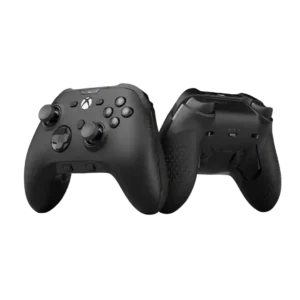
Back button placement was polarized: many found the paddles natural and well positioned, while several disliked inner placement or learning curve.
Pros: analog stick precision, software customization
Cons: value for money, companion app quality
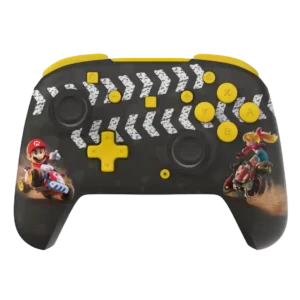
Rear-button placement is often excellent and easy to find, but some reviewers with larger hands or less familiarity report accidental presses.
Pros: overall satisfaction, value for money
Cons: premium feel, vibration quality
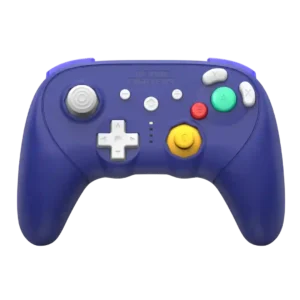
Rear-button placement is usually comfortable and easy to reach, although one reviewer found the extra buttons prone to accidental presses.
Pros: overall satisfaction, overall comfort
Cons: button quality, value for money
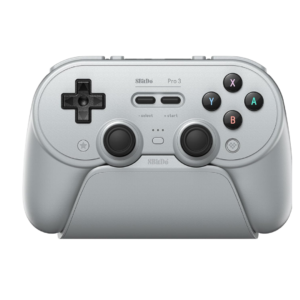
The rear buttons generally sit where fingers naturally rest and can be used without changing grip. Placement of the additional top L4/R4 buttons is more divisive, especially for shorter fingers.
Pros: overall satisfaction, charging dock support
Cons: button noise, 2.4GHz dongle performance
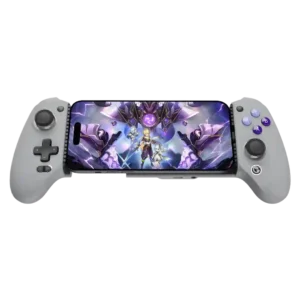
Most reviewers praise the rear-button placement because the controls fall naturally under the middle fingers. A few users press them accidentally or find them lower than ideal.
Pros: overall satisfaction, overall comfort
Cons: phone grip and fit, durability
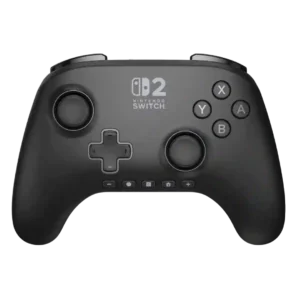
Rear-button placement is usually considered natural and easy to reach, though one customer found the unused buttons got in the way.
Pros: overall satisfaction, design and aesthetics
Cons: Switch wake support, Start and Select button design
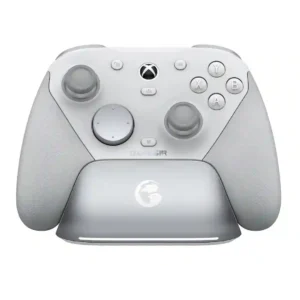
The rear buttons are usually easy to reach without changing grip, and several reviewers liked their natural placement. Others found them too flush, sunken, or easy to hit accidentally depending...
Pros: overall satisfaction, premium feel
Cons: compatibility with Xbox, d-pad feel
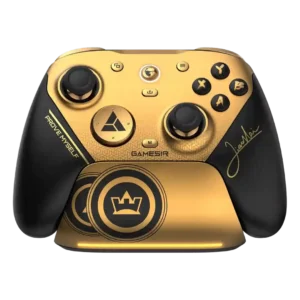
The rear and top extra buttons are useful but placement is hand-size dependent. Some players love the layout, while others hit buttons accidentally or find the top buttons awkward to...
Pros: overall satisfaction, button quality
Cons: vibration quality, compatibility with Xbox
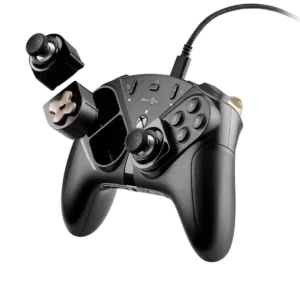
Rear-button placement is polarizing: it fits some hands naturally, while smaller-handed users can struggle with the central position or trigger buttons accidentally.
Pros: overall satisfaction, customization depth
Cons: value for money, upgrade value
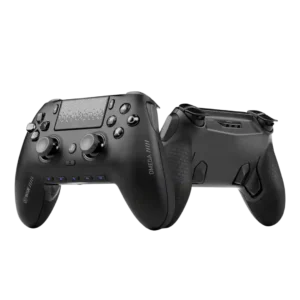
Back and side button placement is polarizing. Some reviewers love where the paddles fall, while others complain about accidental presses, hard actuation, or hand placement that does not match the...
Pros: overall satisfaction, companion app quality
Cons: back button placement, value for money
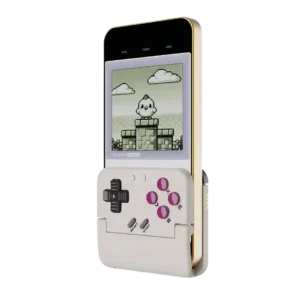
The upper/back button placement is cramped by design. Reviewers liked having extra controls, but L2/R2 and shoulder placement can be awkward for larger hands or combo-heavy play.
Pros: retro gaming suitability, ease of setup
Cons: overall satisfaction, d-pad accuracy