Best for menu responsiveness
TCL RM9L
5.0 attribute score
Highest scored product for this attribute based on supporting review evidence.

Highest scored product for this attribute based on supporting review evidence.
Balances the attribute score, supporting reviews, and overall product strength.
Has the broadest review evidence for this attribute.
Strongest overall product among items with scored evidence for this attribute.
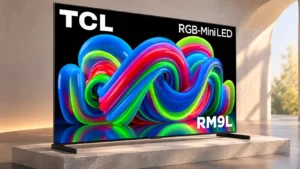
Overall: 3.8/5
Navigation is snappy, with Google TV responding quickly to directional inputs.
Pros: picture quality, overall satisfaction
Cons: color crosstalk, value for money
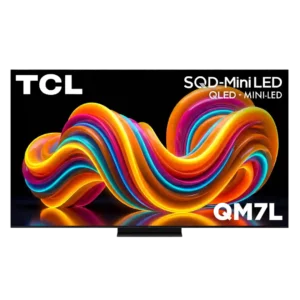
Overall: 3.9/5
Quick settings, picture controls, and inputs are easy to reach without interrupting content for long.
Pros: peak brightness, picture quality
Cons: color accuracy, viewing angles

Overall: 4.4/5
Quick settings make common adjustments easy without leaving the program. A few deeper settings add extra steps, but general navigation is responsive.
Pros: picture quality, value for money
Cons: stand quality, judder handling

Overall: 3.4/5
Google TV is mostly quick and smooth for a budget set, with occasional hesitation during scrolling and app navigation.
Pros: picture quality, value for money
Cons: viewing angles, HDR performance
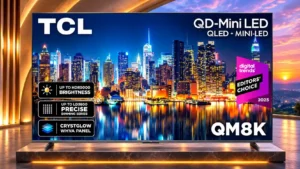
Overall: 4.0/5
Menus and picture settings are reasonably easy to navigate, especially with useful shortcuts, though not every operation feels equally snappy.
Pros: peak brightness, picture quality
Cons: HDMI 2.1 port count, reflection handling
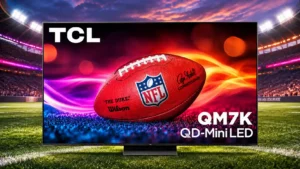
Overall: 3.9/5
The TV generally responds quickly to commands and settings changes, making daily navigation easy.
Pros: peak brightness, value for money
Cons: reflection handling, glare resistance
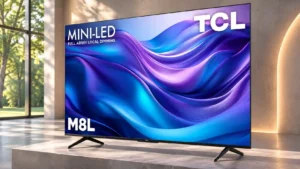
Overall: 4.1/5
Reaching streaming apps is quick enough to keep everyday navigation uncomplicated.
Pros: value for money, overall satisfaction
Cons: HDR brightness
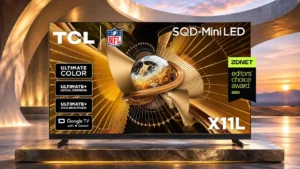
Overall: 4.0/5
Menus are largely responsive and shortcuts are handy, although the many picture controls can feel busy.
Pros: peak brightness, blooming control
Cons: value for money, motion clarity
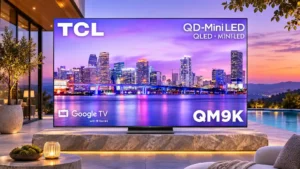
Overall: 3.9/5
Most navigation is responsive, and picture settings are easy to reach, but occasional freezes and long initial configuration can frustrate.
Pros: peak brightness, overall satisfaction
Cons: value for money, shadow detail
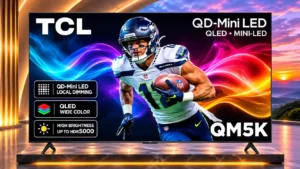
Overall: 3.6/5
Menus remain manageable despite occasional sluggish reactions; the experience is not consistently instant.
Pros: black levels, picture quality
Cons: HDR performance, blooming control