#1
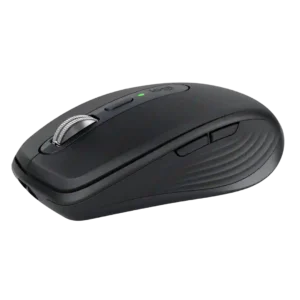
The quiet main switches retain crisp, tactile feedback despite the heavily reduced click sound. They avoid the mushy feel that can make some silent switches less satisfying.
Pros: portability, click noise
Cons: hand size compatibility, dongle-free setup
#2
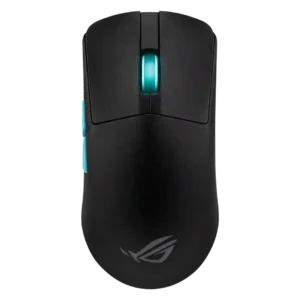
Switch feel was broadly praised for satisfying, tactile, responsive clicks, though some felt the switches were heavier than ideal.
Pros: weight, grip texture
Cons: software usability, profile switching
#3
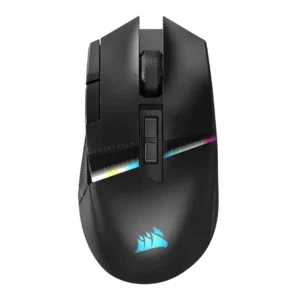
Switch feel is widely liked, with reviewers describing the clicks as wonderful, crisp, quiet, snappy, smooth, and cushiony.
Pros: tilt gesture controls, MMO gaming suitability
Cons: battery life, software usability
#4
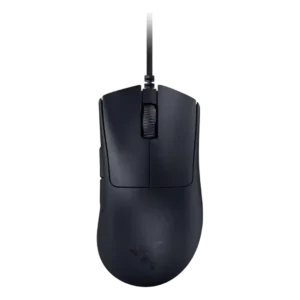
Switch feel was generally positive thanks to crisp or satisfying optical clicks, though a few reviewers found them hollow, mushy, or less pleasant than mechanical switches.
Pros: value for money, weight
Cons: fingertip grip comfort, profile switching
#5
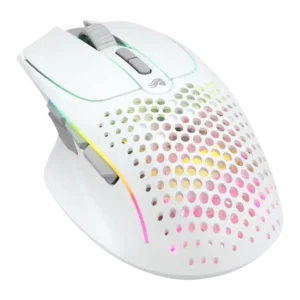
Switch feel was generally positive, with reviewers calling clicks tactile, crisp, satisfying, and nice-feeling.
Pros: weight, shape comfort
Cons: battery life, side button quality
#6
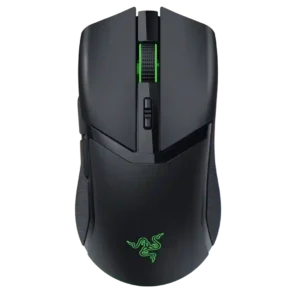
Switch feel was generally praised as tactile, clicky, satisfying, and premium, though a few reviewers found the feel heavier or preferred other switch implementations.
Pros: value for money, battery life
Cons: weight, balance and weight distribution
#7
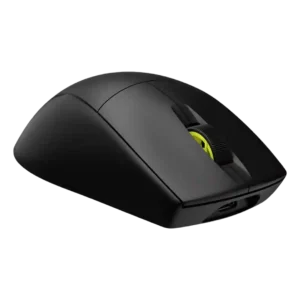
Switch feel trends positive, with reviewers liking the crisp, thocky, or satisfying optical-click feel, though not every click implementation is perfect.
Pros: weight, battery life
Cons: value for money, profile switching
#8
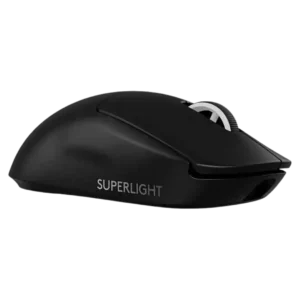
Switch feel split reviewers: many loved the crisp, tactile Lightforce feel, while others found the clicks heavier or too tactile.
Pros: switch feel, polling rate
Cons: value for money, side button quality
#9
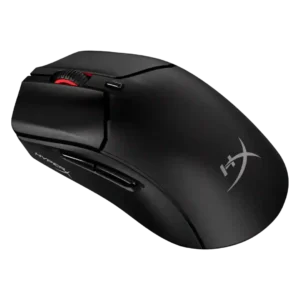
Switch feel was polarizing: several reviewers loved the satisfying, crisp clicks, while others found the switches too firm or a downgrade from the original.
Pros: weight, value for money
Cons: side button quality, RGB features
#10
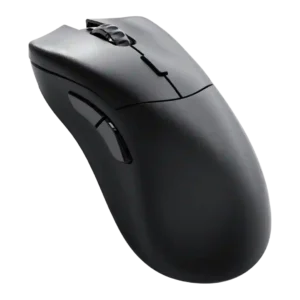
Switch feel was generally positive for light, spammable, tactile optical clicks, though one reviewer found them less refined than rivals.
Pros: value for money, glide smoothness
Cons: battery life, polling rate
#11
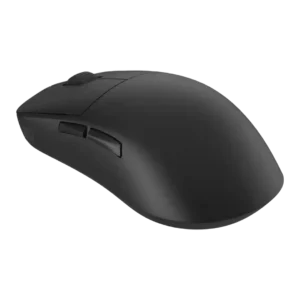
Switch feel is sharply split: some praise crisp, satisfying tactility, while others find the stock switches heavy, hollow, or hard to spam.
Pros: left and right click quality, build quality
Cons: macro support, palm grip comfort
#12
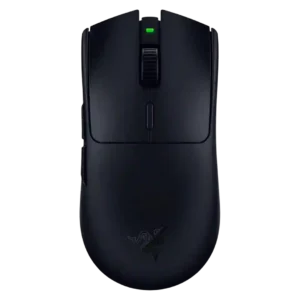
Switch feel split reviewers: many liked the crisp or snappy Gen-2 mechanical feel, while others found it mushy or less sharp than premium opticals.
Pros: value for money, grip texture
Cons: weight, charging convenience
#13
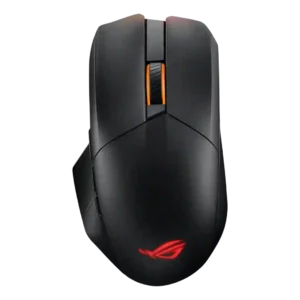
Switch feel was mostly liked for tactile or satisfying feedback, though one review found the lighter switches too sensitive.
Pros: glide smoothness, scroll wheel quality
Cons: analog joystick usability, shape comfort
#14
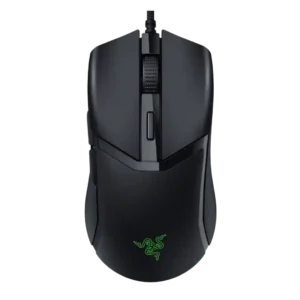
Switch feel was mixed-positive: many liked the satisfying optical clicks, while some found them hollow or unusual at first.
Pros: value for money, shape comfort
Cons: onboard memory, side button quality
