Best for surface compatibility
Logitech G502 X Plus
4.8 attribute score
Highest scored product for this attribute based on supporting review evidence.

Highest scored product for this attribute based on supporting review evidence.
Balances the attribute score, supporting reviews, and overall product strength.
Has the broadest review evidence for this attribute.
Strongest overall product among items with scored evidence for this attribute.
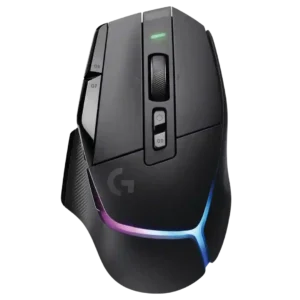
Overall: 3.9/5
Surface compatibility evidence was positive, with reviewers noting smooth glide or hiccup-free performance across surfaces and environments.
Pros: RGB features, weight
Cons: value for money, scroll wheel quality

Overall: 4.3/5
The sensor works reliably on varied mousepads and desk surfaces, but clear glass is a weak point.
Pros: value for money, battery life
Cons: ergonomic design, balance and weight distribution
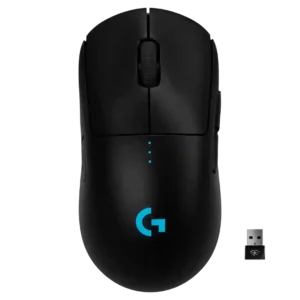
Overall: 4.3/5
Surface compatibility was positive where discussed, with calibration or pad testing producing strong sensor behavior.
Pros: value for money, battery life
Cons: cable flexibility, RGB features
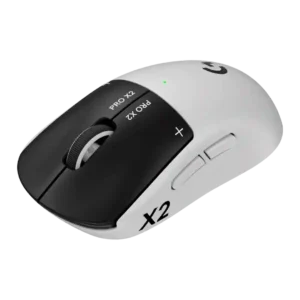
Overall: 4.0/5
Surface compatibility varies by skate preference: tracking works across surfaces, but glide can feel much better on glass than cloth.
Pros: switch feel, click latency
Cons: value for money, glide smoothness
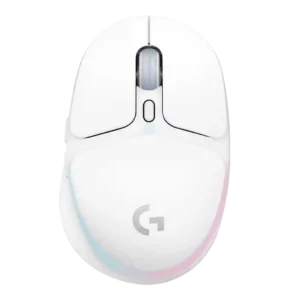
Overall: 3.8/5
Surface compatibility was positive where reviewers said it moved smoothly over most surfaces, pads, and tabletops.
Pros: shape comfort, battery life
Cons: value for money, DPI range
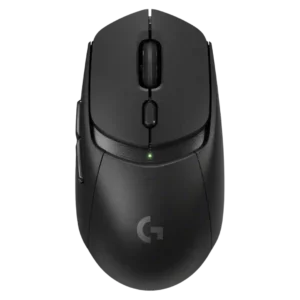
Overall: 4.1/5
Surface compatibility was mixed: one reviewer recommended padded surfaces due to thin skates, while another praised performance on different surfaces.
Pros: value for money, weight
Cons: premium feel, polling rate
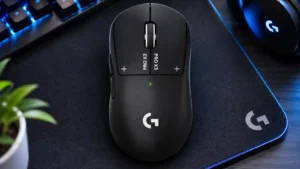
Overall: 3.8/5
The sensor tracks well across many surfaces, including cloth and glass, but glass settings and textured-pad glide can require attention.
Pros: balance and weight distribution, weight
Cons: Upgrade value, value for money
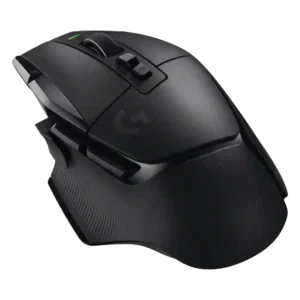
Overall: 4.2/5
Surface compatibility was adequate to good, with reviewers saying it worked alright on desks and felt better or incredible on mousepads.
Pros: shape comfort, programmable buttons
Cons: value for money, side button quality
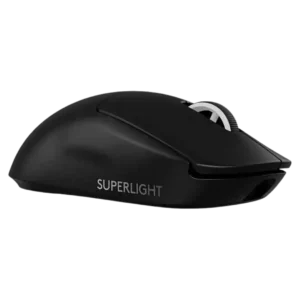
Overall: 4.0/5
Surface compatibility was mixed, with good results across many surfaces but complaints on softer pads and warnings to tune surface modes.
Pros: switch feel, polling rate
Cons: value for money, side button quality
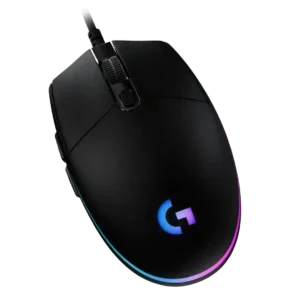
Overall: 4.1/5
Surface compatibility is adequate, with the mouse working on desk or mat surfaces, but one review said a bare desk was less smooth than a mouse pad.
Pros: value for money, RGB features
Cons: palm grip comfort, click noise
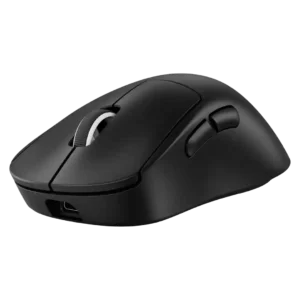
Overall: 4.1/5
Surface compatibility was adequate but not universal, with one reviewer preferring padded surfaces and another reporting no glass-pad tracking issues.
Pros: weight, shape comfort
Cons: side button quality, value for money