Best for HUD clarity
Valheim
5.0 feature score
Highest scored product for this feature based on supporting review evidence.

Highest scored product for this feature based on supporting review evidence.
Balances feature score, supporting reviews, and overall product strength.
Has the broadest review evidence for this feature.
Strongest overall product among items with scored evidence for this feature.
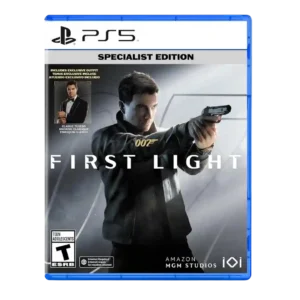
HUD clarity is praised for the watch-based interface being clean, pleasing, and on point.
Pros: level design, user interface design
Cons: AI behavior, facial animations

The HUD is praised for staying clear and readable, with useful indicators and markers that communicate threats and objectives without overwhelming the screen.
Pros: gameplay mechanics, boss design
Cons: age appropriateness, family friendliness

Large visual indicators, bright colors, and readable telegraphs make combat information easy to parse during action.
Pros: mission design, world interactivity
Cons: emotional impact, exploration quality
New objective and collectible indicators make the minimap more useful and reduce friction when tracking goals and pickups.
Pros: crafting system, content variety
Cons: monetization fairness, endgame content
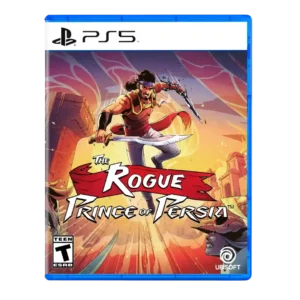
HUD clarity was strongly praised in one review that singled out visual clarity as excellent.
Pros: crash stability, HUD clarity
Cons: character development, visual effects quality
Updated mead icons are much easier to distinguish, improving at-a-glance readability during play.
Pros: core gameplay loop, movement feel
Cons: economy and resource balance, map and navigation design
Status effects and active conditions are easy to understand at a glance, helping players manage several overlapping systems.
Pros: level design, world interactivity
Cons: performance optimization, menu usability
The minimal or absent HUD helps the frozen world feel immediate and cinematic without obscuring the action.
Pros: HUD clarity, onboarding experience
Cons: user interface design, menu usability

HUD and marker restraint are praised for keeping the view clear and helping exploration feel less like a checklist.
Pros: movement feel, environmental detail
Cons: puzzle design, age appropriateness
HUD clarity was strongly improved by turn-order displays, clearer stats, and visible tactical information.
Pros: emotional impact, polish
Cons: bug frequency, crash stability

HUD clarity is praised for proximity radar, split-time display options, and UI customization.
Pros: open-world design, replay value
Cons: dialogue quality, writing quality
HUD clarity was praised through clear prompts and on-screen guidance, though broader tutorial flow could feel dense.
Pros: animation quality, multiplayer design
Cons: save system reliability, companion AI
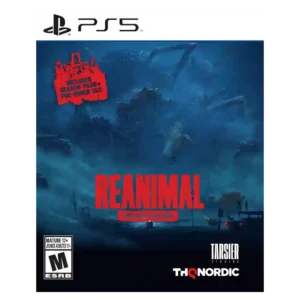
HUD clarity is praised for minimalism, with reviewers liking the absence of intrusive meters, minimaps, and prompts.
Pros: onboarding experience, environmental detail
Cons: family friendliness, movement feel
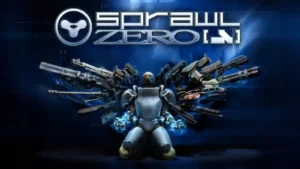
Color-coded weapon tiers and readable pickup information make it easy to understand what is on the ground during frantic fights.
Pros: world interactivity, progression system
Cons: load times, character development
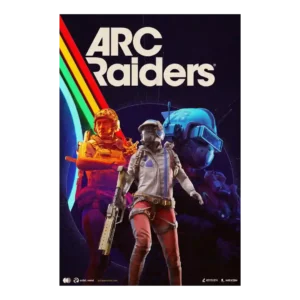
The sparse interface was praised for grounding the player in the world rather than overexplaining the action.
Pros: frame rate stability, platform-specific feature support
Cons: voice acting, writing quality
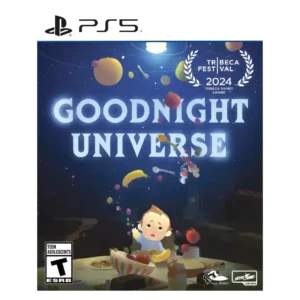
HUD clarity was praised in limited evidence, with power cues described as clear and not confusing.
Pros: side character depth, visual effects quality
Cons: user interface design, handheld play suitability
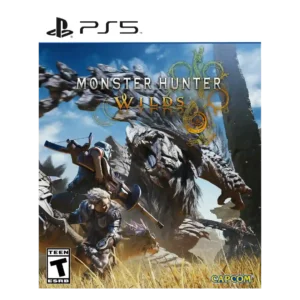
HUD clarity was praised where reviewers noted the ability to resize or disable individual UI elements.
Pros: art direction, cross-play support
Cons: dialogue quality, monetization fairness

The refreshed score bug earns praise for presenting game information cleanly within the new broadcast package.
Pros: aiming precision, accessibility options
Cons: pacing, loot system

Clearer directional and objective information makes navigation easier to understand at a glance.
Pros: gameplay mechanics, world-building
Cons: AI behavior, platform-specific feature support

HUD/readability evidence was limited but positive where reviewers emphasized clear visibility of ramps, rails, and collectibles at speed.
Pros: core gameplay loop, controls responsiveness
Cons: crash stability, cross-save support
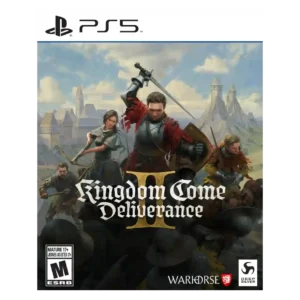
The adaptive HUD was praised for hiding unnecessary elements and improving immersion when information was not relevant.
Pros: soundtrack quality, fun factor
Cons: checkpoint system, family friendliness
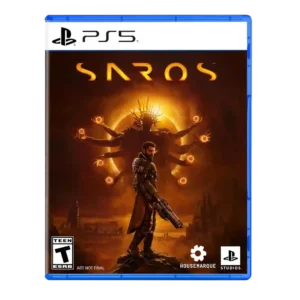
HUD/readability comments were positive but limited, emphasizing that the intense spectacle remained coherent and not visually confusing.
Pros: value for money, fun factor
Cons: map and navigation design, side character depth

Information screens are generally readable and helpful, though older layouts can feel cluttered compared with modern interfaces.
Pros: boss design, side character depth
Cons: monetization fairness, originality
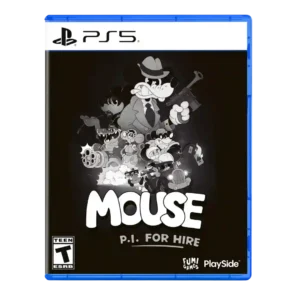
The compass, objective markers, and optional route guidance usually make goals easy to follow without cluttering the action. Dark gray prompts against the monochrome scenery can still be difficult to...
Pros: lore depth, user interface design
Cons: AI behavior, aiming precision

HUD clarity gets limited positive evidence from trackable pinned Accolades.
Pros: controls responsiveness, movement feel
Cons: tutorial quality, animation quality
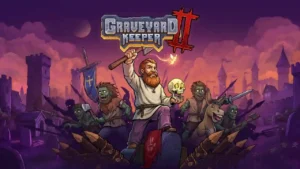
The HUD keeps to the corners and avoids cluttering the play area. Its simple layout makes moment-to-moment information easy to live with.
Pros: exploration quality, sandbox freedom
Cons: companion AI, protagonist appeal
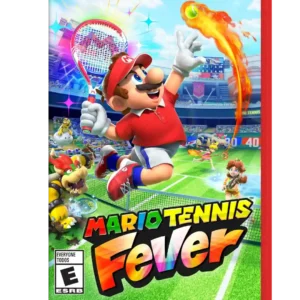
On-court cues communicate incoming shots clearly without overwhelming players. The UI was praised for helping timing and readability while still letting the tennis speak for itself.
Pros: facial animations, load times
Cons: exploration quality, puzzle design

HUD clarity is praised in one review for moving key indicators so more of the screen is left open for visuals.
Pros: world interactivity, sandbox freedom
Cons: crash stability, learning curve
The HUD can be traded away for modifier capacity, turning basic status information into a build choice. That tradeoff can be engaging for players who like squeezing value from limited...
Pros: level design, content variety
Cons: checkpoint system, lore depth
One review highlights the relationship chart as a helpful on-screen aid for understanding nearby Mii connections.
Pros: grind level, originality
Cons: social features, accessibility options

On-court prompts, contest feedback, and era-specific HUD elements make information easier to read while helping historical modes feel distinct.
Pros: crash stability, sandbox freedom
Cons: battle pass value, monetization fairness

The sparse HUD is often praised for keeping the screen readable and letting the world dominate the presentation, though small handheld text can make some information harder to read.
Pros: gameplay mechanics, core gameplay loop
Cons: platforming precision, tutorial quality
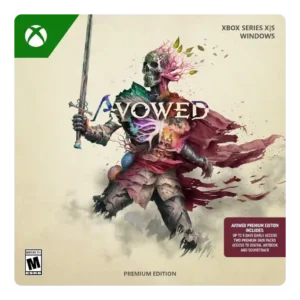
HUD clarity improved through options to reduce clutter, adjust opacity, and toggle display elements.
Pros: tutorial quality, level design
Cons: stealth mechanics, endgame content
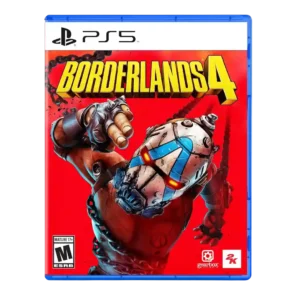
HUD clarity is mixed-to-positive, with a serviceable compass and optional radar helping situational awareness.
Pros: sandbox freedom, art direction
Cons: polish, save system reliability
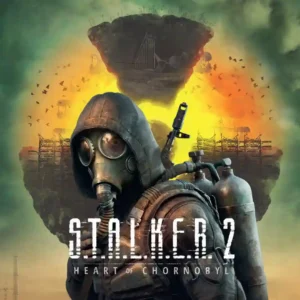
HUD options can support a clean, immersive presentation, but UI glitches and disappearing elements have caused frustration. Immersive Mode is appealing, though its text and subtitle limitations reduce practicality.
Pros: core gameplay loop, sandbox freedom
Cons: pacing, dialogue quality
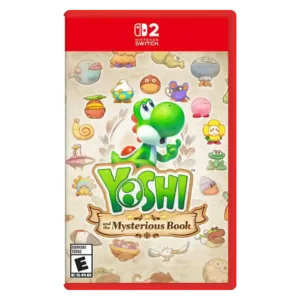
Optional exploration tools can expose useful information and help track secrets, with flexible placement on screen. They arrive late and can make the display feel cluttered if too many are...
Pros: platforming precision, protagonist appeal
Cons: pacing, co-op experience
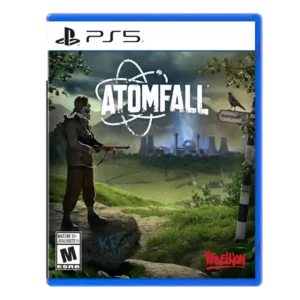
HUD clarity was mixed: one review praised the immersive minimal ammo check, while another wanted clearer ammo information when swapping weapons.
Pros: art direction, frame rate stability
Cons: boss design, camera behavior
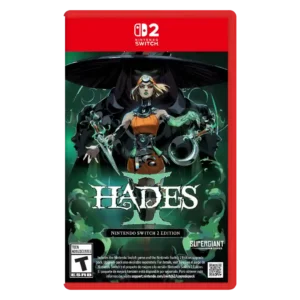
Readability is the main HUD concern, especially portable mode and late-game effect clutter that can make action hard to parse.
Pros: skill tree depth, dialogue quality
Cons: emotional impact, economy and resource balance
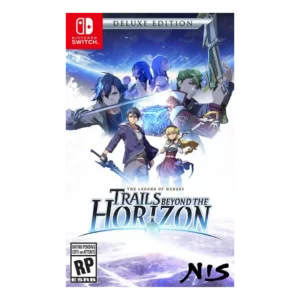
HUD clarity was mixed: the combat UI could be small and busy, while the in-game glossary was described as helpful.
Pros: facial animations, polish
Cons: grind level, stealth mechanics
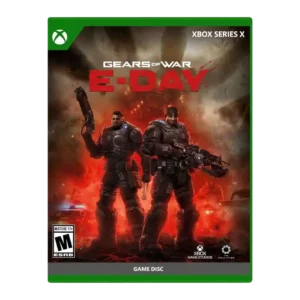
HUD clarity is mixed because the centered active reload display is disliked by one reviewer despite customization options.
Pros: emotional impact, art direction
Cons: value for money, platform-specific feature support
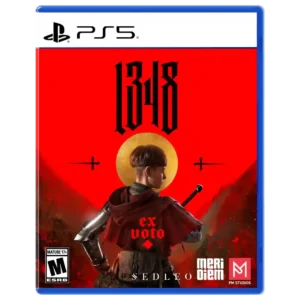
The minimal interface can complement the cinematic presentation, but another reviewer found the bright enemy health bars visually jarring and immersion-breaking.
Pros: visual effects quality, horror tension
Cons: aiming precision, stealth mechanics
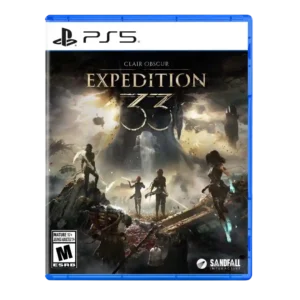
HUD clarity was a minor issue for one reviewer who struggled with small menu text on a TV.
Pros: monetization fairness, microtransaction impact
Cons: platforming precision, menu usability
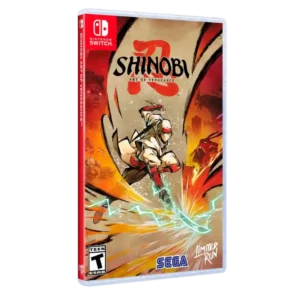
HUD clarity receives a mixed score because flashy combat effects can make the player lose track of the action.
Pros: graphics quality, environmental detail
Cons: bug frequency, dialogue quality

HUD clarity had limited negative support, with one reviewer wanting NPC locations added to reduce unnecessary searching.
Pros: accessibility options, protagonist appeal
Cons: frame rate stability, polish
Combat information can get visually crowded, especially once hazards, effects, and many units overlap. Tactical-view tools help, but several reviewers still wanted clearer access to crucial battle information.
Pros: level design, exploration quality
Cons: age appropriateness, family friendliness
HUD readability is mostly serviceable, but a few details are too small or missing. Reviewers call out hard-to-read text, a tiny progress bar, and an absent boss health bar in...
Pros: age appropriateness, family friendliness
Cons: competitive balance, level design
Important status information is not always easy to read at a glance, with missing overlays and confusing notifications making diagnosis harder than it should be.
Pros: skill tree depth, upgrade system
Cons: matchmaking quality, server reliability
The default HUD can feel cluttered enough to distract from driving, but unwanted elements can be removed for a cleaner view.
Pros: level design, difficulty balance
Cons: writing quality, load times
HUD clarity was a mild issue because the minimap presented a lot of information at once.
Pros: emotional impact, visual effects quality
Cons: crash stability, cross-play support
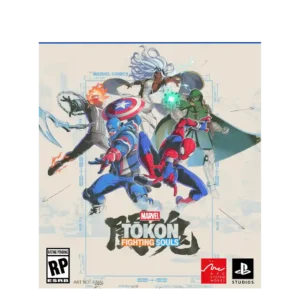
HUD clarity is flagged in later build impressions because the stylish combo gauge lacked visual feedback.
Pros: emotional impact, frame rate stability
Cons: server reliability, tutorial quality